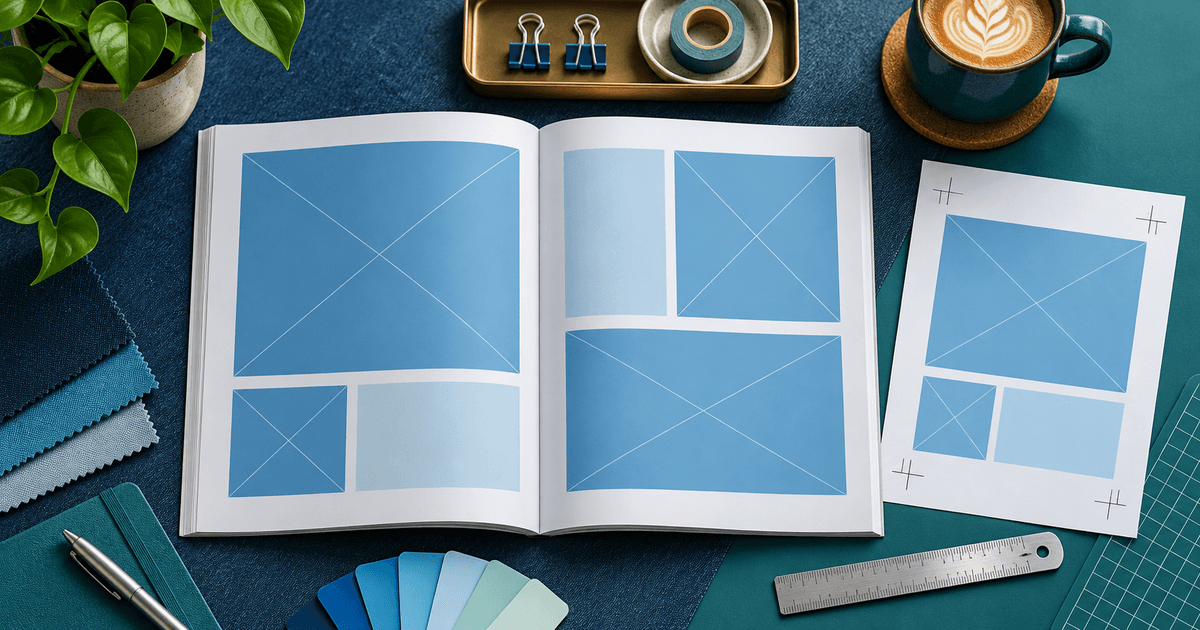
Sell an Affinity Publisher 2 layout as an editable `.aftemplate` inside a ZIP, with a preview PDF, a start guide and a list of required fonts. For a first product, prove that a buyer can open it, replace the placeholders and export the result using only the listed requirements.
Make the template useful on day one
Affinity’s Publisher 2 template guide describes File → Export as Template and creating a new document from the template. Start from a copy of your working layout. Replace client names, photos and contact details, remove unused pages and give paragraph styles names that tell buyers where to use them.
For example, an editable eight-page community newsletter could include a cover, a recurring events spread and two layouts for short stories. Choose one paper size for the first edition and identify it in the listing. If you promise both A4 and US Letter, include and test a separate layout for each. The following is an illustrative release checklist.
| Buyer task | What a clean test must show |
|---|---|
| Replace a cover photo | Nothing points to a file on the seller’s computer |
| Paste a longer event listing | Text can be shortened or resized without losing unseen lines |
| Use the listed fonts | The intended styles work after installing the listed fonts |
| Export the sample as a PDF | Page size and order match the listing and text does not overflow |
Review what the ZIP can contain
The Publisher 2 Resource Manager distinguishes linked files, which live outside the document, from embedded files stored inside it. For a lean release, make photo frames empty or use original placeholders you can distribute. Check the terms of stock assets and font files before including them. List font names and official download locations when buyers need to install fonts themselves.
Include the template file, a flattened preview PDF, a quick-start guide and your usage terms. In the guide, show one full buyer task from opening the template to replacing a frame and exporting a PDF. Specify whether you designed for screen reading or print. For print, tell the buyer to confirm bleed and export settings with their printer.
Pick the right release before charging
Hand the ZIP to someone using the version you plan to support. Ask them to extract it in a clean folder, make a new document, replace a photo and export. Fix missing fonts, broken links or overset text before release. If you cannot verify another app version, name the tested one instead of claiming broad compatibility.
Publish the ZIP as a PayRequest digital product. Put the app version, page count, size and font requirements by the checkout link. Show the preview PDF publicly if it helps a buyer see the layout, then deliver the editable bundle after payment.
The newsletter is illustrative. AI assisted in drafting this guide.