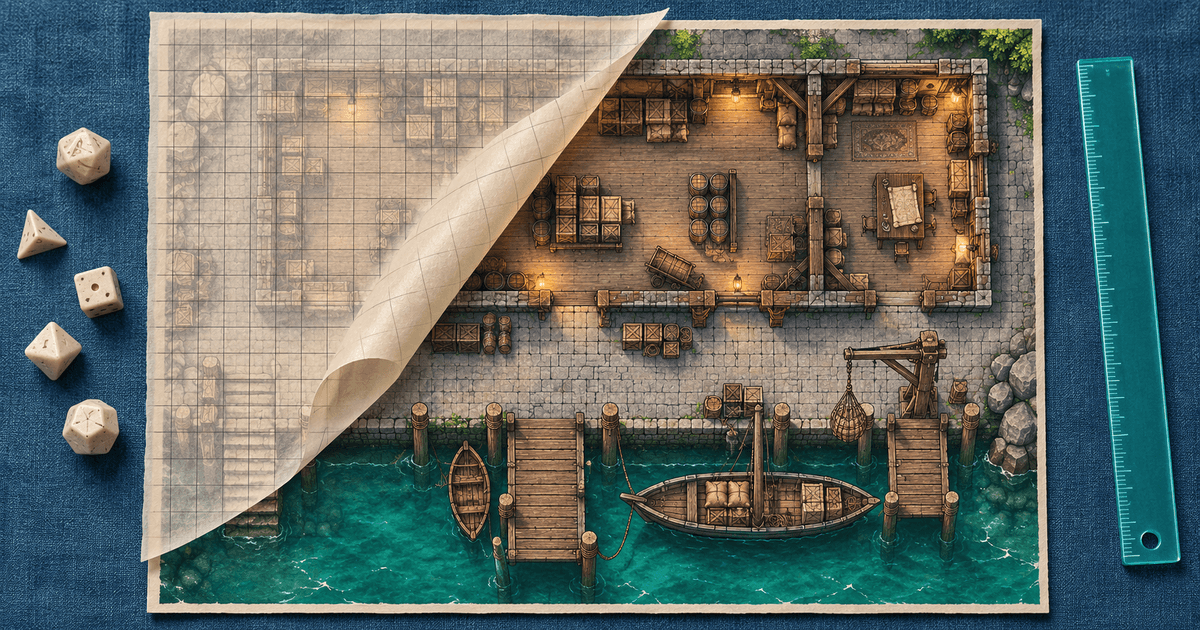
To sell an original battlemap as a download, give the buyer two ways to use the artwork: a gridded image for immediate tabletop reference and a gridless version they can align in their virtual tabletop (VTT). Use one map to prove that both files match the dimensions and workflow you promise on the sales page.
Work through the first map: Harbor Warehouse
This is a hypothetical original map pack for game masters. The sale contains one location, no linked adventure and no preconfigured VTT scene. Start with a drawing that is 24 squares wide by 18 squares high. Choose 100 pixels per square as your export scale, not a universal VTT setting.
| Input or file | Calculation or release choice |
|---|---|
| Canvas width | 24 × 100 = 2,400 pixels |
| Canvas height | 18 × 100 = 1,800 pixels |
| Harbor-Warehouse-24x18-grid.jpg | Full export with square lines baked into the art |
| Harbor-Warehouse-24x18-gridless.jpg | Same crop, dimensions and origin, with lines hidden |
| README.pdf | Grid dimensions, import instructions, version, usage terms and support contact |
| Listing preview | Separate web-sized image showing the location and a close-up of several squares |
Use the same crop for both images. If you extend the artwork with a decorative border, trim it from the play image or document its exact offset. Otherwise the buyer can enter the right cell size and still get a misaligned room.
Check the import like a first-time buyer
Unzip the exact archive you intend to sell into a new folder. Open an empty scene in each VTT you intend to name and import the gridless file. Match the displayed image to 24 by 18 squares. Compare the grid against the gridded reference at the first corner, the far corner and beside a doorway near the centre. A constant shift points to the origin or a border; drift across the width or height points to scale or resizing. Record the tool and version you checked. List other tools as untested.
If you want to offer page-sized tiles for home printing or a preconfigured VTT module, make each a separate deliverable and check it on its own terms. A JPG export does not carry walls, lighting or scene setup.
Put the exact deliverable on the checkout page
A useful listing could read: “Harbor Warehouse, 24 × 18 squares. Two 2,400 × 1,800 JPGs, one with the grid visible and one without, plus a setup PDF. One ZIP download.” Add a legible preview and your usage terms. Include only art and assets you have permission to distribute. Say how buyers can reach you if an archive is incomplete.
Roll20's partner documentation lists maps as a marketplace product. That route makes sense when you want to publish to its audience and meet its submission rules. If you already reach buyers through a newsletter or community, a direct digital-download page can take payment and deliver your uploaded archive after payment is confirmed. Preview the offer, connect a supported provider and share the checkout where you already show your maps. PayRequest supplies the checkout and download delivery. Budget separately for provider fees and your own support time.