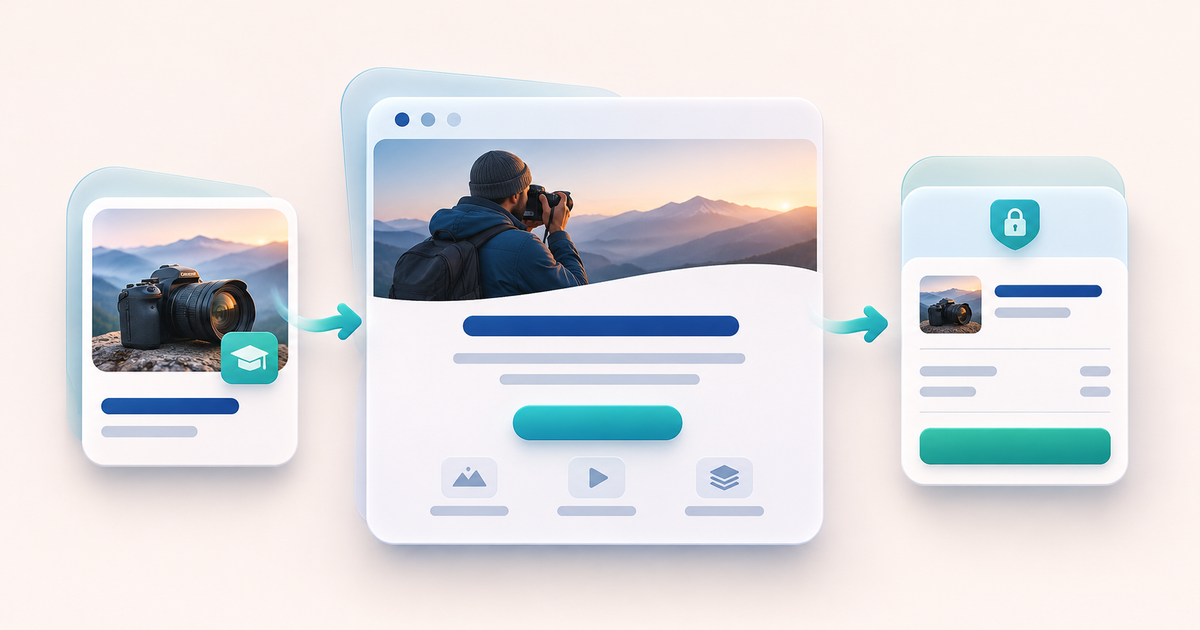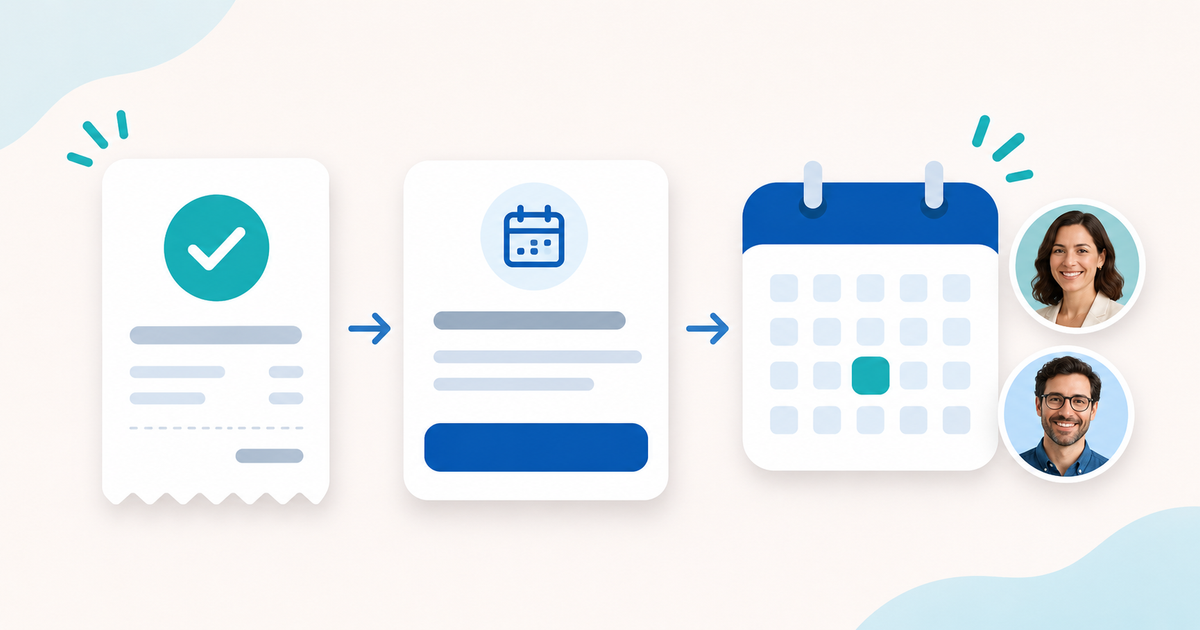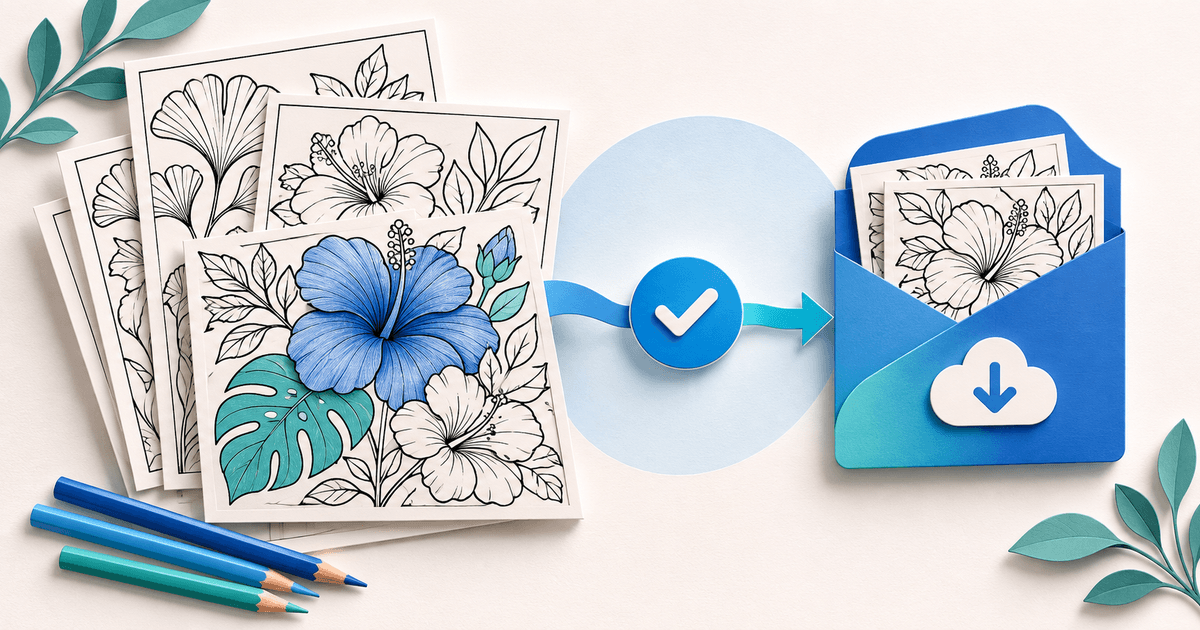
To sell coloring pages online, offer a clearly described print-at-home pack, show a representative preview and deliver the correct files after confirmed payment. Buyers need to know the paper size, number of distinct designs, intended use and license before they pay. A cover image alone cannot answer those questions.
This guide is for illustrators selling their own downloadable coloring artwork. It covers a small direct-sale release, from preparing the pack to handling a buyer who cannot print it. It does not promise marketplace discovery or sales.
Choose one buyer and one use
Start with a specific product promise, such as 12 original botanical designs for adults to print and color at home. A pack for young children needs a different level of detail; a classroom license changes the permitted use. Those are product choices to make before checkout.
Use artwork you own or have permission to sell in this form. Permission to use an image in a finished presentation does not necessarily permit selling it as the main content of a coloring sheet. The US Copyright Office's introductory guidance explains the basic distinction between an original work and the rights attached to it. Rights and exceptions vary by jurisdiction; keep the relevant licenses and obtain advice where needed.
Do not use a familiar character, logo or another artist's drawing simply because it attracts search traffic. If you used AI tools, review the output, the tool's terms and your sales channel's disclosure requirements. Be accurate about how the artwork was produced rather than implying a handmade process you did not use.
Release two paper editions deliberately
A4 and US Letter are different page shapes. Export and inspect each edition you intend to sell rather than treating one as a renamed copy of the other.
Here is an example release specification, not a report of print tests we performed on a real product. Use it to document your own checks. Download the editable coloring-pack release manifest.
| Release item | A4 edition | US Letter edition |
|---|---|---|
| Distinct designs | The same 12 botanical designs | The same 12 botanical designs |
| File | botanical-pack-a4-v1.pdf | botanical-pack-letter-v1.pdf |
| Paper specification | 210 × 297 mm | 8.5 × 11 inches |
| Pages in the PDF | 1 instruction page + 12 designs | 1 instruction page + 12 designs |
| Print proof | Record printer, setting, date and result | Record printer, setting, date and result |
| Margin check | No artwork clipped on the tested setup | No artwork clipped on the tested setup |
| Buyer promise | A4 print-at-home PDF | US Letter print-at-home PDF |
There are 12 designs, not 24: the second file is another paper edition of the same artwork. The instruction page is not a bonus coloring design. Keeping those counts separate prevents an attractive bundle description from overstating its contents.
Keep blank backs out of the digital file unless you deliberately include them and explain why. A buyer printing single-sided and a buyer selecting duplex need different instructions. State the workflow you actually checked.
Check the file as a buyer would
Open the exact files from the proposed customer package on another device or in another PDF viewer. Print representative detailed and edge-heavy pages, then check the whole document for orientation, clipped outlines, unexpected gray fills, stray marks and missing pages. Record what you checked; do not claim universal printer compatibility from one printer.
Adobe's printing guidance distinguishes fitting a page to the printable area from using a specified scale. Explain your recommended setting and any trade-off. A coloring sheet with a comfortable border may tolerate Fit; a design whose physical dimensions matter needs the appropriate scale and a measured proof.
Color at least one detailed print yourself. This helps reveal tiny enclosed areas, lines that vanish on ordinary paper and unnecessarily dense sections. It is a practical release check, not evidence that every buyer will find the design accessible.
If you have only inspected the digital PDF, say that. Do not label it print-tested until you have actually printed and reviewed it.
Give the buyer a usable description
Adapt this example with your real specifications:
Botanical Calm — 12 printable coloring designs. You receive the same 12 original designs in two PDF editions: A4 and US Letter. Each PDF has 13 pages, including one instruction page. This is a digital download; no printed book, pencils or physical item will be sent. Print at home using the instructions included. Intended for adult personal use. Contact [support address] if your file is damaged or you need help identifying the right edition.
Then state what the license permits. These are example scope choices, not a legal license you can adopt without checking your rights:
| Offer | Describe the permitted use | State the boundary |
|---|---|---|
| Personal pack | Purchaser's own coloring and home printing | No sharing or reselling the digital files |
| Classroom edition, if offered | The stated teacher/classroom scope | Define who can print, for whom and for how long |
| Commercial-use edition, only if authorized | Specific permitted outputs or uses | No vague “unlimited rights” promise |
A personal pack should not silently become a whole-school license because a teacher bought it. If you sell multiple editions, ensure each price and delivery package matches its stated permission.
Show a watermarked or reduced-resolution preview and one useful sample. The preview should represent the actual linework and difficulty. Avoid filling the listing with colored mockups that conceal the quality of the printable outlines.
Choose how people will find and buy the pack
A marketplace can place your listing near existing shopper searches, in exchange for its fees, rules and competition. A direct checkout works best when you can bring people from your portfolio, newsletter, social posts or a useful free sample. Opening a storefront does not create an audience.
Keep marketplace and direct offers understandable. You can keep an existing marketplace listing while testing direct sales, subject to that channel's terms. Do not promise an automatic customer migration or copy customer contact lists into marketing without the appropriate basis.
Payhip's coloring-page seller page and Quay's coloring-page guide illustrate the hosted-download route. Check any platform against your own needs: eligible payments, actual delivery, file limits, support responsibilities and the ability to explain the license. A checkout is not a print-on-demand service.
Price the release and prepare delivery
Choose a price that covers the work you plan to recover, expected support, payment costs and applicable taxes. Avoid claiming a price is a market average because several listings happen to show it.
For PayRequest, digital products are available on Free. The standard platform fee is 2%, capped at €25 per transaction; payment provider fees remain separate. See current plans and fees before choosing whether a paid plan fits your broader needs.
With PayRequest digital products, create the pack, upload the approved customer files, describe the license and connect an eligible supported payment provider. Use the exact release versions you inspected. Where you choose one ZIP containing both editions and a readme, verify that the complete archive extracts correctly and that its folder names explain which PDF to print.
Confirmed payment should lead to the purchased file package. Do not send a private file because someone supplies a screenshot saying they paid. Check the actual order/payment state in your payment workflow.
Run a seven-point acceptance review before sharing
- The product title says coloring pack, not a physical book.
- The preview represents the delivered artwork.
- The page count distinguishes designs, instructions and paper editions.
- The license belongs to the selected offer.
- Both delivered PDF editions open and match the release record.
- Payment, download instructions and support contact are understandable on mobile.
- Your cancellation/refund information follows the applicable rules and your actual delivery setup.
Treat these as checks to perform, not a claim that this article tested a live checkout. If the preview promises a different product from the download, correct the package before advertising it.
After launch, record the edition and version involved in each support request. A printing problem may require a corrected export, clearer instructions or a replacement file. If you revise the pack, keep the version history and explain how existing buyers can obtain corrections; do not promise automatic update behavior you have not verified.
Start with one well-defined pack. Use a product-specific link from your sample or portfolio so the buyer reaches the artwork they intended to buy.
Editorial method: AI-assisted preparation and conceptual illustration; sources and release checklist reviewed. The 12-design product is an example, not a published pack, completed print test or sales result.