To sell a digital magazine online, start with one clearly identified issue, a readable preview, permission to publish every contribution and a precise delivery promise. A paid PDF download is often sufficient for a first issue. A subscription adds a separate obligation: readers must know which future issues and back issues they receive, and you must be able to deliver them.
This guide is for independent editorial publishers selling directly to readers. It covers the path from a finished issue to a paid release, including corrections and archive expectations. It does not assume you already have an audience large enough to support a subscription or that uploading a PDF creates one.
Decide exactly what the reader buys
Give the publication a stable title and every issue a number or other unambiguous identifier. Put the issue date, language, file format and included contents on the sales page. Distinguish the date of the issue from the date of a corrected file.
For a first release, sell the complete named issue rather than an undefined “magazine access” product. Choose a narrow editorial promise: for example, a quarterly collection of original interviews and photo essays about independent studios. This is an illustrative concept, not a magazine we published or a claim about its commercial demand.
| Offer | Reader entitlement to spell out | Delivery responsibility |
|---|---|---|
| Single issue | Named issue and any stated corrections | Deliver that edition; explain download access |
| Back-issue bundle | Exact issue identifiers included | Package only the listed files and rights |
| Future-issue subscription | Start issue, cadence, term and missed-issue policy | Maintain a release and entitlement process |
| Archive membership | Which archive, access period and new-release policy | Maintain access for the period promised |
Do not imply that buying issue 01 includes issue 02. Do not describe a finite download link as permanent library access. If a reader needs a dedicated magazine app, searchable archive or automatic entitlement to every future issue, choose tools that actually provide those functions.
Clear the editorial and rights work first
Keep a contribution register before you sell. Record the author or photographer, permission for this issue, allowed formats, credits, any duration or territory restrictions and whether previews or later bundles are permitted. Buying one-use publication rights does not automatically establish rights to republish in a future anthology.
Check interviews, photography, advertisements and contributed artwork separately. Confirm how contributors may be credited and paid. Make sponsorship and advertising relationships clear. If the issue contains external links, check that they lead where the copy says; a PDF cannot guarantee that another business keeps its offer available.
Editorial quality is part of the product. Verify names, quotations, factual claims, image captions and contact information. Keep a correction contact. A beautiful cover is insufficient when the paid pages contain unchecked claims or missing credits.
Prepare a reading file, not only a print export
Read the issue on the devices your audience uses. A two-page spread that works on a desktop can become unreadable on a phone. Prefer a reading order and type size that survive a narrow screen; offer a separate screen edition if your print design needs it.
Review text selection, headings, links, image descriptions and reading order with appropriate accessibility tools. Do not label a file accessible merely because it opens in a PDF reader. Check the exported file rather than assuming the source layout preserved everything.
Open the actual delivery file on another device. Check page count, embedded images, text clipping, cover thumbnail, links and filename. Compress large photographs without making the editorial images unusable. State the resulting file size and format on the product page. If you supply a ZIP, name every included edition and add a short reading guide.
Give the preview a useful editorial job
Show the cover, contents page and a representative extract that reflects the paid issue. Tell readers what is outside the preview. Avoid showing only decorative spreads while selling long interviews or detailed reports hidden behind them.
A preview should let the reader judge the writing, visual quality and subject. Use material you have permission to promote. Remove personal information from screenshots and ensure the sample cannot be mistaken for the complete issue.
Distribution choices serve different goals. Pocketmags accepts publisher applications for its newsstand; Payhip and SendOwl offer direct digital-magazine selling. A newsstand audience and your own checkout link solve different distribution problems. A direct sales tool can collect a purchase; it does not guarantee discovery, editorial demand or subscriber retention.
Keep a release register readers can understand
Use this original release checklist for each issue. The sample values describe a proposed edition, not a tested product.
| Record | Illustrative entry | Why it matters |
|---|---|---|
| Edition sold | Studio Notes, issue 01, English | Makes the purchase distinct from a subscription |
| Editorial cut-off | Information checked through the stated issue date | Prevents “current” claims lasting indefinitely |
| Delivery file | studio-notes-01-screen-v1.pdf | Connects the approved file to the sales page |
| Preview | Cover, contents and a credited extract | Shows what the paid issue is like |
| Corrections | Version, date and short change note | Separates correction from a new paid issue |
| Archive rights | Issue 01 only; no future issues included | Avoids an accidental lifetime promise |
| Support | Publisher contact and file-opening guidance | Gives the reader a practical next step |
Choose a price from your editorial costs, intended audience and the value of the issue. Include contributor payments, design, proofreading, production and ongoing support in your planning. Use a conservative sales assumption rather than treating follower count as paid demand. A single-issue launch limits future obligations while you learn whether readers want more.
Publish a paid single issue with PayRequest
With PayRequest digital products, upload the finished PDF or ZIP, set the price, add the preview and describe the exact issue. Connect a payment provider eligible for your business and country. Uploaded files are delivered after confirmed payment. PayRequest delivers files; this workflow does not create a magazine reader app, manage editorial production or confer publication rights.
Check the current download settings before promoting the page. The published default is five downloads over 30 days; do not advertise unlimited or permanent access unless your actual arrangement supports it. The current upload limit is 500 MB. Give readers a support route if they need help after access expires, with terms you can fulfill.
Digital products are available on Free, with a 2% standard platform fee capped at €25 per transaction. Active Premium (€5/month) and Business (€20/month) remove that standard fee. Provider charges and commission-payment exceptions remain separate. Review the current plan details; a paid plan is not required merely because your magazine is a digital download, and registration alone does not activate paid access.
Release, learn and correct responsibly
Announce the issue to people interested in its subject, using the representative preview and the exact product link. Ask contributors to share only where agreed. Sell a complete current issue before promising a year of unpublished material. Explain whether a later issue is a separate purchase.
If you correct the delivery file, record the version and explain material changes. Review what existing buyers can access and how you will notify them; replacing a file should not be assumed to notify every previous purchaser automatically. Keep an editorial archive under your control. Do not remove an issue or withdraw promised access without considering your stated terms and applicable obligations.
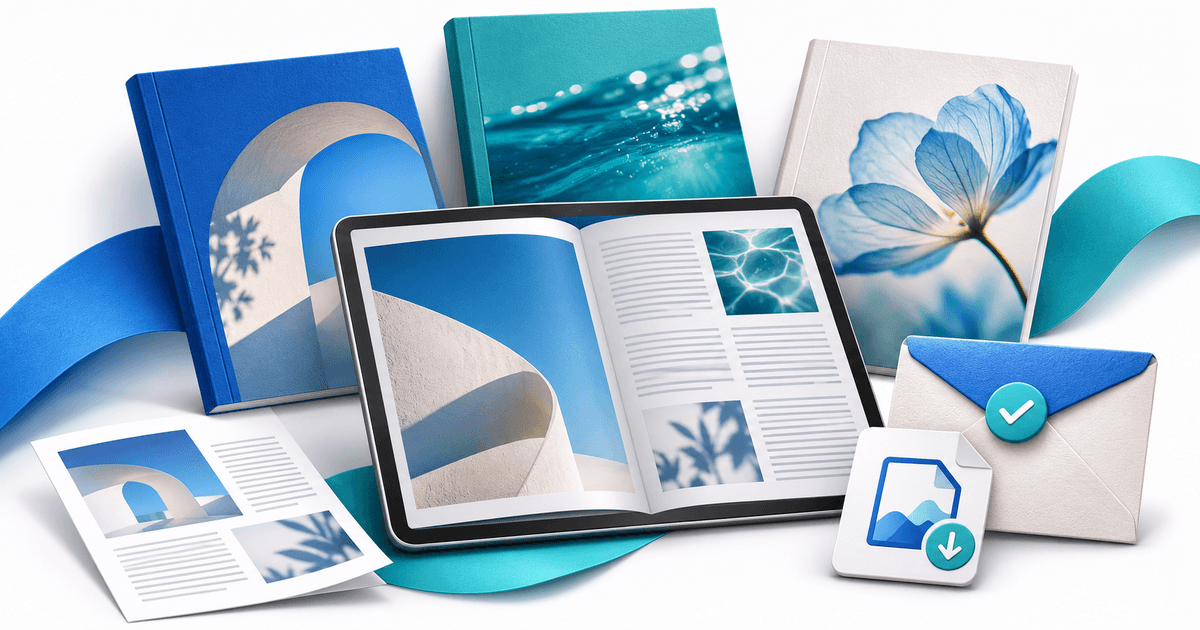
Editorial note: AI assisted with the draft and illustrative cover. The issue concept and release register are hypothetical planning assets. No magazine sale, device-accessibility certification or revenue result was tested. Sources and product pages reviewed on 11 November 2026.