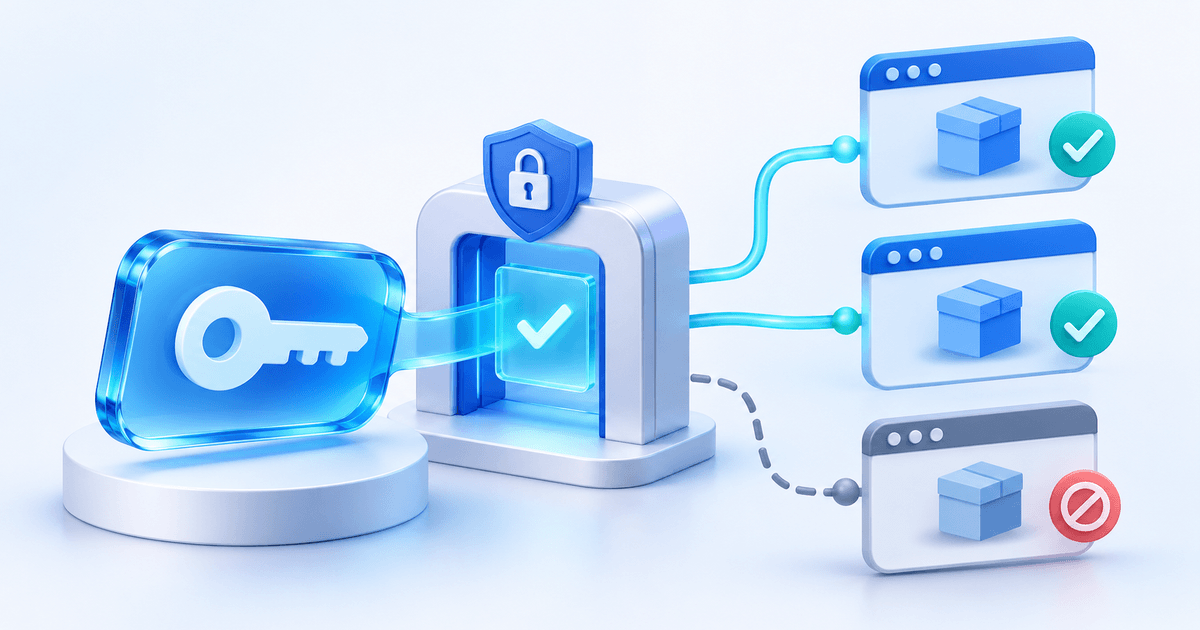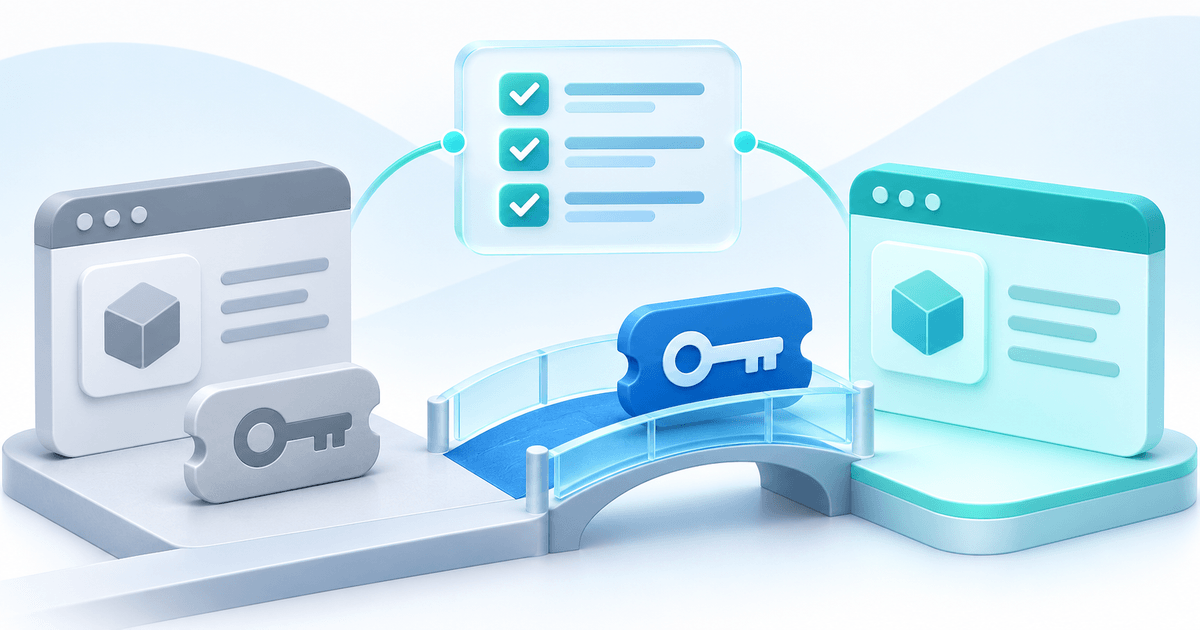
To sell a PDF online, upload the finished file, set the price and share a payment link. PayRequest delivers access after confirmed payment. Eligible single-PDF digital products also get a cover from page one, and buyers can choose Read edition or download the file. You do not need your own website.
This guide is for creators selling a workbook, report, guide or other finished document. “Paid download” means your customer pays your price for the document; it does not mean an advertising network pays you for free downloads.
Create the PDF payment link
- Create a PayRequest account, complete setup and connect a payment provider eligible for your business and country.
- In Products, choose Sell a workbook / PDF. The current signed-in shortcut is the PDF sales flow.
- Upload the PDF, confirm its title and enter the total customer price. Check the currency and included tax rate before creating the link.
- Copy the resulting payment link into your website, newsletter or social profile. You can also copy the generated website-button code.
The quick PDF route accepts one PDF up to 500 MB. Creating or sharing a link does not establish a successful payment. Use the full digital-product workflow for other file types or a prepared ZIP package. A new account's setup and payment-provider approval still apply.
Let page one introduce the product
For eligible single-PDF digital products without a custom cover or gallery, PayRequest prepares a public JPEG of the first page in the background. Keep that page readable at thumbnail size: document title, topic and edition are more useful than an unnamed title page. A seller-selected cover or gallery is preserved.
Page one becomes a public preview. Put material there that you intend prospective buyers to see. The original PDF stays private; the cover is not the whole document or a promise of DRM.
Automatic cover rendering has a separate 100 MB source limit. A larger permitted PDF upload, an encrypted or damaged document, or a rendering failure may need a manual cover. A ZIP containing PDFs does not get this single-PDF cover treatment.
What the buyer sees after payment
The paid confirmation and existing download page offer the delivery link. For an eligible single PDF, Read edition opens the document in the browser's PDF reader when supported. Download remains available. The same reading option is available through the supported customer-account download and order views.
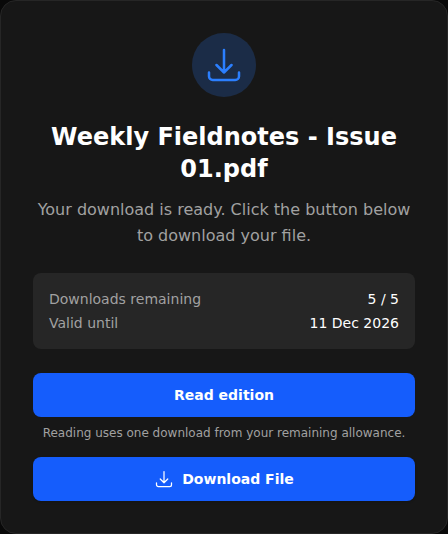
This is the actual PayRequest download template rendered with fictional data, not a customer purchase. Browser PDF controls vary by device. Opening a document in the browser does not prevent the buyer saving or sharing the bytes they receive.
Reading uses one download from the purchase's remaining allowance. The PDF shortcut currently creates five downloads with a 30-day link lifetime. Check your product's actual settings; do not advertise unlimited reading or permanent library access. Expired or exhausted links cannot open another copy, and refunded, disputed or otherwise ineligible purchases do not gain reading access.
Choose a single PDF or a ZIP deliberately
| What you sell | Delivery choice | Presentation |
|---|---|---|
| One report or workbook | Single PDF | Eligible for page-one cover and Read edition |
| A4, Letter and A0 sewing patterns | Named ZIP package | Upload a separate cover; buyer extracts the files |
| Weekly newspaper | Separate product for each issue | Put the date on every cover and product name |
Use the pattern-selling checklist for print files and the magazine and newspaper guide for repeated editions. A shared price does not make distinct editions interchangeable or include future issues.
Check the offer before sharing it
Open the public product page on a phone and a desktop. Confirm the cover, amount, currency, file description and support route. Rehearse paid delivery in an appropriate test arrangement; a screenshot of payment or a public invoice link is not proof that a buyer owns the file. No real sale was placed for this article.
Free includes digital products with a 2% standard PayRequest payment fee, capped at €25 per transaction. Active Premium (€5/month) or Business (€20/month) removes the standard platform fee; provider charges and commission exceptions remain separate. See current pricing. Buying a plan is not required solely to sell a digital file.
Worked example: publish a €9 study guide
This fictional offer makes the setup concrete; it is not a customer result or a real purchase.
| Field | Example |
|---|---|
| Product | Biology Revision Guide — 24-page PDF |
| Public preview | Cover, contents list and one original sample exercise |
| Price | €9 total customer price; check applicable tax |
| Delivery | Original PDF after confirmed payment |
| Usage | Personal study use; no redistribution or pass guarantee |
Use your own explanations and exercises, or material you are allowed to sell. Do not include exam dumps, copied textbooks or claims that buying the guide guarantees a pass.
Connect an eligible PayPal Business account in Provider Settings and confirm it is ready to receive payments. Create a Digital product, choose E-book / PDF, upload the finished file and set the customer price, currency and applicable tax. Review the cover and download settings, then share the product payment link.
Before sharing the link, open the public page on a phone. Check the cover, description, total price, currency and support contact. Complete an appropriate checkout test and verify paid access and the order email; no real sale was placed for this example.
PayPal payment and delivery checks
Preview. Show the cover, topic, page count and what the buyer receives. Only share sample material intended to be public.
PayPal checkout. The buyer opens your product link and chooses PayPal when available through your connected account.
Confirmed payment. PayRequest must record successful payment. A payment screenshot, an open checkout or a pending payment does not unlock the PDF.
Read or download. The paid confirmation and order email provide a private download link. Eligible single PDFs also offer Read edition on supported screens.
Keep the full file private while payment is pending. If checkout is cancelled or fails, the buyer can retry. Check the order and provider status before asking for another payment or sharing a file manually.
PayPal connection instructions.
Editorial note: expanded on 14 November 2026 using current PayRequest documentation and payment/access code. The existing browser illustration uses fictional data. AI assisted with editing. No real purchase or conversion improvement was tested for this update.