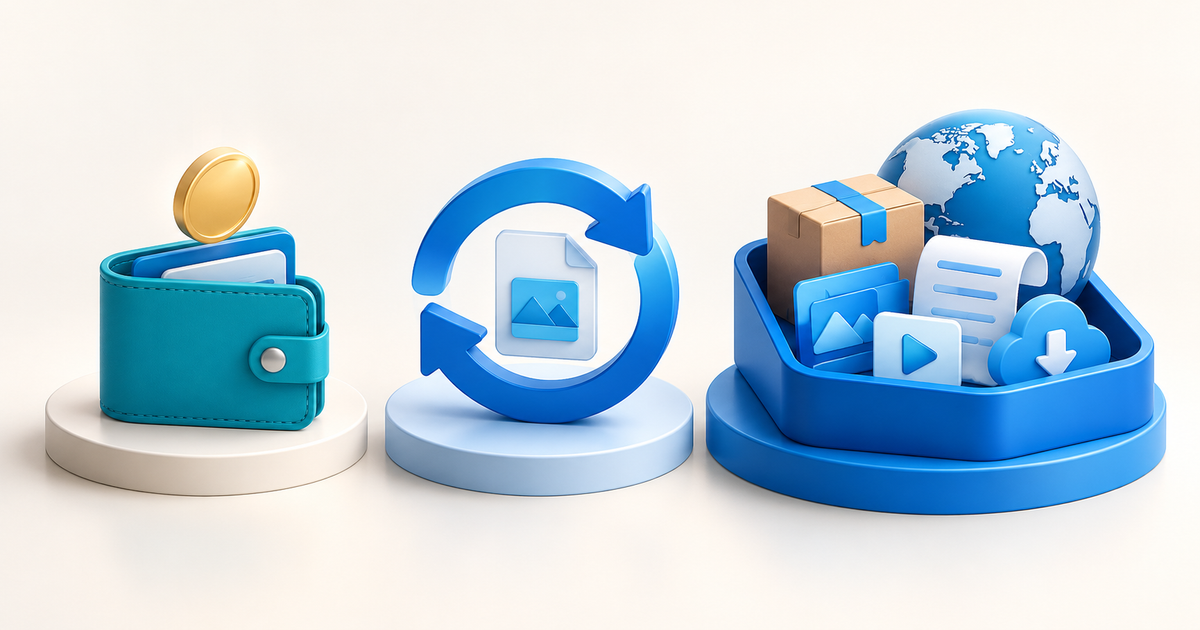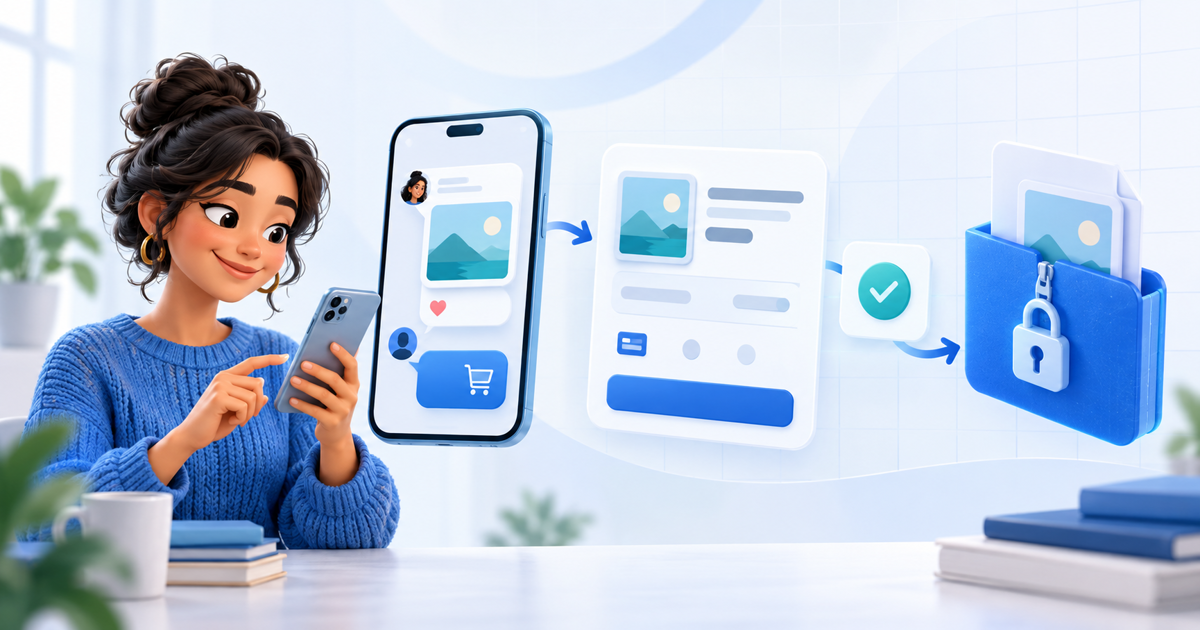
You can sell digital products without building a full website. The simplest setup is a product-specific page, a hosted checkout, confirmed payment and automatic delivery. This works for ebooks, templates, presets, audio packs, videos and ZIP files when the buyer can understand exactly what they will receive.
This guide is for creators who already have an audience on social media, WhatsApp, Telegram, email or a community platform. Your audience channel creates demand; the payment page and delivery flow should keep the transaction clear and traceable.
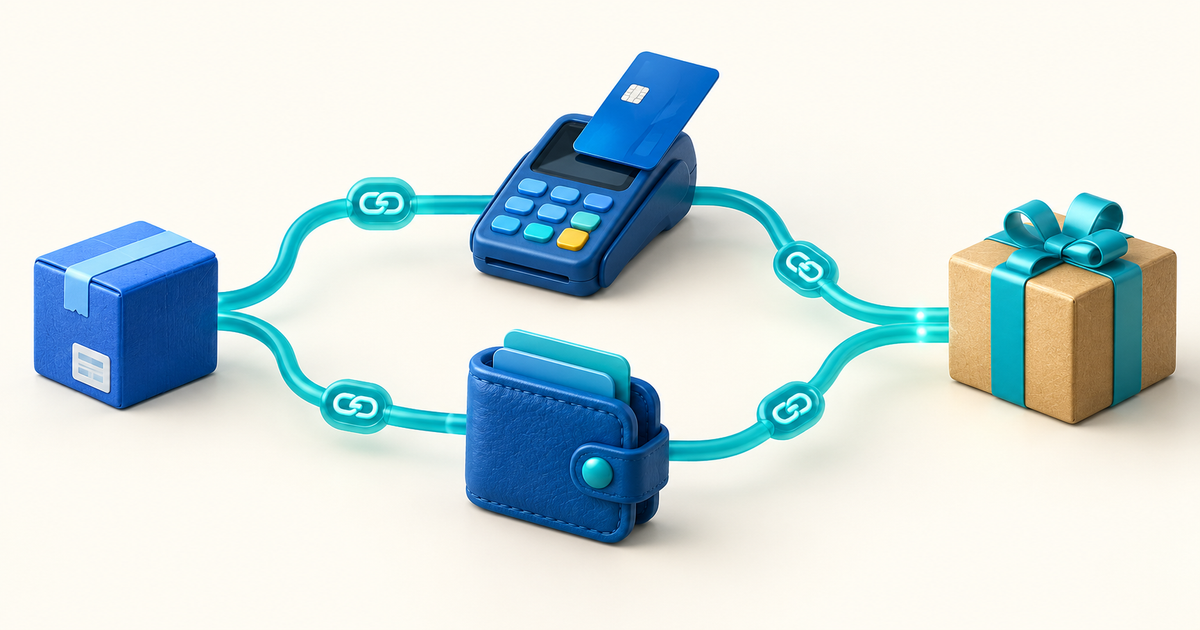
The four-part setup
| Part | Job | What the buyer needs to see |
|---|---|---|
| Product page | Explain the offer | Preview, format, version, license and price |
| Checkout | Collect payment | Total, currency, payment methods and seller identity |
| Delivery | Give access | The exact file, link or instructions promised |
| Support record | Resolve issues | Order reference, buyer email and product version |
Do not use one generic link for every file you sell. A product-specific page makes it easier to match the payment to the correct download and prevents a buyer from receiving the wrong version.
How to sell a digital product without a website
Write down the outcome, file type, version date, usage rights and support promise. “Template pack” is not enough. Say whether the buyer receives editable files, a template link, a PDF guide, commercial rights or personal-use rights.
Show a useful preview without giving away the paid archive. For a PDF, that might be a few sample pages. For a preset or audio pack, use a before-and-after or short excerpt. For a ZIP file, list the folder structure and compatibility requirements.
Use a digital product page with one clear action. Include the product name, who it is for, what is included, the format, the latest version and the delivery method. A hosted page gives the offer a stable URL that you can place in an Instagram bio, WhatsApp message, newsletter or community post.
If you need to share a payment request in a conversation, pair the product page with a payment link. Keep the offer description beside the link so the buyer does not have to reconstruct what they are purchasing from a short URL alone.
Before publishing, run a small release test:
- Open the product page on a phone.
- Check the product name, price, currency and preview.
- Complete the checkout in the payment method your audience uses most.
- Confirm the success state and delivery message.
- Download the file on a clean device.
- Open or unzip it and follow the included instructions.
This catches the most expensive version of a “simple” launch: the payment succeeds, but the buyer cannot find, open or use the product.
Where to share the link
| Channel | Best use | Practical rule |
|---|---|---|
| Instagram or TikTok bio | One flagship product | Send visitors to one focused offer |
| WhatsApp or Messenger | Personal questions | Share the matching product link after the preview |
| Telegram or Discord | Community launches | Pin the offer and repeat the version date |
| Warm audience | Explain the outcome before the checkout link | |
| Existing website | Embedded traffic | Link to the hosted page instead of rebuilding checkout |
The channel is not the product catalogue. Keep the paid file and the order record in the selling flow rather than sending the final archive manually in a chat.
What does it cost?
Compare the cost of a hosted selling flow with the monthly cost of a website, ecommerce plugin, file-delivery service and payment integration. PayRequest includes every standard feature on the Free plan and charges 2% per successful payment, capped at €25 per transaction, plus the connected provider's processing fee. Provider fees, taxes, refunds and your creation time are separate calculations.
For a fictional €18 template pack, the PayRequest platform charge would be €0.36 before provider fees. That is planning arithmetic, not a promise of profit or a universal cost for every seller.
When you do need a full website
A hosted product page is enough when you have one or a few focused offers. Consider a full website when you need a large catalogue, editorial content, detailed navigation, a custom customer area or complex product discovery. You can start with one product page and add a broader storefront later; the important thing is keeping the checkout and delivery states consistent.
PayRequest workflow
Create the product, add the exact file or access instructions, configure the payment options, publish the hosted page and test the complete buyer journey. Link the page from the audience you already have. For larger files or a quick upload workflow, review PayRequest file delivery and Quick Upload.
Do not unlock a file because a buyer sent a payment screenshot. Confirm the transaction in the payment record, match the product and amount, then use the delivery path tied to that order.
Editorial note: AI assisted with this article and its illustrative cover. The four-part setup, release test and €18 example are original planning tools; no live customer payment test is claimed.