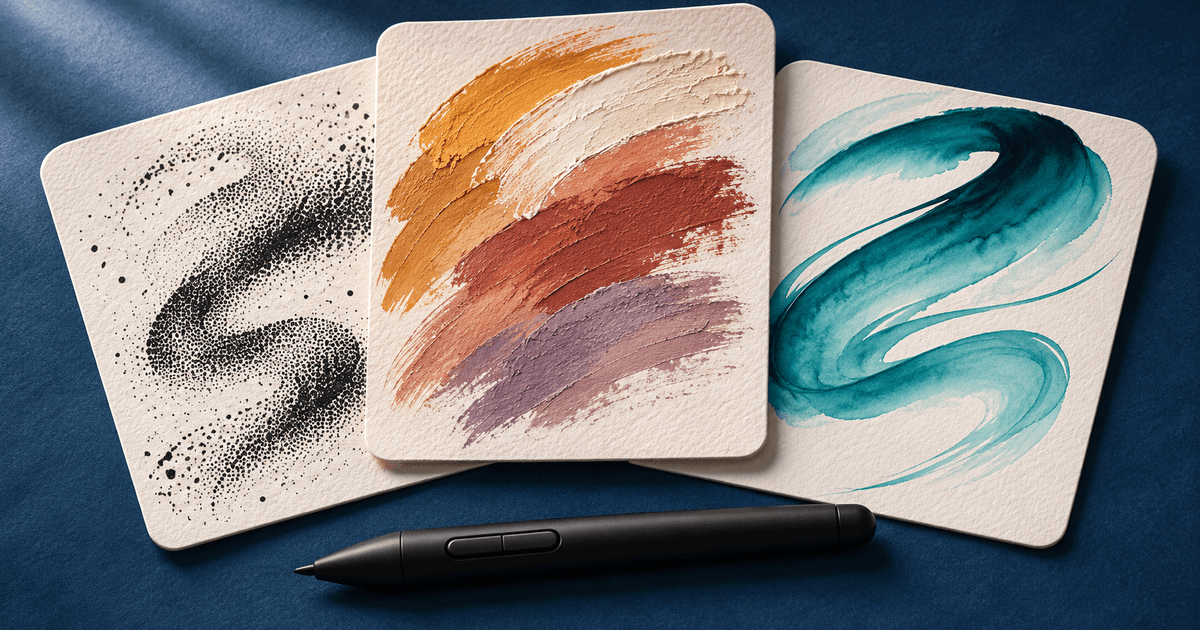
Sell a Krita brush pack as a ZIP containing the importable `.bundle`, a short installation guide and a license. Show what the brushes do on the product page and state the Krita version you actually tested. Before you charge for the pack, import the buyer’s copy into a Krita profile that does not have your original resources.
Bundle what the buyer needs
Krita’s Resource Management manual explains how to create and import resource bundles. Gather the presets and their dependencies, such as original brush tips or textures, and confirm you have permission to redistribute each included resource. An image you can use in your own drawing may have different rights when distributed as a reusable brush tip.
Suppose you want to sell a six-brush comic inking kit. Here's an illustrative package that gives a buyer enough to decide and start drawing.
| File | What it does |
|---|---|
| `comic-ink-v1.bundle` | Installs six presets and their required resources |
| `start-here.pdf` | Shows the import steps, tested Krita version and where to find the presets |
| `stroke-samples.png` | Shows each brush at light and heavy pressure and at a named size |
| `license.txt` | Explains permitted artwork uses and whether buyers may share the source bundle |
Use the same stroke grid in your listing. For pressure-sensitive brushes, mention the input device used in your samples. Include a few strokes with a mouse if mouse support is part of your promise.
Run the clean-profile test
- Download and extract the ZIP into a new folder. Import the bundle using the resource workflow available in your supported Krita version.
- In a clean profile, find each advertised preset, draw a sample stroke and compare it with the product preview. Check textures at the size you advertise.
- Close and reopen Krita. Confirm the presets still appear. If a brush depends on a resource you cannot distribute, replace it or explain the dependency before checkout.
- Ask a tester to follow the PDF from the download to the first stroke without your help. Fix the step where they hesitate.
The test helps you choose between selling a self-contained pack and selling an add-on that assumes another installed resource. A self-contained first release usually costs less to support.
Put the ZIP behind checkout
Create a digital product in PayRequest, attach the ZIP for delivery and publish the product link. Put the tested versions, count, sample image and license summary next to the price. Check the buyer journey from the product page to the downloaded archive before sharing the link. Keep the version in the filename so you can identify the copy a buyer reports.
The kit is illustrative. AI assisted in drafting this guide.