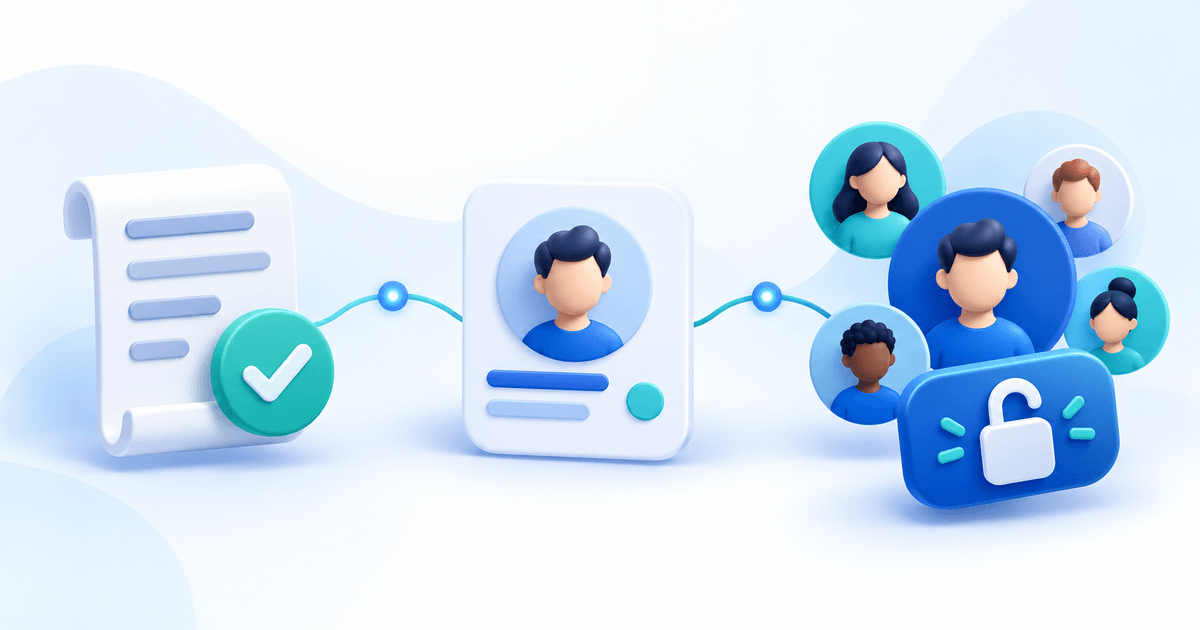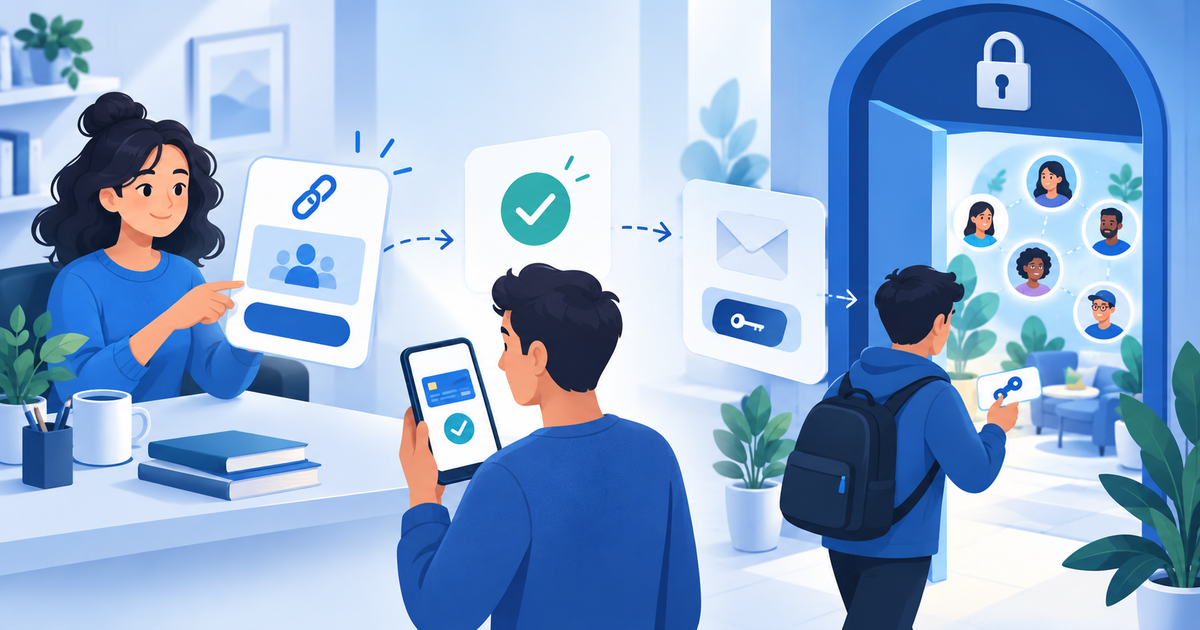
You can sell paid Discord access without building a website or setting up a shop. Use a PayRequest Payment Page with a product connected to Discord Memberships. After payment, buyers open Continue to Discord, sign in with their purchase email, connect their own Discord account and join your server. PayRequest checks the paid purchase before granting the connected role.
This article was updated on 1 November 2026: PayRequest now provides a shared Discord app and product-linked role delivery. Older advice describing every role assignment as a manual task no longer reflects this integration.
Choose the hosted selling route
Create a clear product offer on your Payment Page. Name the community, explain the private channels or activities included, and specify the price and duration. A separate website and shop are not required.
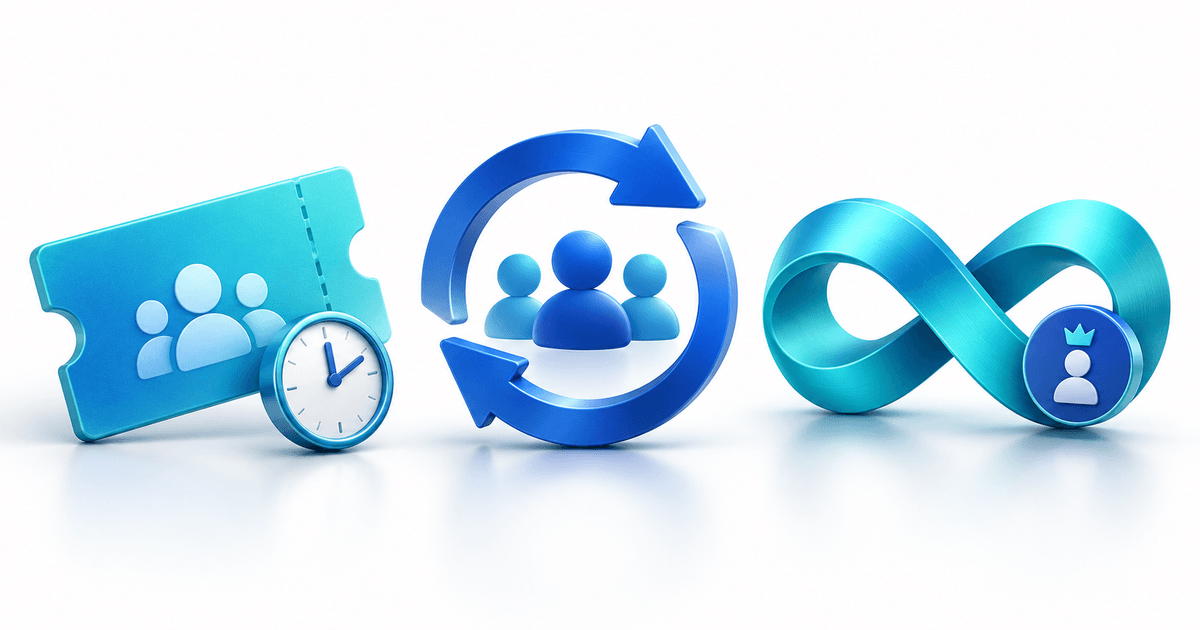
Use a paid service product for a one-time pass or a native PayRequest subscription product for recurring access. One-time access can last 1–3,650 days or have no automatic expiry. Subscriptions can be daily, weekly, monthly or yearly with interval count one. Products need a positive price and one unit.
A standalone amount link does not grant a role. Free trials, provider-managed subscriptions and another automatic delivery integration are unsupported in this version. Only purchases created after product connection qualify; existing customers are not automatically imported.
Connect delivery before promoting the offer
In Services & integrations → Discord Memberships, connect your Discord account, install the shared PayRequest bot, select a server you own and save the server connection. Add a valid invitation. The bot needs Manage Roles and a role above the dedicated paid role. You do not need a bot token, client secret or your own Discord app.
Connect the product to its paid role and duration. Check the private channels in Discord before selling. One business connects one server, and that server cannot be linked to another PayRequest business. Follow the complete paid Discord roles setup guide for the launch checklist.
Share one offer and one access route
Pin the product link in the public server channel, add it to your social profile or include it in your newsletter. Keep the benefit, price and duration consistent wherever the link appears.
The confirmation and completion email return buyers to `payrequest.me/{page-handle}/discord/access`. Customers use the purchase email, connect their own Discord account, join the server and accept its rules. Account connection alone does not join the server for them. Channel permissions determine what the role unlocks.
Open the email login and Discord sign-in in the same browser. Email login links are single-use and valid for one hour; a new link replaces the previous one. If the wrong Discord account is connected, contact support rather than promising an automatic account switch.
Explain renewal and exceptions clearly
Paid native renewals extend the paid period; unpaid renewals do not. A future cancellation does not remove access early. Paused or suspended subscriptions do not grant current access. Refunds, credit notes, chargebacks and unresolved payment disputes stop the affected purchase from granting automatic access. Partial refunds need seller review.
Unlimited access has no automatic expiry but remains subject to those purchase conditions. If several valid purchases grant one role, one expired purchase does not remove it while another qualifies. Existing manually assigned roles are retained; PayRequest only removes roles it took responsibility for granting.
Checks follow relevant payments/subscriptions and a five-minute recovery schedule. Queues and Discord limits can delay results. The integration does not cancel billing, issue refunds, kick or ban customers, or change channel permissions. Disabling delivery does not stop subscription billing.
Start with one clear paid benefit
Use the pass-versus-subscription decision guide to choose the promise you can maintain. Then connect one dedicated role through Discord Memberships, rehearse the customer route and share your hosted product link.
For software selection, compare Discord membership platforms. For promotion and post-payment handoff, use the Discord membership payment-link workflow.
Source: official Discord Memberships documentation. Updated with AI assistance to reflect current first-party product behavior; no live customer test is claimed.