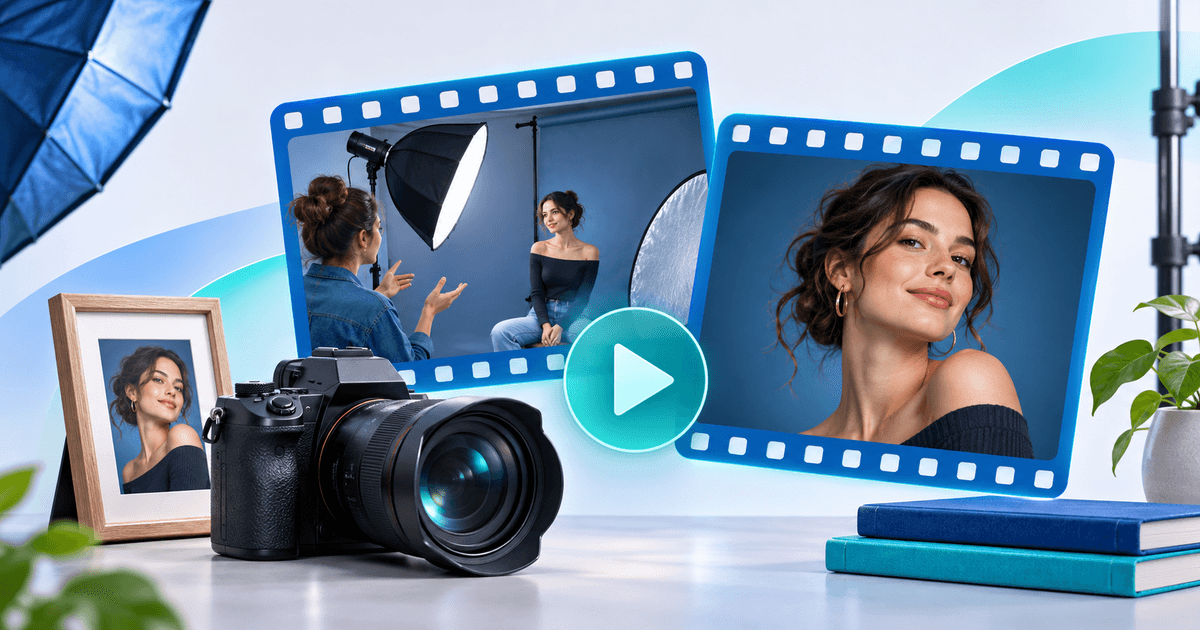
To sell a photography video tutorial online, start with one result a buyer can see and reproduce. A recording that teaches a clean window-light portrait in a small room is easier to explain than a folder of workshop footage. Show the finished portrait and a glimpse of the setup, then sell the full walkthrough as one purchase.
Choose the recording a buyer can use on their own
Watch the replay with a photographer who wasn't in the room in mind. Cut introductions that depend on the live session, add a close-up where a change in the light is hard to see, and make sure the audio explains settings when the screen is small. Give buyers the expected skill level, equipment, run time and the final outcome before checkout.
For a hypothetical 24-minute window-light lesson, use this edit plan:
| Part | What to show |
|---|---|
| Public preview | The finished portrait, a wide shot of the room and the light direction. Name the task the buyer will learn |
| Paid walkthrough | Where to put the subject, how to move and angle the reflector, and how to fix the shadow when the first setup fails |
| Listing details | One window, a reflector and a camera with manual exposure. State which files or extras the purchase actually includes |
The finished image earns attention. The paid recording needs to explain the decisions between the first attempt and the finished portrait, so the buyer can adapt the setup to their own room. Before selling, verify that you can distribute any identifiable participants, music, client images and third-party assets in the recording and preview. Cut or replace material where permission is unclear.
Match delivery to the lesson
- One paid walkthrough works for a standalone outcome. Use a short preview and clearly state whether the buyer receives the original file or access to watch.
- A downloadable workshop kit works when the source files, reference images and lesson all matter. Tell buyers about file size and the software they need before payment.
- A series works when the order matters, such as lighting, shooting and retouching across several lessons. Use Video Series when you want free opening episodes and one-time access to the paid sequence. If ongoing feedback is the reason to buy, sell that support as a separate offer with a clear schedule.
Check the path a real buyer will follow
With PayRequest Pay to Unlock Video, set a free video preview and publish the full original as paid content. The public preview is separate from the private original. The feature page describes delivery after confirmed payment. Connect an eligible provider and check the product page with the currency and price you intend to use.
Open the shared link on a phone as a visitor. Watch the preview with the sound off, read the listing and confirm the price and what the purchase unlocks. Check that the preview does not accidentally show contact details or the part of the lesson you meant to reserve. Before sending the link to your audience, verify how the original is delivered using your provider's supported test workflow if available. Launch with your workshop follow-up or a short post where the teaser and the paid offer promise the same result.