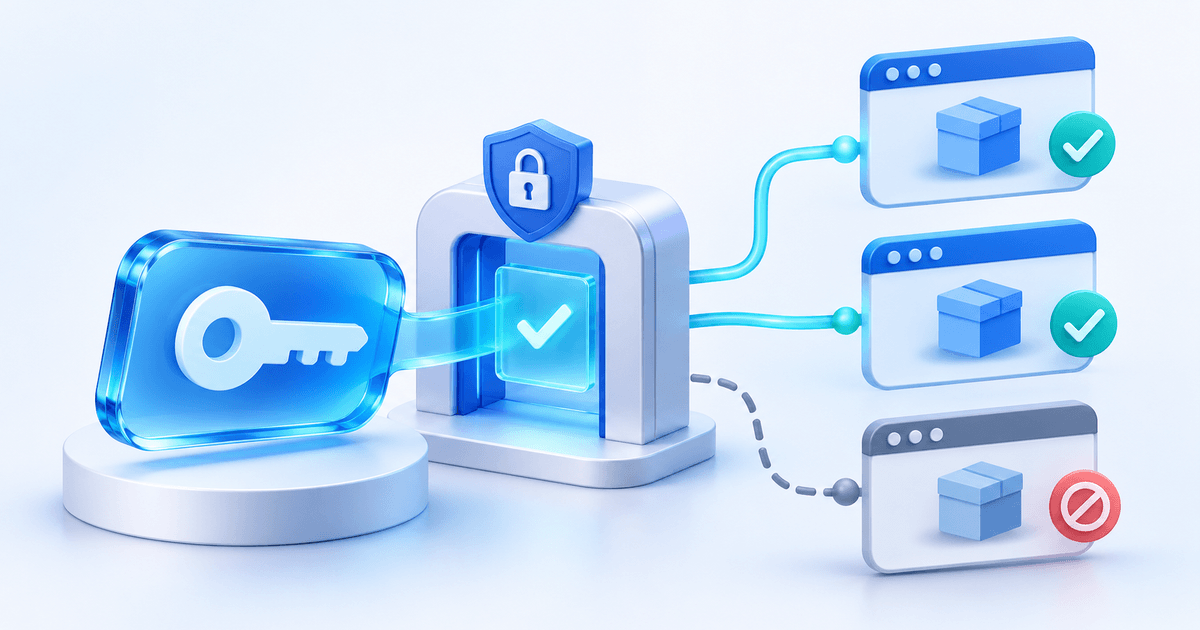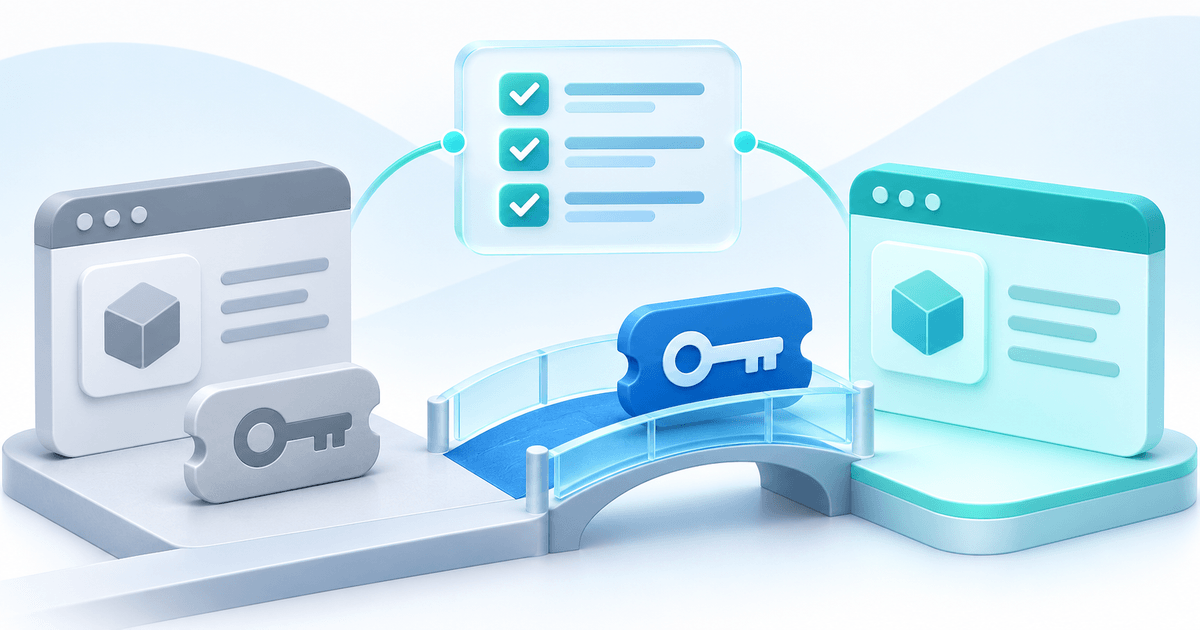
Sell a finished PDF research report as a paid browser reading edition when the buyer needs to consult the report rather than import the data or print the entire file. Show enough sample material for readers to assess your evidence and methodology before payment. Publish a download when readers need the original file for their workflow.
Define what a buyer can rely on
Imagine a €39 report about local retail vacancy, based on a survey of 120 storefronts during one month. This is an illustrative offer. On the product page, state the area covered, the collection period, your definition of vacancy and the edition date. Include a sample table and say which streets or categories are absent. A buyer can then judge whether the report covers their question before paying.
A useful first-page cover can show the region and period. Reserve findings that the buyer is paying to access for the report itself. Keep sensitive information out of the public cover and sample.
Choose the right delivery format
| Buyer need | What to offer |
|---|---|
| Read the findings and charts on a phone or laptop | A browser reading edition |
| Reuse the source data in a spreadsheet | A downloadable data file with the appropriate licence |
| Send a copy to colleagues or print it for offline use | A download or separate permission that covers that use |
| Receive new figures every month | An explicitly described ongoing offer with a delivery schedule |
Do not sell reading access as copy protection. Readers can take screenshots. Tell customers whether downloading is available, what they're permitted to reuse and how to return to the report.
Check a first issue before inviting readers
With PayRequest’s PDF editions, set up the published report with a cover and private browser reading after payment. Open the public page first to verify the title, edition and purchase terms. In a controlled buyer session, check that charts are legible on mobile, the reading link can be reopened, and any download option matches what was offered. Agree on a support path for a buyer who loses the link.
Show the original publication date inside the report and use a clearly dated new edition for a substantive update. Keep a note of which edition each promotion promises. Start by preparing one digital product and checking its reader workflow before sending the link to your audience.
Editorial note. AI assisted in drafting this guide. The scenario is illustrative.