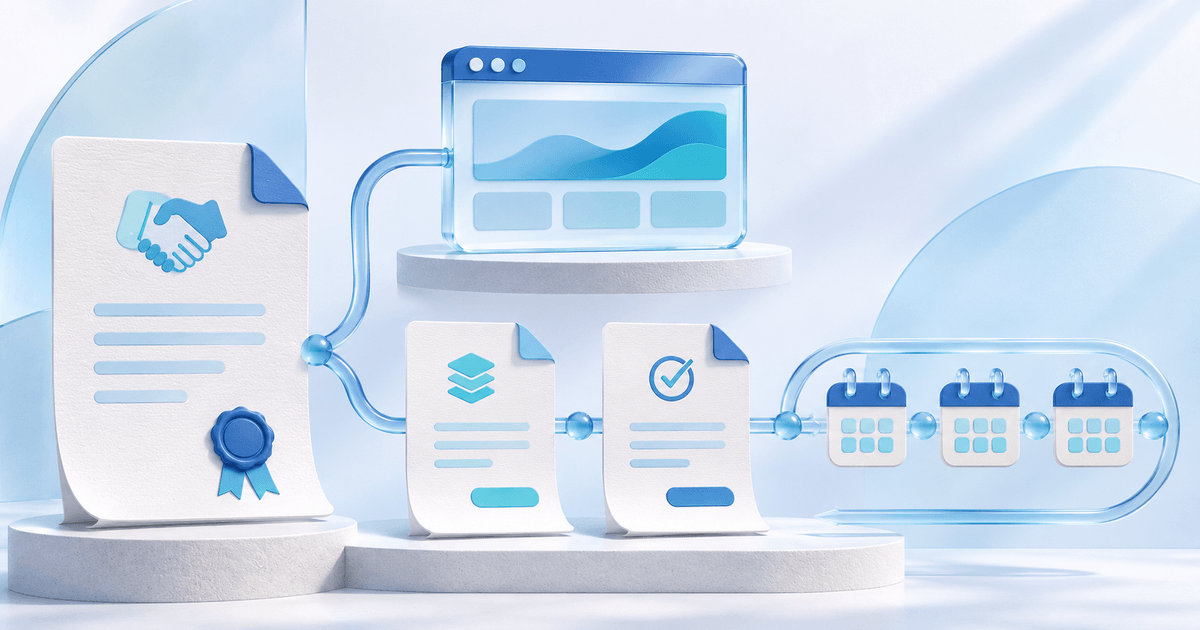
Combine the website build and monthly maintenance in one quote, while keeping their billing separate. Agree the project scope, deposit percentage, final payment trigger and maintenance start before the customer accepts. In PayRequest Projects, acceptance creates the deposit invoice; delivery confirmation creates the remaining invoice; the accepted recurring service starts when its agreed condition is met.
This guide is for web designers and small agencies that sell a fixed project followed by a fixed ongoing service. The useful change is a connected agreement, rather than remembering to create a separate maintenance subscription after launch.
A worked example: €3,000 website and €49 monthly maintenance
Assume a fictional website project priced at €3,000 excluding VAT, maintenance of €49 per month excluding VAT, a 50% deposit and an illustrative 21% VAT rate. These are example commercial terms, not recommended prices or tax advice. Use the rate and treatment applicable to your customer.
| Part | Excluding VAT | VAT in this example | Including VAT | Trigger |
|---|---|---|---|---|
| Website deposit | €1,500 | €315 | €1,815 | Quote acceptance |
| Website balance | €1,500 | €315 | €1,815 | Confirmed delivery |
| Monthly maintenance | €49 | €10.29 | €59.29 | Approval plus agreed service start |
The website costs €3,630 including VAT. Maintenance is additional, rather than part of that one-time total. If twelve maintenance invoices are issued, maintenance totals €711.48 including VAT and the combined invoiced amount is €4,341.48. This calculation assumes twelve complete billed periods; it is not a revenue forecast or evidence of collected cash.
A customer who accepts has agreed to the offer. A customer who pays has settled an invoice. Keep those two events separate in your records and your delivery decisions.
What should your website quote include?
A useful quote makes the ongoing commitment as visible as the project price. Before sending it, fill in these fields:
- Project scope: pages, deliverables, included revision rounds and exclusions.
- One-time price: line items, quantities, prices excluding VAT and applicable tax treatment.
- Deposit: percentage and the invoice payment deadline.
- Delivery trigger: what you will consider ready for handover and how you confirm it.
- Final payment: remaining amount, payment deadline and any agreed handover conditions.
- Maintenance scope: included updates or support, response expectations and excluded work.
- Recurring price: amount, VAT, frequency and when invoicing begins.
- Cancellation: notice period, how to cancel and what happens to hosting, access or files.
Reusable wording to adapt: “Website build: €3,000 excluding VAT, invoiced 50% after quote acceptance and 50% after confirmed delivery. Maintenance: €49 per month excluding VAT, invoiced monthly after confirmed delivery. Maintenance includes [scope]. Cancellation terms: [notice and method]. Invoice payment terms: [deadline].”
Replace the bracketed fields and verify the terms fit your actual service. The example is a drafting aid, not a complete legal contract. A general phrase such as “maintenance included” hides both its price and its limits.
Should maintenance start on launch or on a fixed date?
Choose after confirmed delivery when maintenance depends on the finished website. You confirm delivery in the project; that makes the accepted service eligible to start. The system does not independently detect that the website is live.
Choose a specific date when the service has a clear agreed start independent of handover. Customer approval is still required. If approval arrives after that date, invoicing starts from the current day at activation; PayRequest does not backfill earlier periods.
Do not describe a date-based agreement as “after launch” if it can invoice before delivery. For an uncertain launch date, the delivery-based condition usually communicates the arrangement more clearly.
Set up the agreement in PayRequest Projects
The Projects documentation describes the current supported workflow. You need a verified account, an active Premium-or-higher subscription, an existing customer and invoice-based subscriptions enabled in portal settings.
- Open Projects → Project with subscription, name the project and select the existing customer.
- Add the one-time work with prices excluding VAT, quantities and tax rates. Set a deposit between 1% and 99%.
- Add one recurring service, its price, tax rate and monthly, quarterly or yearly frequency. Choose the start condition and add the service and cancellation terms.
- Create the project and draft quote. Review both prices and conditions, then send the quote using its normal send action. Saving a draft sends nothing and starts no billing.
- The customer explicitly accepts the recurring service and approves the quote. PayRequest creates the deposit invoice. Check actual payment status before treating the deposit as received.
- When the work is ready, choose Confirm delivery and create final invoice. Open that invoice to review and send it. This does not mark either invoice paid.
- Once acceptance and the start condition are satisfied, recurring invoicing starts on a scheduled activation run, or you can choose Start recurring invoicing on an eligible project.
The Projects feature page gives the overview. For related workflows, see invoicing and subscriptions.
Recurring invoices are not automatic debits
In this project workflow, customers pay each recurring invoice themselves. Accepting the quote does not create a card authorization or bank debit mandate. Starting recurring invoicing does not change that.
This distinction matters when promising a maintenance package. “We invoice you monthly” describes the documented behavior. “We automatically take the money each month” would promise a different payment arrangement. Providers and other products can use subscription terminology differently; Bonsai also distinguishes recurring invoices from subscription payments. Check the actual collection method before changing tools.
Handle changes and cancellations deliberately
Project agreement prices and start conditions are fixed after creation. If the agreement needs to change, stop an unstarted project and prepare a new agreement. Existing invoices remain available and are not automatically canceled by stopping the project.
After the linked subscription starts, use Manage subscription and its normal cancellation controls. A canceled, paused or deleted subscription is never automatically replaced or reactivated by the project.
The first version supports one customer, one account currency, one deposit and final payment, and one recurring service. Keep time tracking, hourly retainer drawdowns and more complex milestone schedules in tools suited to those jobs; do not assume they are included in this workflow.
Pick the plan for the rest of your client billing
Projects is available from Premium at €5/month, with Business at €20/month for its additional published business and portal features. Projects alone is not a reason to claim Business is required. Both paid plans have 0% standard platform fees while paid access is active; provider fees and commission-payment exceptions remain separate. Review current pricing and Business for the full plan comparison. Account setup and paid checkout activate paid access; signup alone does not.
Start with one real customer agreement: check your scope, compare the two prices, choose the correct start condition and verify the draft before sending. Explore PayRequest Projects to connect the project and ongoing service.
For the difference between payment structures, read the deposit, retainer and milestone guide. For the wider client experience, see the agency billing portal guide.
*Editorial note: based on PayRequest’s Projects documentation, reviewed 5 November 2026. Calculations and the agency are fictional illustrations; no customer outcome or live payment test is claimed. AI assisted writing and created the conceptual cover illustration.*