To sell Revit families online, offer a reusable RFA family that solves a defined modeling job, state its saved Revit version, test the advertised parameters in a separate project and include the required resources and license. Package the approved files and deliver them after payment through a product page.
The value is the work a buyer can avoid: rebuilding parameters, correcting inconsistent geometry or preparing a coordinated library. A photorealistic preview is useful, but architects also need an asset that behaves correctly in their project. This guide includes an illustrative window-family test matrix; it is a suggested review method, not a claim that PayRequest tested a Revit product.
What Kind of Revit Content Can You Sell?
Start with one clearly bounded family of products: residential windows, coordinated furniture, casework or another category you know well. Describe which repetitive task your library removes and show its usable variations.
Autodesk distinguishes system families from loadable families. This article focuses on reusable loadable RFA files. Do not advertise a project template or a collection of system types as if it were the same deliverable.
| Product | What buyers should receive | Useful proof |
|---|---|---|
| One parametric family | RFA, parameter guide and license | Demonstration of the promised adjustments |
| Coordinated family collection | Named RFAs and an inventory | Consistent naming, materials and behavior |
| Family plus example project | RFAs and a labelled RVT demonstration file | Clear loading and placement instructions |
| Custom family service | Agreed files and acceptance criteria | A scope-specific review before final delivery |
There is a commercial channel for this kind of work: RD Studio invites creators to sell Revit families and Dynamo scripts. That supports the existence of a market, not a guarantee that any particular family or price will sell.
Put the Revit Version Beside the Purchase Button
Revit version support is a purchase requirement. Autodesk says RVT, RFA and RTE files saved in newer releases cannot be opened or downgraded to earlier releases.
If you intend to support an older release, maintain an appropriate source in that version and verify the delivered file there. Keep an untouched copy before upgrading. Do not promise that a neutral geometry export preserves an editable Revit family's behavior.
A useful compatibility statement might be: “Saved in Revit 2024. Checked in Revit 2024 and 2025. Other releases not tested.” Those versions are an example of clear wording, not a recommendation about which releases to support. Choose based on your buyers and available test environments.
Define the Parameters You Actually Promise
For an illustrative window family, list adjustable width and height, supported size ranges, material assignments, host requirements and included types. Say which settings apply per type and which apply per instance. A buyer should not have to discover those boundaries during a deadline.
Do not call a family “fully parametric” when only one dimension changes. Show a short demonstration of the actual parameters and publish known limitations, such as a restricted width range or fixed mullion arrangement.
Use This Family Test Matrix Before Release
Test from the customer archive in a separate project. The table below is a proposed seller checklist. Define the expected outcome first, then record pass, fail or not tested with the file version and a screenshot.
| Test | Suggested action | Acceptance question |
|---|---|---|
| Load | Load the delivered RFA into a clean project | Can it be used without your private working files? |
| Parameters | Try the minimum, typical and maximum advertised dimensions | Do the promised relationships remain intact? |
| Types | Switch through every included type | Are dimensions and geometry consistent? |
| Host | Place in the host conditions you advertise | Does placement behave as documented? |
| Views | Inspect plan, elevation, section and the detail levels you support | Is the representation useful in each view? |
| Materials | Change each advertised material control | Does the intended geometry respond? |
| Schedule | Add the family to a relevant schedule | Do the advertised fields report the expected values? |
| Dependencies | Reopen after extracting the buyer package elsewhere | Are all required included resources available? |
Autodesk's family testing guidance covers parameter and type changes, host behavior, views and schedules. Use those checks to investigate failures; do not treat one successful render as a complete review.
An example failure is a window that looks correct at its default width but breaks at an advertised minimum. Resolve the constraint or narrow the supported range and retest. Buyers benefit more from honest boundaries than from a long list of unverified capabilities.
Package a Family Library for Someone Else's Workstation
Create a Families folder, a start-here guide, a parameter inventory and a license. Include a type catalog if your product requires one, and preserve the file relationships it relies on. Include only materials, textures and supporting resources you have rights to redistribute.
If you provide an RVT example project, label it as a demonstration and list its version separately. Remove customer details, internal paths and unrelated project content. Check that the documentation describes the exported retail files rather than your private development copy.
Keep family names and release versions recognizable. A package such as residential-window-kit-v1-0.zip is easier to support when its inventory lists every RFA and the Revit release in which it was saved.
Choose a Price and License Scope
Consider a single-family offer, a coordinated collection and a separately scoped custom service. For illustration, a €19 family and a €79 library can be two prices to test, not market averages. The library must add meaningful utility, not merely duplicate the same family under many filenames.
Specify who can use the files: an individual, a defined team or a company, according to the terms you choose. Explain whether use in client projects, sharing with external consultants, modification and redistribution of the source library are permitted. Keep project-use permission separate from permission to resell the RFA files.
Price support and maintenance deliberately. A one-time purchase with documented support boundaries is different from promising compatibility updates for every future Revit release. List what you commit to, how buyers report problems and how corrections are handled.
Find Buyers With a Useful Demonstration
Show the family being loaded, adjusted and used in the type of project your audience works on. Include ordinary plan or section views alongside a polished render. Architects assessing a working asset need more than a decorative image.
A specialist marketplace offers an existing browsing context; a direct checkout fits your own portfolio, training content, mailing list or BIM community. Follow community promotion rules and any marketplace obligations. A direct payment link is a way to complete a sale, not a substitute for reaching buyers.
Give a prospective buyer enough information to decide without opening the paid file: exact contents, saved Revit version, tested releases, category and host requirements, parameter limits, license and support scope.
Deliver RFA Files After Payment With PayRequest
Use a 3D and CAD digital product to present the library, then upload the tested ZIP containing the RFAs and documentation. Choose the price and configure a supported payment provider. PayRequest can handle payment and digital product delivery; it does not convert Revit versions or certify a family's behavior.
Complete an authorized buyer-view test before launch: confirm the payment, download and extract the archive, open the start-here guide and load the family in the advertised Revit version. If you sell different license packages, make the purchase description and delivered license agree.
Start with one documented family that performs a useful job. A dependable small library, clear version support and a demonstrated workflow give buyers a concrete reason to trust the next release.
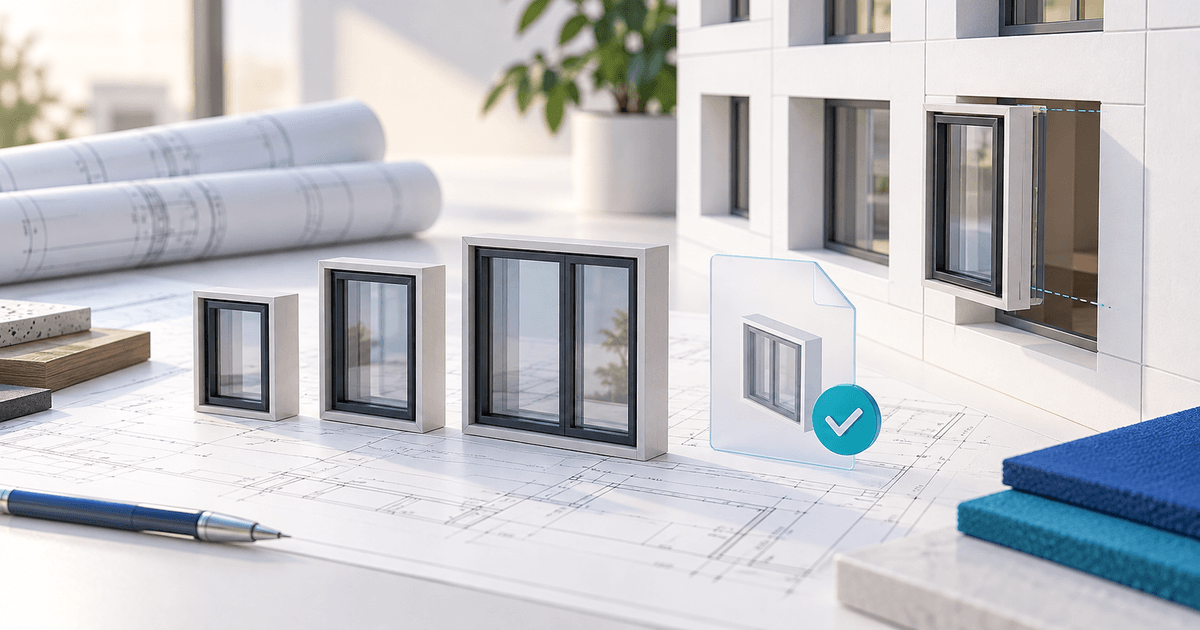
Editorial note: the cover is an AI-generated architectural illustration, not a screenshot or validation of a working Revit family.