Run a giveaway on X and the prize is the easy part. Paying out the winner is where it gets messy. You ask for a wallet address in the replies, someone fat-fingers a single character, and the SOL meant for the winner disappears into an address nobody controls. Or you paste your own 44-character Solana address into a tweet, and half your followers don't know which app to open it with.
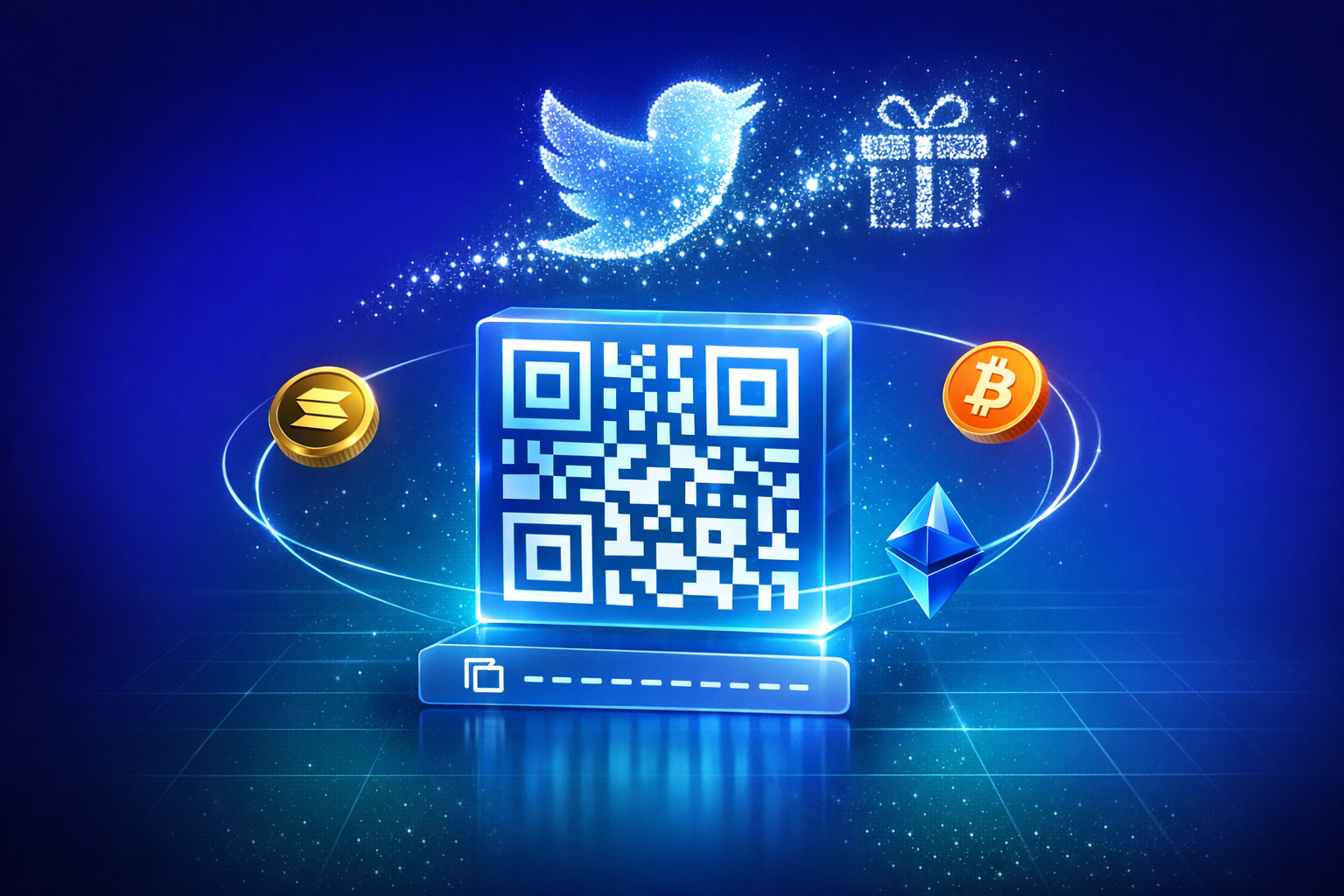
A crypto tip jar link fixes this with one URL. Every wallet you connect to PayRequest — Solana, Bitcoin, or Base/Ethereum — automatically gets its own branded page at payrequest.me/yourname/sol (or /btc, /eth), complete with a scannable QR code and a one-tap copy button. Drop that single link into a giveaway post, a stream overlay, or a printed flyer, and anyone with a wallet app can pay you correctly in seconds.
This guide covers what a crypto tip jar link is, how to set one up in under a minute, and where it works best — from X giveaways to in-person QR displays.
Key Takeaways
- A crypto tip jar link turns any connected SOL, BTC, or Base/ETH wallet into a branded page at payrequest.me/yourname/{asset}, with a QR code and a copy-to-clipboard address
- It removes the single biggest risk in giveaways and tip jars: someone mistyping a 26-44 character wallet address and sending funds to a destination nobody can recover
- Add an amount to the URL — payrequest.me/yourname/25eur/sol — and the page shows the live crypto equivalent, useful for one-off requests
- Only you need a PayRequest account; the people sending you crypto just scan a QR code or tap copy, no signup required
- The same link works for X (Twitter) giveaways, livestream tip overlays, link-in-bio pages, and printed QR codes at events
What Is a Crypto Tip Jar Link?
A crypto tip jar link is a hosted page tied to one of your connected wallet addresses. Instead of sharing the raw address — a string of 26 to 44 characters depending on the chain — you share a short, branded URL that displays the address as both text and a scannable QR code.
The moment you connect a Solana, Bitcoin, or Base wallet to your PayRequest account, the platform generates a page at payrequest.me/yourname/sol (or /btc, /eth for the other chains). The page carries your avatar, your social links, and your accent color, so it looks like part of your brand rather than a generic blockchain explorer page. Anyone who visits sees your name, a QR code, and the full address with a copy button. There is nothing to configure beyond connecting the wallet itself.
A Solana address looks like 7xKXtg2CW87d9...J3sM9F4M2 — 44 characters of mixed-case letters and numbers. A Bitcoin address can run 26 to 35 characters, and an Ethereum address is 42 characters starting with 0x. Typing or even copy-pasting any of these on a phone, especially from a tweet or a stream chat, is where mistakes creep in. A QR code sidesteps the problem entirely: the wallet app scans the code, fills in the address automatically, and the sender never types a single character.
Why X Giveaways Need More Than a Wallet Address
Posting a wallet address directly in a tweet works, technically. But it creates two problems that a tip jar link solves at once.
Crypto transactions are irreversible. If a winner of your giveaway sends SOL to an address with one wrong character, that SOL is gone — there is no support ticket, no chargeback, no undo. The same risk runs in reverse: if you paste your own address into a tweet and a character drops during a copy-paste on someone's phone, you simply never receive the prize or tip. A QR code removes the manual-entry step that causes nearly all of these mistakes.
Most creators running an X giveaway accept tips or send prizes in whichever asset their audience already holds — some hold SOL, some hold BTC, some hold USDC on Base. Rather than maintaining three separate pinned tweets with three different addresses, each connected wallet gets its own page under the same handle: payrequest.me/yourname/sol, payrequest.me/yourname/btc, and payrequest.me/yourname/eth. One profile, three assets, consistent branding across all of them.
How to Create a Crypto Tip Jar Link in Under a Minute
Setting up a tip jar link takes about as long as connecting a wallet, because that is the only step.
Sign up for a free PayRequest account and go to Provider Settings. Add the receiving address for Solana, Bitcoin, or your Base/EVM wallet — whichever chains your audience uses. This is the same connection PayRequest uses for crypto payment links, so if you have already set up Solana payments for invoicing, your tip jar link is already live.
As soon as a wallet is connected, payrequest.me/yourname/sol (or /btc, /eth) starts working — no extra setup, no separate "create a tip jar" step. The page automatically pulls in your avatar, display name, and social links from your PayRequest profile, so it matches the branding on your other payment pages.
Copy the link and paste it into your giveaway post, your bio, or a Discord channel. For in-person or stream use, screenshot the QR code from your page and drop it into an overlay or a printed flyer. Either format — link or QR — points to the same address.
Adding an Amount to Your Tip Link
Sometimes you want to ask for a specific amount rather than just sharing your address. PayRequest supports this directly in the URL.
Add an amount and currency code before the asset — payrequest.me/yourname/25eur/sol — and the page displays that amount converted to SOL at the current exchange rate, alongside the QR code and address. This is useful for quick one-off requests: splitting a bill with a friend, asking a client for a specific tip, or setting a suggested donation amount for a giveaway entry.
The amount in the URL is informational. The page shows the requested figure (say, €25) and its current equivalent in SOL, BTC, or ETH, so the sender knows roughly how much crypto to send. Because crypto prices move, the exact amount received may differ slightly from the quoted figure. For SOL or BTC tips, that is a normal part of accepting a volatile asset, and one reason many creators prefer connecting a USDC wallet on Base for amount-specific requests, where the dollar value barely moves.
Where Creators Use Crypto Tip Jar Links
The link format is flexible enough to cover most places creators ask for support.
Pin payrequest.me/yourname/sol to your profile, or drop it into a giveaway post so entrants know exactly where a prize will be sent — and where they can tip back. Because the page is branded with your avatar and name, it doubles as a small piece of profile real estate rather than a bare string of characters.
Streamers already display a QR code or "tip me" graphic in a corner of the screen. Swapping in your payrequest.me QR code means viewers on mobile can scan straight from the stream and send SOL, BTC, or USDC on Base without leaving the app they are watching in.
At markets, conferences, or meetups, print the QR code on a table tent, business card, or flyer. Anyone with a wallet app scans it, sees your branded page, and sends a tip — no Wi-Fi handshake, no app download, no manual address entry.
Crypto Tip Jar Link vs a Raw Wallet Address
The difference comes down to what the recipient sees and how easy it is to get the payment right the first time.
| Raw Wallet Address | Crypto Tip Jar Link | |
|---|---|---|
| Format | 26-44 character string | payrequest.me/yourname/sol |
| QR code | Manual, separate tool | Generated automatically |
| Branding | None | Your avatar, name, socials |
| Multi-asset | One address per post | One handle, one page per asset |
| Amount requests | Not supported | payrequest.me/yourname/25eur/sol |
| Setup | Copy-paste each time | Connect wallet once |
Avoiding the Most Common Mistakes
A tip jar link removes most of the risk, but two habits still cause problems.
USDC exists on multiple chains — Ethereum mainnet, Base, Solana, Polygon — and an address that is valid on one network is not necessarily reachable on another. When you connect a wallet to PayRequest, make sure you are sharing the link for the correct chain — the /sol page for Solana assets, /eth for Base/Ethereum assets — so senders use a wallet and network that matches.
If you change wallets, update the connected address in PayRequest rather than leaving an old link pinned. Because the page lives at a stable payrequest.me/yourname/sol URL, you only need to update the underlying address once. Every place you have shared the link automatically points to the new wallet.
Start Sharing Your Crypto Tip Jar Link
A crypto tip jar link replaces a copy-pasted wallet address with a branded page, a QR code, and an optional amount request — all generated automatically the moment you connect a Solana, Bitcoin, or Base wallet to PayRequest. It costs nothing to set up, and the people sending you crypto do not need an account at all.
Try the free crypto tip jar link generator to preview your QR code, or sign up for PayRequest to connect a wallet and get your live payrequest.me/yourname page in about two minutes.