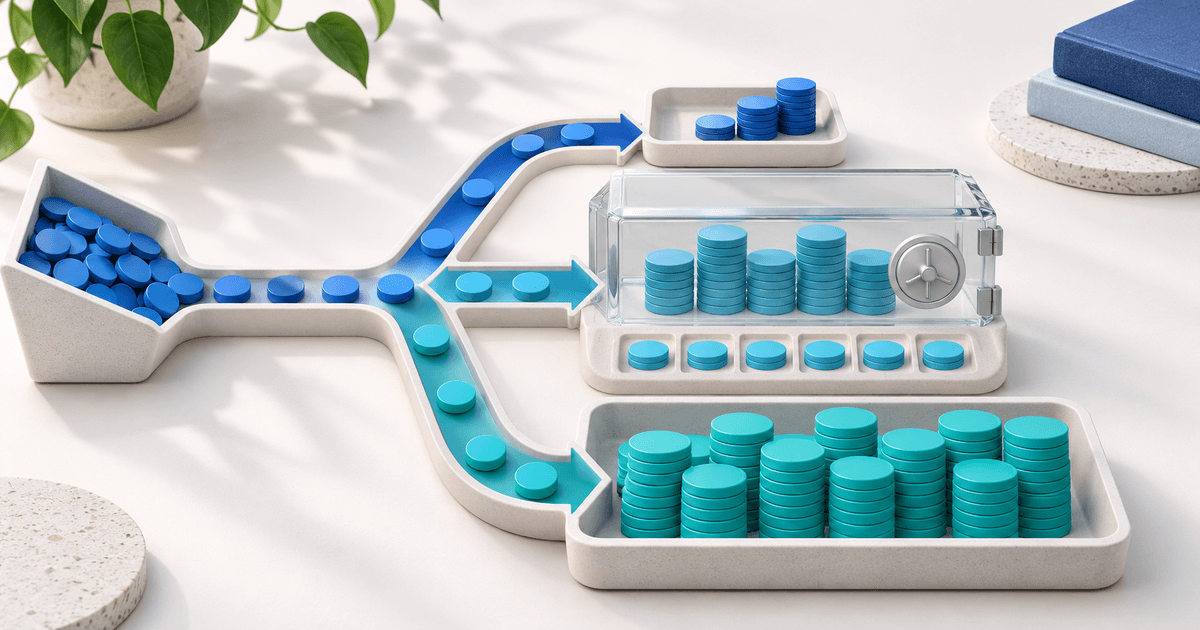
Un freelance peut accepter PayPal sans site internet grâce à une facture PayPal ou à un Payment Link marchand hébergé. Choisissez la facture pour le travail convenu d’un client précis ; le lien réutilisable pour une offre fixe ouverte à tous. Ajoutez un formulaire ou une plateforme lorsque vous avez besoin d’informations structurées, d’autres prestataires ou d’un parcours client supplémentaire.
Un acompte de design, une consultation ou un atelier ne nécessite pas de créer un site portfolio. Périmètre, montant, identité du client et étape suivante doivent néanmoins être clairs.
Choisir le parcours selon la vente
PayPal propose de vrais liens marchands, pas seulement PayPal.Me. Son guide explique produit et prix dans le tableau de bord Business. Méthodes et éligibilité varient selon compte et région ; ne promettez pas à chaque client un paiement par carte sans compte PayPal.
| Vente | Point de départ | Intérêt | Pourquoi compléter ? |
|---|---|---|---|
| Étape convenue avec un client | Facture PayPal ou outil hébergé | Client, lignes et conditions réunis | Gestion client et encaissement plus étendus |
| Consultation fixe à €75 | Lien marchand | Offre répétable partagée par message | Formulaire ou planning séparé |
| Prix selon questionnaire | Formulaire hébergé avec paiement | Réponses définissent la commande | Vérifier prix final et rapprochement |
| Mensualité automatique | Souscription explicite | Consentement aux encaissements futurs | Vérifier produit et prestataire |
PayPal Invoicing permet des factures nominatives et leur partage. La solution native peut suffire. Un formulaire est utile si le vrai problème est le manque d’informations ; une page de paiement ne le remplace pas. Consultez facture, lien ou checkout si l’acheteur compose sa commande.
Décomposer un projet de €1,200
Un designer fictif facture €1,200 : €300 avant démarrage et €900 après une validation convenue. Ce sont des montants illustratifs, pas un pourcentage conseillé ni une conclusion sur les droits au remboursement.
| Étape | Le client voit | Le vendeur vérifie | Suite |
|---|---|---|---|
| Accord | Périmètre, total €1,200, échéancier | Conditions identiques acceptées | Demande nominative de €300 |
| Premier paiement | Identité, projet et €300 | Paiement confirmé chez le prestataire | €300 payés, €900 restants |
| Validation | Étape et changements approuvés | Condition contractuelle atteinte | Demande du solde €900 |
| Paiement final | Solde et même référence | Confirmation, pas capture d’écran | Livrer selon l’accord |
Suivez total et solde dans le dossier projet. Après €300, ne demandez pas de nouveau €1,200 sans imputer le paiement reçu. Utilisez le mécanisme de solde ou d’étapes réellement pris en charge ; toute page de paiement ne calcule pas une créance.
Message utilisable : « Cette demande correspond aux premiers €300 du Projet A, total €1,200. Les €900 restants sont dus à la validation prévue dans notre accord. Vérifiez le nom commercial, la référence et le montant. Je confirmerai la suite après enregistrement du paiement. » Adaptez-le à votre véritable accord.
Ne présentez pas un revenu commercial comme cadeau personnel pour éviter les frais. Le caractère remboursable et l’acceptation du travail dépendent de l’accord et des règles applicables, pas du logiciel.
Séparer frais PayPal et plateforme
Les frais propres au prestataire s’appliquent également avec une plateforme connectée. Vérifiez pays, devise, méthode et traitement international ; un taux d’un autre marché n’est pas votre tarif.
Tarifs PayRequest, vérifiés le 15 octobre 2026 : Free €0/mois et 2% par paiement standard réussi, plafond €25. Premium actif (€5/mois) et Business actif (€20/mois) retirent les frais standard de plateforme. Les frais du prestataire restent séparés. Les paiements de commission gardent 2%, plafonnés à €25, sur chaque formule ; vérifiez si votre parcours de commission relève de cette exception.
Pour les deux paiements standard hypothétiques, Free facture €300 × 2% = €6 et €900 × 2% = €18, soit €24. S’ils ont lieu dans un même mois Premium actif, l’abonnement coûte €5 et les frais standard €0, avant frais du prestataire. Sur deux mois payants, comptez deux abonnements. Ce n’est pas un devis PayPal complet ni une exonération des commissions.
Free inclut liens et facturation de base. Premium ajoute notamment devis et gestion client ; Business l’automatisation. Choisissez selon le besoin réel.
Quand PayRequest aide-t-il sans site ?
Gardez PayPal natif s’il termine la tâche. Envisagez les liens PayRequest pour une offre hébergée avec choix de prestataires compatibles, la facturation pour une obligation nominative et les devis si prix et périmètre doivent être acceptés avant paiement. Les devis nécessitent une formule éligible.
La connexion demande un compte PayPal Business éligible et ne contourne aucune restriction de pays ou vérification. Un lien ponctuel n’autorise pas le débit du mois suivant. PayPal propose une solution distincte de paiements récurrents ; vérifiez la prise en charge concrète avant de vendre un prélèvement automatique.
Créez votre compte et préparez une demande nominative ou une offre répétable. Vérifiez sur téléphone identité, devise, montant, description et suite convenue. Définissez l’effet des paiements confirmé, en attente ou échoué sur la livraison. Ce sont des contrôles à effectuer, pas un test réel revendiqué.
Note éditoriale : refonte substantielle le 15 octobre 2026 avec assistance IA pour texte et illustration. Sources PayPal officielles et tarifs vérifiés. Projet, échéancier et message sont hypothétiques, sans résultat client ni test checkout réalisé.