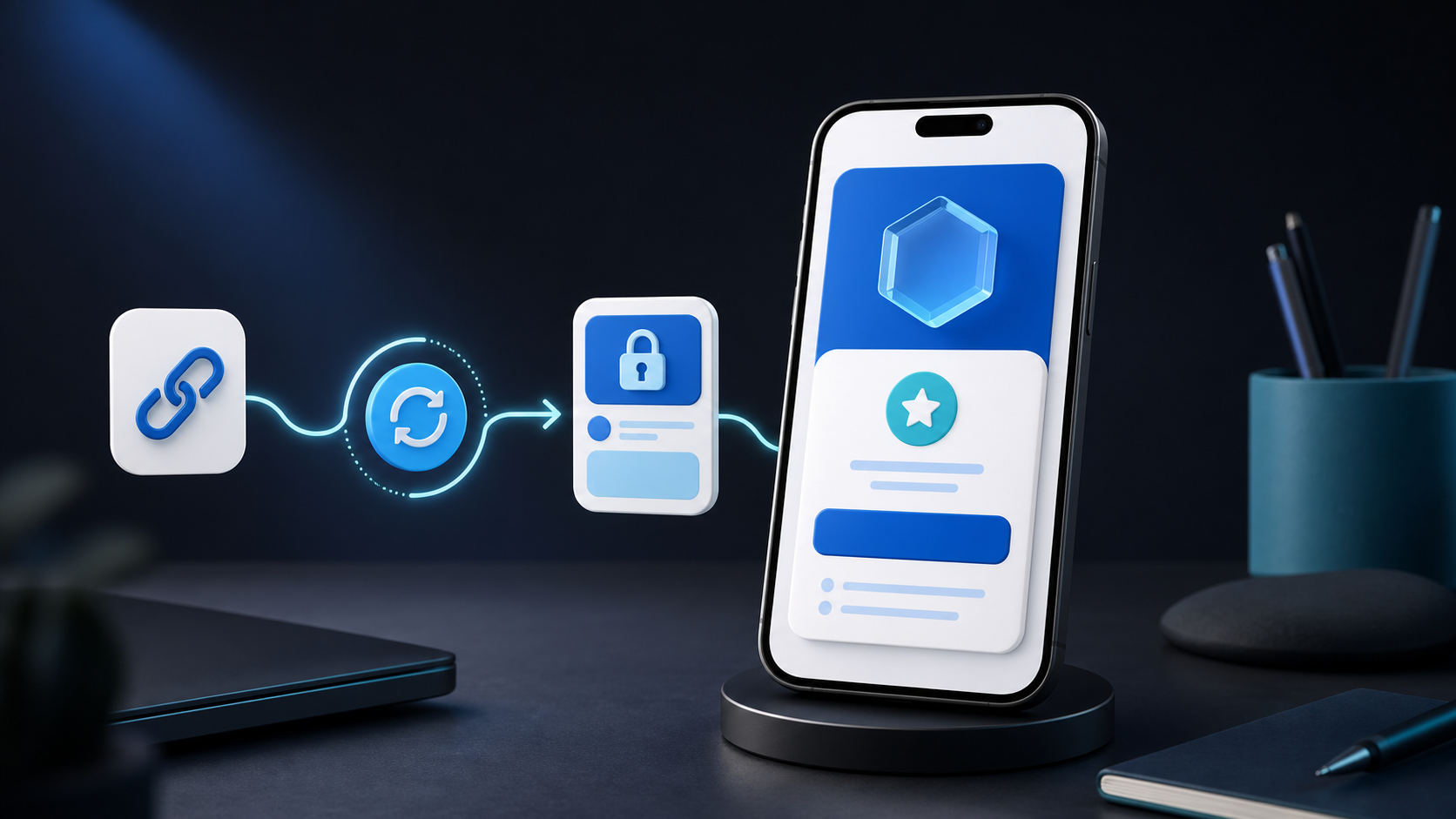
You do not need to build a website before launching a paid membership. What you need is a clear recurring offer, a trusted checkout, somewhere to publish protected updates and a link you can share with the audience you already have.
A hosted PayRequest Page combines those pieces. Visitors can understand the membership, join through a supported recurring payment provider and return to read members-only posts without you managing hosting, plugins or a custom login system.
What You Actually Need to Start a Paid Membership
The traditional membership-site checklist is intimidating: buy a domain, choose hosting, install a CMS, configure a paywall, connect subscriptions, set up transactional email, create member accounts and keep every plugin secure.
For a first membership, reduce that stack to five essentials:
- One promise people understand
- One recurring price and billing interval
- A public page that explains the benefits
- Secure recurring checkout and member verification
- Useful protected posts delivered consistently
Everything else can wait until real members reveal what the business needs.
Who Can Launch Without a Website?
This model works especially well when your audience already follows you somewhere else.
- Writers can publish private essays or research notes
- Artists can share studio updates and early access
- Podcasters can publish bonus notes, resources and episode extras
- Educators can release recurring lessons and exercises
- Coaches can share prompts and private programme updates
- Open-source maintainers can give supporters development notes and previews
- Community organisers can publish member announcements
Your social profile, newsletter, podcast or existing community creates attention. Your PayRequest Page handles the offer, payment and protected access.
Step 1: Choose One Membership Outcome
People rarely pay every month merely because content is “exclusive.” They pay for a recurring result, identity or relationship.
Examples of clear outcomes include:
- Become a better product writer with one teardown every week
- Follow the complete process behind each new illustration
- Get the research notes and templates behind every public episode
- Support the project and receive private monthly development updates
Choose something narrow enough to explain in one line. A focused membership is easier to market and easier to maintain than a bundle of unrelated promises.
Step 2: Pick a Sustainable Format
Decide what you can publish for six months, not what sounds impressive during launch week.
| Format | Sustainable promise | Risk to avoid |
|---|---|---|
| Weekly post | One useful breakdown every Friday | Committing to daily publishing |
| Monthly deep dive | One substantial guide or report | Long silence between updates |
| Behind the scenes | Notes from work already happening | Manufacturing updates with no real story |
| Resource membership | New template or checklist each month | Building a huge library before launch |
| Supporter updates | Honest project and progress notes | Promising personalised access to everyone |
The content should come naturally from work you already do. That keeps the membership alive after the initial excitement fades.
Step 3: Set One Price
PayRequest Pages use one membership plan. Visitors see a single recurring price and do not have to calculate which tier contains the benefit they want.
Choose daily, weekly, monthly or yearly billing. Monthly is familiar for ongoing creator memberships. Yearly can work for professional archives, associations or audiences that prefer one payment.
Price according to the recurring value and your delivery commitment. A supporter feed can start modestly. Specialist analysis, professional resources or access to your expertise can justify more. The goal is not the lowest possible price; it is a price that supports consistent delivery.
When you change the price later, it applies to future members. Existing members retain the price on their current subscription, which makes a founding-member offer possible without maintaining multiple public tiers.
Step 4: Build Your PayRequest Page
Create your account, claim your Page and open the Membership tab. Enable membership and add:
- A direct membership name
- A short description of the audience and outcome
- One recurring price and interval
- One concrete benefit per line
- A relevant image or your Page avatar
Your membership is also a normal PayRequest product. Changes under PayRequest Page → Membership and Products update the same record.
Keep the Page focused. A visitor arriving from your bio should understand the offer before they scroll.
Step 5: Connect Recurring Payments
Connect at least one supported recurring provider:
- Mollie uses the initial payment to create a mandate for subsequent charges
- Stripe Connect runs the subscription directly on your connected Stripe account
- PayRequest Merchant of Record handles the Stripe charge and transfers proceeds to your verified payout account
PayPal does not currently support PayRequest Page memberships, although a normal PayPal connection can still process supported one-time products.
Complete payout verification before launch. Do not wait until the first interested visitor reaches checkout to discover that a required account step is unfinished.
Step 6: Publish Before You Promote
Create at least three posts before announcing the membership:
- A public welcome post that explains the project
- A protected cornerstone post that delivers immediate value
- A second protected post demonstrating your recurring format
Give each protected post a strong public introduction. Non-members should understand the value before they see the lock. Active and trial members log in using a single-use magic link and return to the post they attempted to open.
Step 7: Share One Link Everywhere
You can launch without a website because the PayRequest Page becomes the membership destination. Share it from:
- Instagram, TikTok, YouTube or X profiles
- Newsletter headers and email signatures
- Podcast descriptions and show notes
- Discord or community announcements
- QR codes at events or on printed material
- Direct conversations with people who already ask for more
Use a specific call to action. “Join for weekly studio breakdowns” converts more clearly than “support me.” Tell people exactly what happens after they click.
A Simple Seven-Day Launch Plan
Publish a public post or social update about the subject your membership solves. Do not pitch yet; establish relevance.
Share a short example, screenshot or excerpt from the type of protected post members will receive.
Announce the single plan, price, benefits and publishing schedule. Link directly to the PayRequest Page.
Explain who the membership is for, what it is not and how often you will publish.
If a founding member gives useful feedback, share it with permission. Otherwise demonstrate a concrete takeaway from the first protected post.
Show how you create the content or why you started the membership. A real process builds more trust than another feature list.
Tell members and non-members what the next private post will cover. Recurring products grow when the next piece of value is visible.
What About Member Login and Cancellation?
Customer login is enabled automatically when you create a Page membership. PayRequest sends a single-use magic link, so members do not need to create and remember another password.
Members can view their membership, manage notifications and request cancellation from their Page account. Stripe cancellation is scheduled for the end of the current billing period. Mollie-backed PayRequest subscriptions stop at their scheduled cancellation date. Access remains available while the subscription is active.
When Should You Build a Full Website Later?
A separate website becomes useful when you need a large public SEO library, complex navigation, multiple brands, custom applications or integrations beyond a hosted Page.
Do not build it merely to feel legitimate. Launch the membership first, learn why people join and observe which content retains them. Then a future website can solve demonstrated needs rather than imagined ones.
Launch the Membership Before the Website
The fastest route to recurring revenue is not months of web development. It is one credible promise, one recurring plan and a protected post worth paying to read.
See the complete Memberships feature, learn how members-only Posts work, or create your PayRequest account and launch your Page.