Photo packs
Put your high-resolution JPEGs and a usage license in one ZIP. On the product page, show a few previews and list the image count, dimensions and permitted uses.
Sell photo packs, templates or design assets as one ZIP file. Set your price, share your product link and give customers an instant download after payment.
Start selling ZIP filesDigital products are included on Free: no monthly subscription, with a 2% standard payment fee capped at €25 per transaction. Active Premium (€5/month) and Business (€20/month) remove the standard platform fee. Payment-provider fees and commission-payment exceptions apply separately.
Compare plans and fees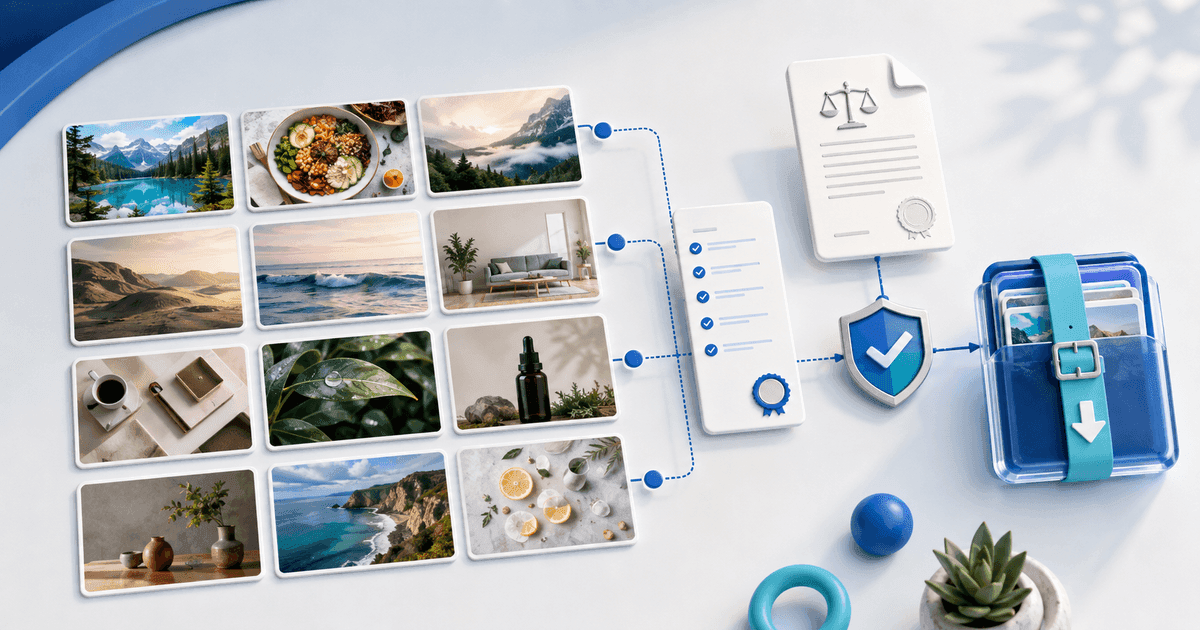
Example product
A photo pack with six images
Instant download after payment
Put the files in one archive. Include a README or license if buyers need instructions or usage terms. Open the ZIP yourself to check its contents.
Upload the ZIP, add a cover and describe exactly what’s inside. Set a price and publish your product page.
Share the link on your website, in your bio or by email. After checkout, customers can download the ZIP automatically.
Put your high-resolution JPEGs and a usage license in one ZIP. On the product page, show a few previews and list the image count, dimensions and permitted uses.
Bundle the editable files, a filled-in example and a quick-start guide. State which app and version buyers need before they purchase.
Group PNG, SVG or editable source files in clearly named folders. Include a preview sheet so buyers can see which assets and variations they get.
Package the workflow export with a setup guide, a list of required apps or nodes, and a usage license. For an n8n workflow, for example, include the JSON export and state which n8n version you tested. Tell buyers which accounts or API keys they need to supply.
Before uploading, remove secrets and customer data. Import the export into a clean workspace and run it with sample inputs. Buyers receive the ZIP after payment and import the workflow into their own account.