Getting paid starts with getting your payment link in front of the right person, at the right time, through the right channel. You can create the most beautifully branded checkout page in the world, but if your customer never opens the message containing the link, you're stuck waiting.
This guide breaks down every major channel for sending payment links in 2026, compares their conversion rates, and helps you choose the best approach for your business type. Whether you're billing B2B clients, collecting from consumers, or accepting payments in person, there's a channel strategy that maximises your collection rate.
Why the Delivery Channel Matters More Than You Think
Most businesses spend time perfecting their invoice design or checkout flow, then send the payment link via email and hope for the best. That approach leaves money on the table.
Research from payment providers shows that the channel you use to deliver a payment link directly impacts how fast you get paid. An SMS payment link gets opened within 3 minutes on average, while an email might sit unopened for hours or days. For overdue invoices, a WhatsApp message with a payment link gets a response 4x faster than a follow-up email.
The best collection strategy isn't about picking one channel — it's about matching the channel to the situation. A new invoice goes by email. A friendly reminder goes by SMS. An overdue follow-up goes via WhatsApp or even a phone call with a link sent during the conversation.
Late payments cost European SMEs an estimated €275 billion annually in lost productivity and cash flow gaps. Every day a payment is delayed, your business absorbs that cost. Choosing the right delivery channel can compress your average collection time from 23 days to under 5 days — a difference that compounds across hundreds of invoices per year.
Email: The B2B Standard
Email remains the primary channel for sending payment links, and for good reason. It creates a paper trail, works across every device, and integrates naturally into existing business communication.
Email excels for initial invoice delivery, recurring billing notifications, and any situation where your customer needs a record of the transaction. B2B clients expect to receive payment requests via email — it fits their internal approval workflows and accounting processes.
With PayRequest, every invoice and payment link can be sent directly via email with your branding, a clear description of what's owed, and a prominent pay button. The customer clicks, lands on a secure checkout page, and pays with their preferred method.
The subject line determines whether your payment email gets opened or buried. Include the amount and due date directly in the subject: "Invoice #1042 — €2,500 due March 15" outperforms generic subjects like "Payment reminder" by a wide margin.
Keep the email body short. State what the payment is for, the amount, and include one clear call-to-action button. Avoid attachments — a clickable payment link converts better than a PDF invoice that requires the customer to figure out how to pay.
Send payment emails on Tuesday through Thursday mornings. Open rates drop significantly on Mondays (inbox overload) and Fridays (weekend mindset). For B2B, sending between 9-11 AM in your customer's timezone maximises engagement.
Email's weakness is urgency. Average open times for business email range from 1-6 hours, and payment emails compete with every other message in the inbox. For time-sensitive collections or overdue amounts, supplement email with a faster channel.
SMS: The Speed Champion
SMS is the fastest way to get a payment link opened. Text messages have a 98% open rate, and 90% of SMS messages are read within 3 minutes of delivery. For businesses that need fast payment collection, SMS is unmatched.
SMS shines for payment reminders, overdue follow-ups, appointment deposits, and any situation where immediacy matters. Service businesses — personal trainers, therapists, salons, contractors — see particularly strong results because their customers are accustomed to text-based communication.
Create a payment link in PayRequest, copy it, and send it via text. Keep the message under 160 characters for maximum compatibility: "Hi Sarah, your €150 coaching session payment is ready: [link]. Thanks! — Studio Zen"
Always identify yourself in the message. Customers ignore texts from unknown numbers, so include your business name. Keep it personal but professional — use the customer's first name and reference the specific product or service.
Timing matters with SMS even more than email. Never send payment texts before 9 AM or after 8 PM. Weekend sends are acceptable for consumer payments but should be avoided for B2B. The sweet spot is early afternoon (1-3 PM) when people tend to check their phones during breaks.
Include only the essential information: who you are, what it's for, the amount, and the link. Don't add marketing messages or upsells — a payment SMS should feel transactional, not promotional.
SMS costs between €0.03-0.10 per message depending on your provider and country. For high-value invoices, this cost is negligible compared to the speed improvement. However, you need explicit consent to send payment SMS in most jurisdictions under GDPR and similar regulations.
WhatsApp: The Global Favourite
WhatsApp has over 2 billion users worldwide and dominates business communication in Europe, Latin America, Africa, and Asia. Its 98% open rate rivals SMS, but with richer formatting and the ability to have a conversation around the payment.
WhatsApp is ideal for businesses with ongoing client relationships — agencies, consultants, coaches, and service providers who already communicate with clients via WhatsApp. Sending a payment link in an existing conversation thread feels natural, not intrusive.
It also excels for international payments. While SMS costs vary dramatically across countries, WhatsApp messages are free over internet. For businesses billing clients across borders, WhatsApp eliminates the friction of international SMS fees.
Send the payment link as part of a brief, conversational message rather than a cold payment demand. Start with context: "Hi Maria, the website redesign is complete and ready for your review. Here's the final invoice for €3,200: [link]. Let me know if you have any questions!"
WhatsApp's read receipts (blue ticks) give you visibility into whether the customer has seen your message — something email can't reliably provide. If you see the message was read but no payment followed, you know a gentle follow-up is appropriate.
For occasional payment links, your personal or WhatsApp Business app works fine. For automated or high-volume payment collections, consider the WhatsApp Business API, which integrates with CRM tools and allows templated messages with payment links.
PayRequest's smart links generate branded checkout URLs that display beautifully in WhatsApp previews, showing your business name, amount, and a professional thumbnail.
QR Codes: The In-Person Solution
QR codes turn any physical touchpoint into a payment opportunity. Customers scan a code with their phone camera and land directly on your payment page — no typing URLs, no searching for your website.
QR codes excel in face-to-face scenarios: events, markets, retail counters, restaurants, service visits, and anywhere you interact with customers physically. They also work well on printed invoices, business cards, and marketing materials.
PayRequest automatically generates a QR code for every payment link you create. Print it, display it on a tablet, or include it in physical correspondence.
Display a QR code at your checkout counter with the text "Scan to pay." Include QR codes on paper invoices alongside traditional bank details — customers who prefer digital payment will appreciate the option. Add them to event badges, workshop handouts, or service completion forms.
For variable amounts, use PayRequest's dynamic payment links to create QR codes that let customers enter their own amount — perfect for donations, tips, or pay-what-you-want models.
QR codes require the customer to have their phone available and a camera that can read codes (virtually all smartphones since 2018). They don't work for remote billing — if your customer isn't physically present, stick with digital channels.
Social Media: Cast a Wider Net
Payment links on social media work differently from direct channels. Instead of sending a link to a specific customer, you're making a payment option available to your audience. This approach suits creators, small businesses, and anyone selling products or services to followers.
Add your payment link to your Instagram bio, include it in Stories with a swipe-up link, or share it in Facebook posts and groups. For service businesses, create a post announcing your offering with the payment link directly in the caption.
PayRequest's sales pages create polished landing pages that look professional when shared on social platforms. The preview card shows your product name, price, and branding — much more clickable than a raw URL.
For B2B services, LinkedIn is underrated as a payment channel. Share a post about your consulting, coaching, or professional services with a booking or payment link. Direct messages to prospects or clients can include payment links for proposals already discussed.
Short-form platforms work well for creators selling digital products, memberships, or services. Pin a tweet with your payment link, include it in your bio, or share it in relevant threads. The key is context — explain what the customer gets before dropping the link.
Invoicing Software: The Automated Approach
For businesses sending regular invoices, the most effective strategy is automating payment link delivery through your billing platform. PayRequest's invoicing system automatically includes a payment link in every invoice email, reminder, and overdue notice.
Set up a reminder sequence that escalates across channels. PayRequest's dunning system can send the initial invoice by email, a friendly reminder 3 days before the due date, an overdue notice on day 1, and escalating reminders at day 7, 14, and 30.
Each reminder includes a fresh payment link, making it effortless for the customer to pay the moment they decide to act. Automated reminders recover an average of 30-40% of overdue invoices without any manual intervention.
PayRequest's customer portal gives your clients a self-service dashboard where they can view all outstanding invoices and pay with one click. Share the portal link once, and customers can return anytime to manage their payments — no more searching through old emails for payment links.
Choosing the Right Channel: A Decision Framework
The best channel depends on three factors: your relationship with the customer, the urgency of the payment, and the amount.
For B2B clients with formal relationships, email is your primary channel with SMS or WhatsApp for overdue follow-ups. For consumers and informal client relationships, lead with SMS or WhatsApp. For audiences and followers, use social media and your website.
Routine invoices go by email. Upcoming due dates get an SMS reminder. Overdue payments escalate to WhatsApp or phone. Same-day payments (deposits, bookings, event tickets) should go via the fastest available channel — usually SMS or WhatsApp.
High-value invoices (€1,000+) deserve the formality of email with a professional invoice attached. Mid-range payments (€50-1,000) work across any channel. Small payments and microtransactions (under €50) convert best via SMS or WhatsApp where the friction of paying is lowest.
Multi-Channel Strategy: The 2026 Playbook
The most successful businesses in 2026 don't rely on a single channel. They use a multi-channel approach that matches the delivery method to the payment stage.
Initial invoice: Email with branded payment link and full invoice details.
Pre-due reminder (3 days before): SMS or WhatsApp — short, friendly, with payment link.
Due date reminder: Email + SMS on the same day for maximum visibility.
Overdue follow-up (7 days): WhatsApp message with conversational tone and payment link.
Final notice (30 days): Email with formal language, plus phone call with payment link sent via SMS during the call.
This escalation ensures customers receive payment links through their preferred channel while increasing urgency naturally. PayRequest supports this workflow through its automated dunning and smart payment links that track which links have been opened and paid.
Key Takeaways
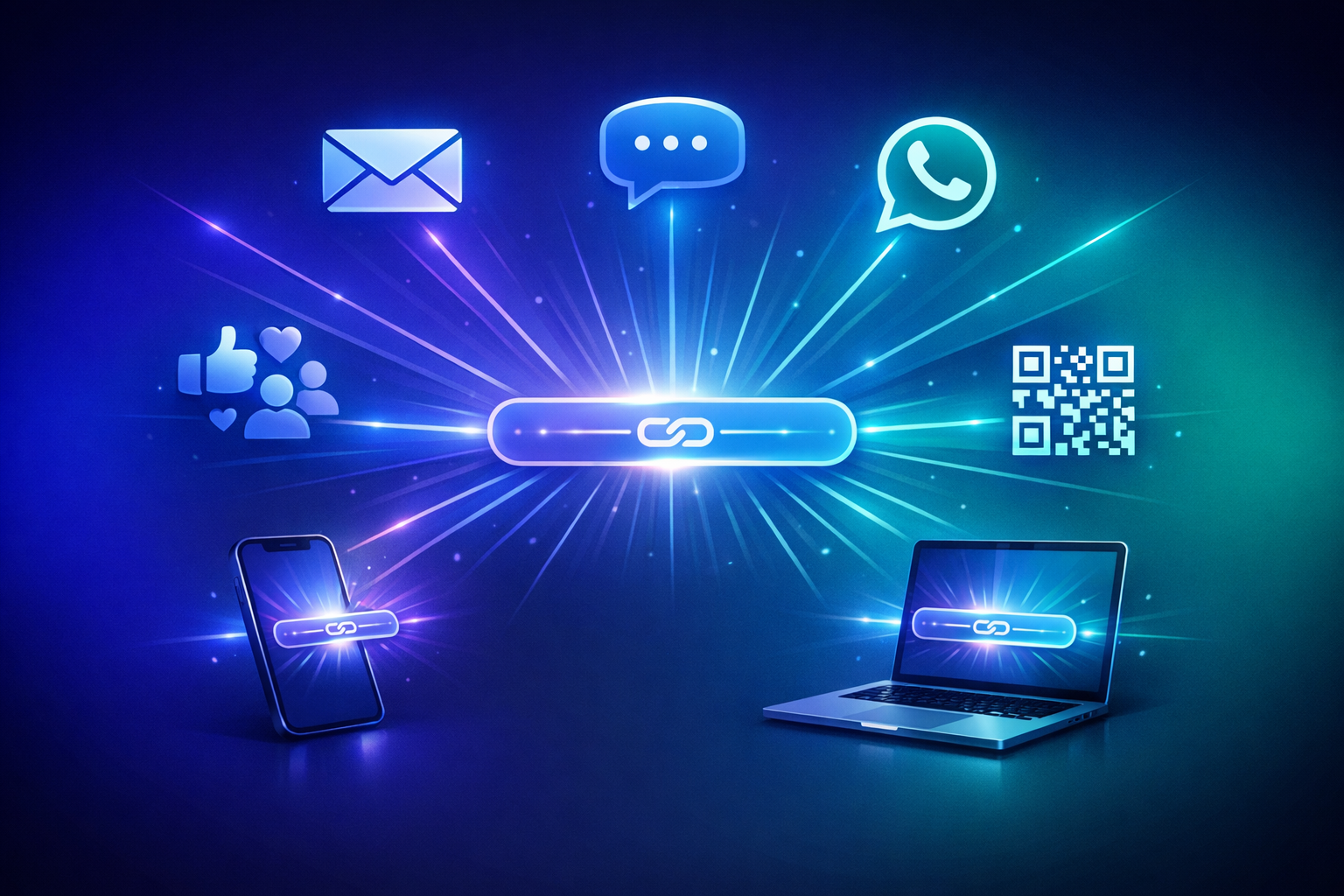
The channel you choose for sending payment links has a direct, measurable impact on how fast you get paid. Email provides the professional foundation, SMS delivers speed, WhatsApp enables conversation, QR codes capture in-person payments, and social media opens your business to new customers.
Don't limit yourself to one channel. Build a multi-channel collection strategy that escalates from email to faster channels as payments become overdue. With PayRequest, every payment link works across every channel — create once, send anywhere, and get paid faster.
Start sending payment links today — create branded payment links in seconds and share them via email, SMS, WhatsApp, QR code, or social media. All features included at €20/month.