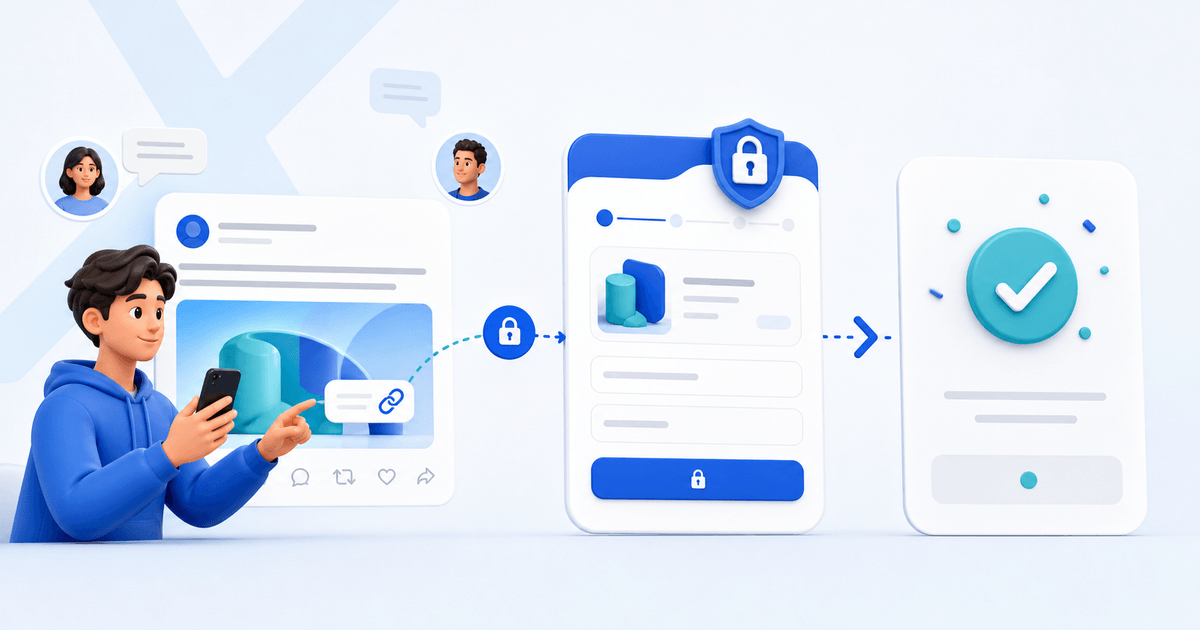
X does not provide a universal request-money button for ordinary sellers in every country. The reliable way to request payment on X (formerly Twitter) is to create a hosted payment link, share the offer publicly, and send the actual checkout link in a reply or direct message when privacy matters.
That distinction is important. A public post is useful for discovery, but order details, customer names and custom prices should not be exposed in a timeline.
Choose the Right X Payment Flow
| Situation | Best link | Where to share it |
|---|---|---|
| One fixed product | Product payment link | Post, profile or DM |
| Custom commission | Customer-specific payment request | DM only |
| Several products | Store or sales-page link | Profile website field |
| Tips or support | Open-amount tip page | Profile and pinned post |
| Recurring access | Subscription or membership checkout | Offer post, then DM |
Do not describe a third-party checkout as an “X payment.” X has announced and developed its own payment ambitions, but availability and functionality can change by market. A link to an external hosted checkout remains a separate payment flow.
The Public-Post, Private-Checkout Method
Use a two-stage workflow:
- Publish the result, product or available slot—not a vague request for money.
- State the price or explain how a quote is calculated.
- Ask interested buyers to reply or send a DM.
- Confirm scope, currency, delivery and refund terms privately.
- Send one payment link that matches the agreed order.
- Keep the payment confirmation and deliver through the promised channel.
For a €75 logo review, for example, the public post can explain what the buyer receives and when the two slots close. The DM confirms the website, deadline and contact email. The payment request then shows “Logo review — agreed scope,” €75, and the correct buyer details.
This is safer than pasting the same generic link into every reply. It also creates a clearer record if the buyer later asks what the payment covered.
What to Put in the Post
A useful selling post answers five questions without making people decode a thread:
- What is being sold?
- Who is it for?
- What exactly is included?
- What does it cost, or how is the quote set?
- What should an interested buyer do next?
Example structure:
Offer: I will review one landing page and return a marked-up PDF plus a 10-minute walkthrough. Fit: solo SaaS founders before launch. Price: €75. Capacity: two reviews this week. Action: reply “review” or DM me; I will confirm the scope before sending a secure checkout link.
Do not manufacture scarcity. If there is no real capacity limit or deadline, leave it out.
Add a Payment Link to Your X Profile
Use the profile website field for the destination that stays useful between campaigns. A store is appropriate when buyers can choose between several products. A focused sales page is better when you sell one service that needs explanation. A personal payment page can work for tips or flexible requests.
Pin a post that explains what happens after someone clicks. The profile link and pinned post should agree on the offer, price and identity. Mismatched names or unexpected domains make legitimate checkouts look suspicious.
Safety Checks Before Sharing a Link
Payment-link scams are common enough that buyers inspect small inconsistencies. Use HTTPS, a recognizable seller name and a checkout that clearly shows the amount, currency and item. Never ask a buyer to send card details, passwords or one-time codes in an X DM.
Before publishing, open the link in a private browser and verify:
- the correct product and price appear;
- mobile checkout is readable;
- supported payment methods are not overstated;
- the success message explains delivery;
- your refund or cancellation terms are accessible;
- the link does not expose another customer's data.
If an account impersonates you, report it through X and warn customers through a channel you control. Do not try to “verify” a buyer by requesting sensitive banking information.
Track Which Posts Produce Sales
Create a separate campaign link or add approved tracking parameters for each campaign. Measure completed payments rather than link clicks alone. A post with 20 clicks and three qualified purchases is more valuable than a viral post with 2,000 curious visits and no sales.
Keep a simple log containing the post URL, offer, date, link version, clicks where available, checkouts and completed payments. Change one element at a time—the opening example, price framing or CTA—so the next result teaches you something.
Create the Request in PayRequest
With PayRequest payment links, you can create a hosted checkout and share it through a post, profile or DM. Use a sales page for an offer that needs proof and FAQs, or digital products when the paid file should be delivered automatically.
The practical rule is simple: use X to start the conversation and a clearly identified checkout to finish the payment. Create a free PayRequest account when your offer and delivery terms are ready.

