If your Ponto bank feed stops, check bank-account authorization in Ponto, restore access where needed, and refresh the account in PayRequest. Then trace the interruption period from booked bank receipts to imported transactions and matched invoices. A connected label or recent refresh timestamp does not prove that every invoice is paid.
This guide is for a billing administrator investigating a feed interruption. The original gap ledger below makes recovery review explicit. It is an operational checklist, not a promise of complete historical backfill or a tested outage in a customer account.
Find Which Checkpoint Stopped
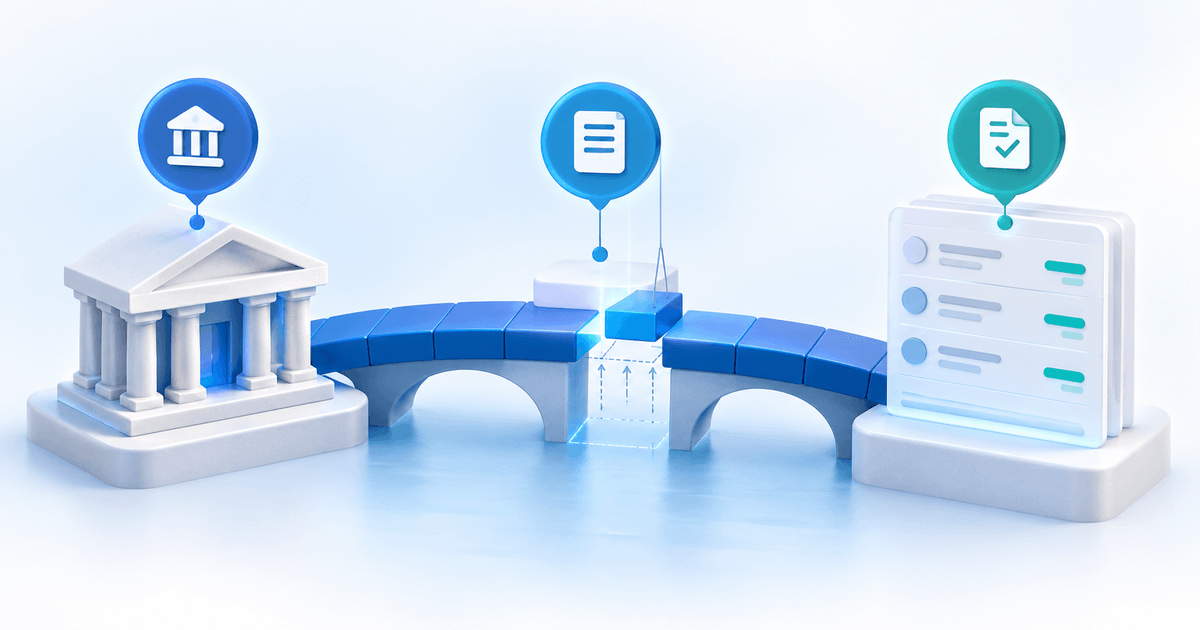
There are four useful checkpoints: the bank booked the receipt, Ponto exposes it, PayRequest imported it, and the correct invoice reflects it. Record the last confirmed point rather than describing every problem as “reconciliation failed.”
| Checkpoint | Evidence | If it is missing |
|---|---|---|
| Bank receipt | Booked transaction, amount and date | Check receipt with the bank/customer |
| Ponto feed | Account access and transaction visible | Review authorization or bank-interface issue |
| PayRequest import | Same transaction visible in the account | Refresh, then investigate the import |
| Invoice match | Correct invoice and recorded receipt | Review reference, amount and prior entries |
A pending bank entry should remain separate from a booked receipt. The customer sending a transfer screenshot is useful context, but your review should follow the receiving account's actual record.
Restore Access Before Investigating Matching
Ponto's banking-connectivity guidance identifies expired authorization and bank-interface issues as possible causes of missing recent transactions. Check the affected account in Ponto and reauthorize there when required. Do not confuse customer bank consent with an application's API access token.
In PayRequest, follow Bank Sync documentation: review Settings → Ponto, the account details and last sync, then use Refresh Accounts. The documentation also describes removing and adding a connection again when reconnection is necessary. Record the account and interruption period before that step; do not delete connections merely because one invoice is unmatched.
If authorization succeeds but the transaction is still absent, identify whether Ponto or PayRequest is missing it. Report that boundary to support. Bank access, transaction availability and historical coverage vary; avoid promising instant or unlimited recovery.
Build a Ledger for the Interruption Period
Here is a fictional recovery review for 5–9 October. The numbers describe three different receipts, not actual PayRequest customers. Replace them with your own booked transactions and identifiers.
| Receipt | Amount | After access is restored | Next review |
|---|---|---|---|
| 5 October, invoice A | €240 | Imported and matched once | Confirm invoice balance |
| 7 October, invoice B | €180 | Booked at bank, absent from import | Locate missing feed/import checkpoint |
| 9 October, invoice C | €95 | Imported, invoice still open | Inspect reference and earlier payment entry |
The review set totals €515. If only A is verified through the invoice checkpoint, the confirmed amount is €240; the remaining €275 needs investigation. This is a control total for these examples, not an assertion that either missing amount is unpaid.
Choose the window from your last known complete review through the current bank statement. Keep opening and closing dates, account identity, transaction identifiers, owner and unresolved cases together. An import timestamp is supporting information, not the window's acceptance test.
Prevent a Duplicate Payment Entry
Before manually recording a receipt, search the invoice and transaction history for the same bank payment. A receipt recorded manually during the interruption can appear again when the feed recovers. Preserve its identifier and record how it was handled so the next reviewer does not count it twice.
For an imported receipt that is still unmatched, compare the actual reference and amount. The missing-reference workflow addresses ambiguous identification; reconnecting the account cannot repair a missing reference on its own. Do not force an invoice to Paid just to clear the review queue.
Hand Off a Specific Unresolved Case
A support handoff should contain the account's masked identifier, interruption dates, authorization result, last refresh time, booked transaction date/amount, and whether the transaction appears in Ponto and PayRequest. Include the intended invoice and any manual entry. Never include bank passwords or access tokens.
This isolates a feed problem from a matching problem and gives the next person a reproducible comparison. Keep the case open until the missing checkpoint is verified or an explicit alternative resolution is documented.
Confirm Recovery in PayRequest
Review the Ponto connection, then use Automatic Reconciliation to understand the invoice-matching destination. Recovery is complete for a receipt when its bank evidence, import and invoice treatment agree, not simply when the connection works again.
Prepared by the PayRequest Team with AI assistance. First-party documentation and relevant import code were reviewed on 9 October 2026. The ledger is illustrative; no outage or customer result is claimed.