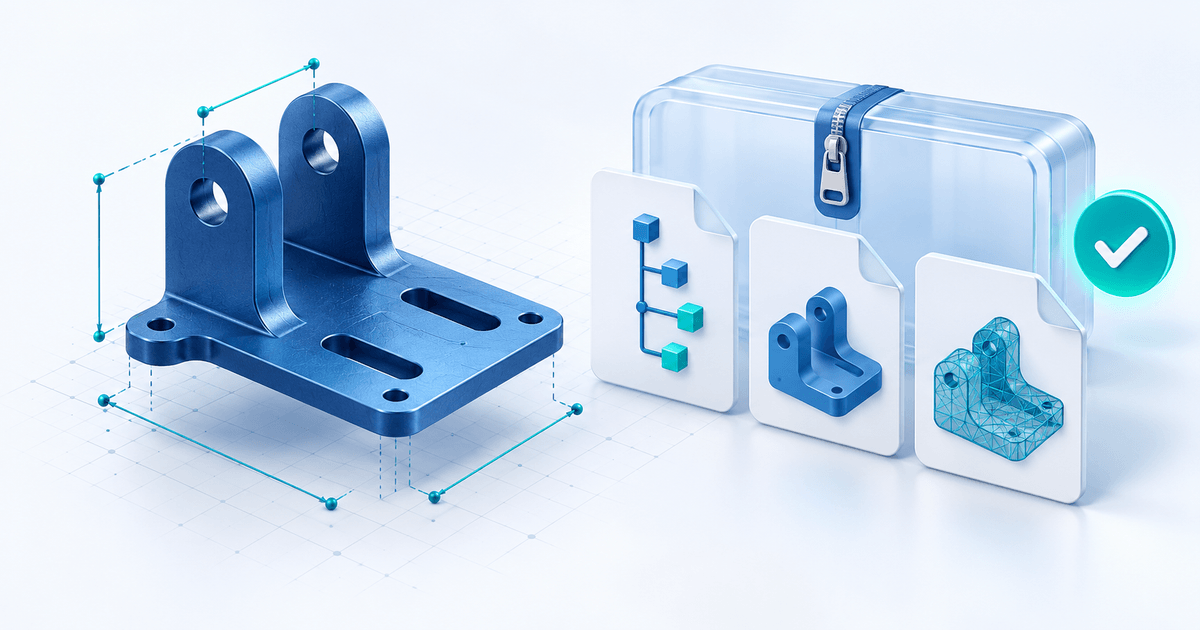
To sell a reusable FreeCAD template, deliver the editable FCStd source together with instructions defining which parameters buyers may change. Include the exports you promise, identify the required FreeCAD version and workbenches, and package the release in one ZIP. A render or STEP export alone does not explain the template's editable behavior.
This guide is for independent CAD makers selling a repeatable design, rather than providing a custom engineering service. The parameter contract and package manifest below are original examples, not a tested model or a manufacturing certification.
State What the Buyer Can Edit
FreeCAD's FCStd format documentation describes native documents containing geometric and parametric definitions. That is the source format to include when the product promises a FreeCAD-editable model. An interchange or mesh export serves a different delivery need; explain each file's purpose rather than labeling every file “fully editable.” See the project's export documentation.
List the version used to prepare the model and any required workbenches. State which dependencies are included, which the buyer must obtain and whether your example opens without them. Include only files and third-party assets you have permission to distribute.
Write a Parameter Contract Before the Product Copy
Example: a simple mounting plate with two holes. These are proposed product boundaries, not validated design tolerances:
| Parameter | Example default | Promised input range | Acceptance check |
|---|---|---|---|
| Plate width | 80 mm | 60–100 mm | Both holes stay inside the plate |
| Hole spacing | 40 mm | 30–50 mm | Spacing leaves material at both edges |
| Hole diameter | 6 mm | 4–8 mm | Model recomputes and holes remain distinct |
| Thickness | 4 mm | 3–6 mm | Export contains the intended solid |
A transparent geometric screening calculation is (width − spacing − diameter) / 2. At the default, (80 − 40 − 6) / 2 = 17 mm from each outer hole edge to the plate edge. At width 60, spacing 50 and diameter 8, it is only 1 mm. That arithmetic does not establish strength, printable tolerances or suitability for a load; it reveals why independent parameter ranges need a combined-boundary test.
If the corner combination fails your actual model or intended use, narrow the advertised combinations. Do not promise that arbitrary inputs will work because each single parameter worked once.
Deliver One Versioned Package
Use a release name such as mounting-template-r1.zip. A proposed manifest:
| File | Purpose |
|---|---|
| mounting-template.FCStd | Editable native model |
| mounting-default.step | Optional default geometry export, if promised |
| mounting-default.stl | Optional mesh export, with units and intended use explained |
| parameter-guide.pdf | Parameter names, defaults, constraints and instructions |
| README.txt | FreeCAD version, workbenches, release ID and opening steps |
| usage-terms.txt | Your permitted uses, exclusions and support scope |
Keep source and exports from the same release. When the buyer changes parameters, tell them which exports must be regenerated. The supplied default STL does not change itself when they edit the source.
Review the Buyer’s First Ten Minutes
- Extract the ZIP into a fresh folder and open the source in the stated environment.
- Change one allowed parameter, recompute and inspect the result.
- Check minimum, maximum and combined boundary cases from the parameter contract.
- Generate the promised exports and reopen them independently to inspect geometry and units.
- Remove local paths, private client details and unlicensed reference files from the release.
- Have the instructions explain a recovery path: reopen an untouched source copy if an unsupported input breaks the model.
These are acceptance steps for you to perform. This article does not claim they have been completed on a downloadable product.
Connect the Package to Paid Delivery
PayRequest's Digital Products documentation supports ZIP delivery after confirmed payment, with download limits and expiry. FCStd and STEP are not listed as direct upload extensions, so put them inside the supported ZIP instead of promising native CAD validation. Keep the upload within the documented 500MB limit.
Describe the package contents and tested environment before purchase. Review the delivered archive and buyer instructions. Payment-gated delivery controls access to the download; it does not prevent redistribution of files a buyer already downloaded or certify the model.
Explore PayRequest Digital Products for the reviewed package. For general CAD payment and delivery decisions, see selling CAD files securely.
Ready to configure your workflow? Create a PayRequest account.
Prepared by the PayRequest Team with AI assistance. Documentation reviewed on 11 October 2026. The mounting plate, parameter ranges and manifest are illustrative; no physical or CAD test is claimed.