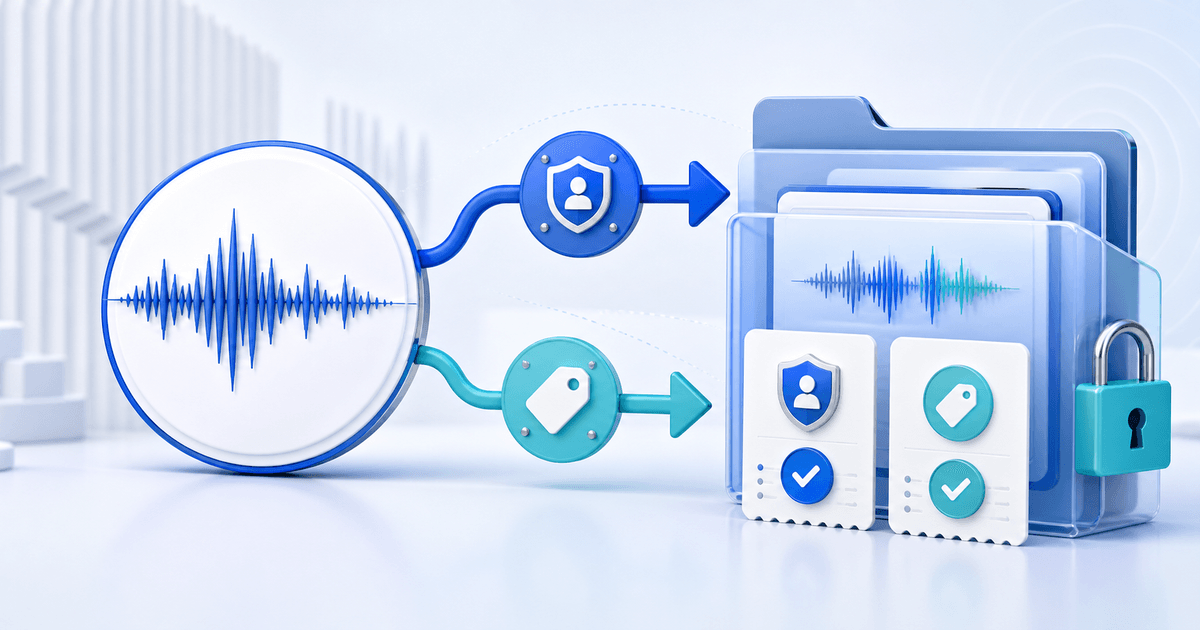
Sell a royalty-free music track only when the buyer can identify the recording, the permitted use and the proof of license from one order. “Royalty-free” usually describes a licensing model; it does not mean copyright-free, free of charge or cleared for every medium.
This workflow is for independent composers selling background music directly to video creators, podcasters, agencies and small production teams. Its original asset is a rights-to-file release matrix that connects every price tier to a defined use, exact audio master and buyer receipt.
Separate the Work, Recording and License
A musical composition and its sound recording can have different owners. Confirm that you control the rights needed for both, plus any performance, sample, vocalist or third-party material included in the master. A distributor agreement, performing-rights registration or permission to stream a track does not automatically grant every synchronization or commercial-use right.
The U.S. Copyright Office's music licensing study explains that musical works and sound recordings are separate copyrighted works and that uses can require different permissions. Rights and terminology vary by country and project, so treat this as a release workflow rather than legal advice.
Build a Rights-to-File Release Matrix
| Release field | Record for every tier | Buyer question answered |
|---|---|---|
| Track identity | Title, composer, recording owner and version | Which recording did I license? |
| Permitted media | Web video, podcast, social, app, game, broadcast or venue | Where may I use it? |
| Commercial scope | Personal, monetized channel, client project or organization | Whose project is covered? |
| Limits | Seats, channels, projects, territory and duration | How far does permission extend? |
| Restrictions | No raw-file resale, music-library upload or ownership claim | What remains prohibited? |
| Delivered proof | Order ID, license version, buyer and track ID | What can I show during a claim? |
Do not put “all commercial use” on a product page when the actual license excludes advertising, broadcast, applications or client work. Name the boundary beside the price.
Prepare One Reproducible Download
Create lossless WAV as the production master and add MP3 only when it makes previewing or editing easier. Record sample rate, bit depth, duration, loudness target if relevant and whether alternate cuts, loops or stems are included. Keep the public preview separate from the licensed master.
Package the audio, plain-language license, track information and a readme in one versioned ZIP. Use a stable identifier such as `golden-hour-v1.1` in the ZIP, license and product record. Open the final archive, play every file from beginning to end and confirm that metadata does not expose an unrelated working title or collaborator.
Test the Buyer Proof Packet
Complete a buyer-view order for each materially different license tier. The receipt and delivered license should agree on buyer, track, tier, version and date. Save a compact proof packet containing:
- the product description and selected tier;
- the successful order and provider transaction reference;
- the exact license version delivered;
- the track ID and file checksum;
- any later written permission or exception.
This packet does not guarantee that a platform claim or dispute will be resolved in the buyer's favor. It makes the permission legible and reproducible instead of forcing both parties to reconstruct it from emails.
Publish the Direct-Licensing Product
Use PayRequest's music and audio product page to show the use-specific license beside the track and release the approved ZIP after successful payment. Protected file delivery keeps the order connected to the delivered version instead of exposing a public folder.
Start with one track and two genuinely different tiers, such as one monetized channel and one client project. Buy both, compare the proof packets and publish only when a buyer can answer who, what, where and for how long without asking you to reinterpret “royalty-free.”