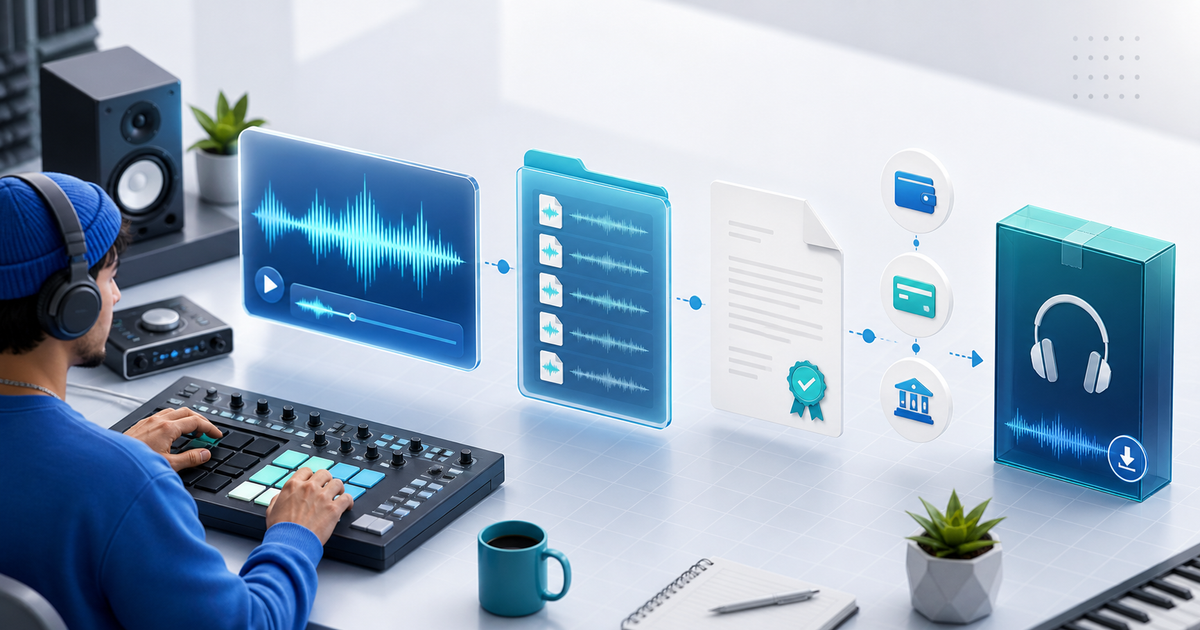
Yes, you can sell sample packs with PayPal, but PayPal is only the checkout step. A reliable sample-pack business also needs a real preview, a precise license, protected delivery and a record of which pack version each buyer received.
This guide is for producers and sound designers who already promote through YouTube, Instagram, Discord, Telegram or direct messages and want one product link instead of emailing ZIP files manually.
What Buyers Need to Decide
Before paying, a buyer should be able to answer four questions:
- What sounds are included and how many files are in the pack?
- Are the files WAV, AIFF, MIDI, presets or a mixture?
- Can the buyer use the sounds commercially, and can they resell them as standalone samples?
- What happens immediately after a successful payment?
Use a short preview or demo arrangement that proves the quality without exposing the complete pack. A preview is an example of the product, not a substitute for a license.
A PayPal Sample-Pack Workflow That Holds Together
- Export the final pack and open every file on a clean device.
- Add tempo, key, format, file count, size and license details to the product description.
- Create a separate preview that contains representative loops or one-shots, not the complete commercial pack.
- Connect an eligible PayPal business account and check the payment methods shown in your market.
- Test checkout, confirmation and download delivery as a new buyer.
- Keep the PayPal transaction ID, pack version, license text and delivery event together.
PayPal Payment Links can create a shareable checkout without a custom store. They do not, by themselves, provide a protected sample-pack library or versioned fulfillment. That is the operational gap a digital-product checkout must cover.
License Language Matters More Than the ZIP Name
State whether the buyer may use the samples in commercial songs, videos, games or client work. Also state what is prohibited: reselling the raw WAV files, uploading the pack to another sample library, or claiming the samples as original recordings.
Do not promise “royalty-free” unless the terms actually grant that right. If a pack includes third-party material, verify that your own license permits redistribution in the form you sell.
PayPal Checkout vs. Product Delivery
| Job | PayPal provides | Your product workflow must provide |
|---|---|---|
| Collect money | Hosted payment and transaction record | The correct price and currency |
| Explain the offer | Basic checkout details | Preview, file list and license |
| Release the pack | Payment confirmation | Protected, order-specific delivery |
| Support a dispute | Transaction information | Version, delivery and customer records |
PayRequest's digital-products workflow lets you create a product page, connect a provider such as PayPal and deliver the digital product after successful payment. The standard PayRequest pricing is 2% per successful payment, capped at €25 per transaction; provider fees and regional availability remain separate.
The Pre-Publish Test
Buy your own pack from a phone and a desktop browser. Confirm that the buyer sees the right price, the preview plays, PayPal returns to the expected confirmation, the download is not a public folder, and the license names the exact files delivered. Replace one pack version and record how you will handle updates for earlier buyers.
When the preview, license and delivery trail are ready, sell sample packs with PayRequest and share the same product link wherever your audience already listens.
Yes. Connect an eligible commercial PayPal account to a digital-product workflow and clearly state the delivered formats, license and file size. Check the payment methods available for your account and market.
No. PayPal processes the payment. A separate product-delivery system should issue protected access only after successful confirmation.
Avoid manual public links. Use order-specific or protected delivery and keep the payment, license and delivery records together.