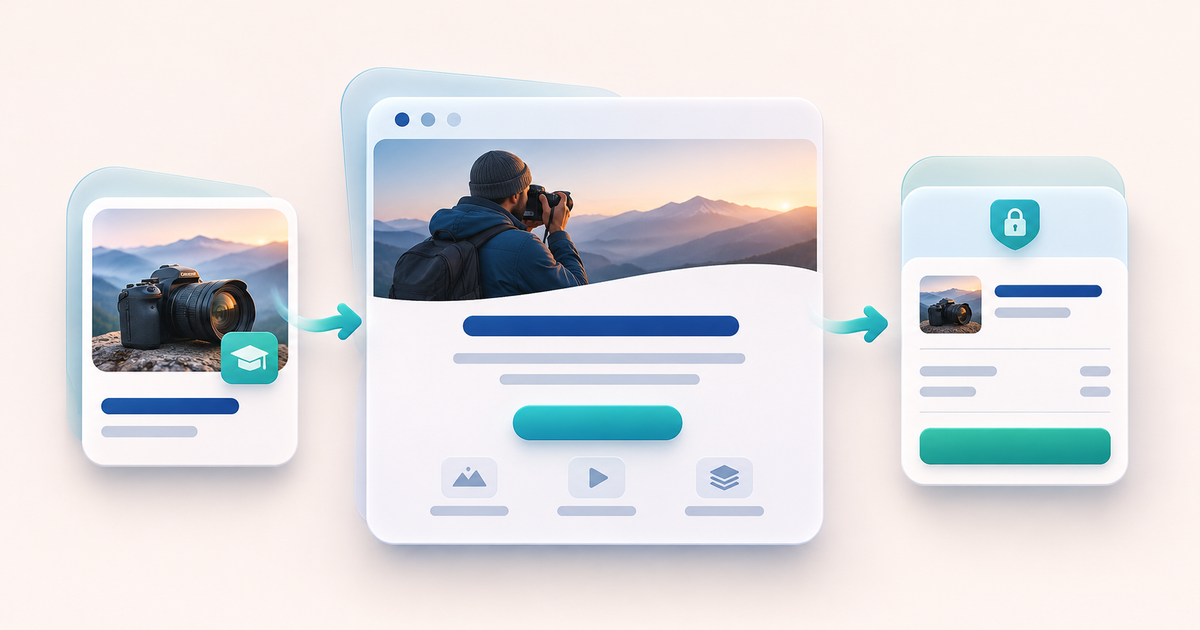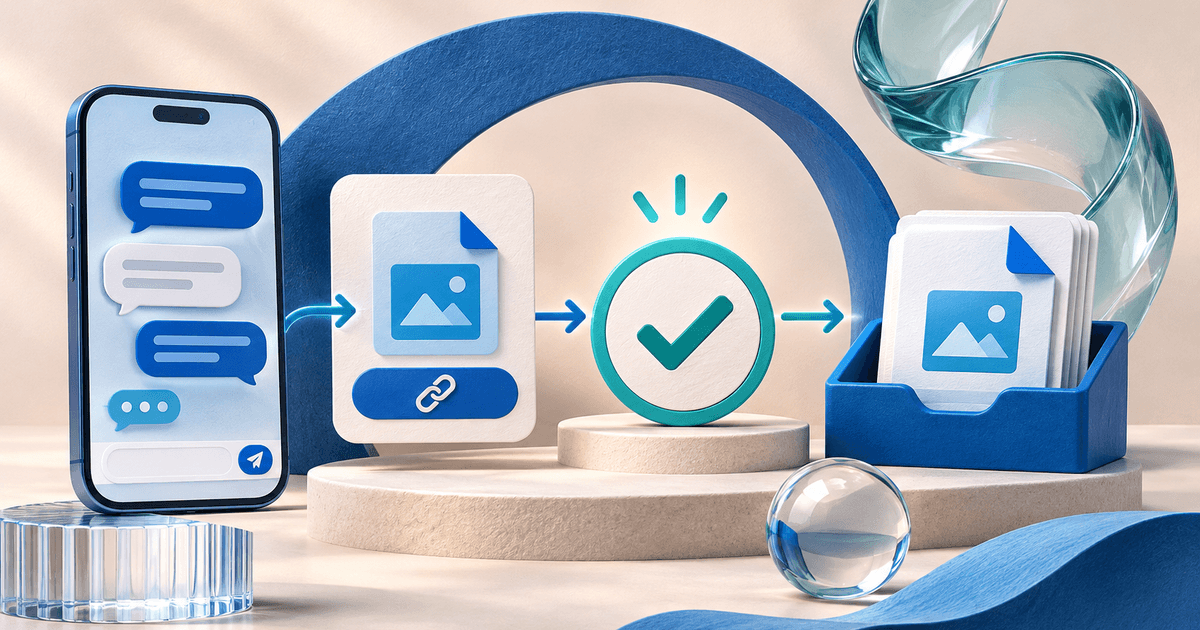
To sell study PDFs through WhatsApp without sending every file manually, share a digital product link instead of attaching the paid PDF to the chat. The buyer reads the offer, completes checkout and receives delivery after confirmed payment. WhatsApp carries the conversation; the external product page handles the purchase.
This workflow does not require a WhatsApp bot or claim a native WhatsApp checkout integration. It is for creators selling original notes to an audience they already have permission to contact. You still need to answer genuine support questions.
Replace the two-message handoff with one product link
The manual pattern is familiar: someone asks for notes, you send a payment request, wait for a screenshot and attach a file. The problems multiply when two PDFs cost the same amount or buyers ask while you are offline. An amount alone does not identify the product, and a screenshot does not establish that payment succeeded.
In our hypothetical example, a creator offers a 12-page summary for €8 and a separate 48-page guide for €24. Each has its own product page and associated file. The pricing worksheet explains the assumptions; these are not observed sales.
| Step | Manual chat approach | Product-link approach |
|---|---|---|
| Offer | Repeated explanation in messages | One description with scope and preview |
| Payment | Separate request and screenshot | Checkout tied to the selected product |
| Confirmation | Seller checks each claim | Delivery follows the confirmed paid order |
| File | Seller chooses an attachment | Product has its intended uploaded PDF |
| Problem | Search old messages | Investigate the order reference privately |
Prepare the product outside WhatsApp
Use PayRequest digital products to describe the PDF, upload its approved edition, set the price and configure delivery. Connect an eligible supported payment provider. For PayPal, confirm the merchant account and country requirements; the PayPal checkout-and-delivery guide explains the separate responsibilities.
Include topic, audience, language, page count, edition date, file format, license, preview and support address. Keep the paid file out of public preview links. PayRequest does not write or validate your educational content and does not prevent a paying buyer from copying a downloaded PDF.
Free supports digital products with a 2% standard payment fee capped at €25 per transaction. Active Premium (€5/month) and Business (€20/month) remove standard platform fees. Provider fees and commission-payment exceptions remain separate. See current plans; selecting a paid plan at registration does not activate access.
Copy a clear sales message
Use this template only in a conversation or community where the person welcomes the offer and promotion is allowed. Replace every bracketed field.
Do not say “instant download” if you have not checked the route or if the selected method can remain pending. Do not post the full purchased file to a group as the preview. Once a file is in the group, later payment cannot restore its privacy.
For nursing material, the original-notes launch example shows how to define a preview without exposing patient data or copying a textbook.
Verify on a phone before announcing it
Open the shared link from a WhatsApp conversation on your phone. Confirm it reaches the right product, the preview is readable and the price is clear. Test the intended payment-to-delivery journey through an appropriate purchase check before promoting it. This article has not made a live transaction.
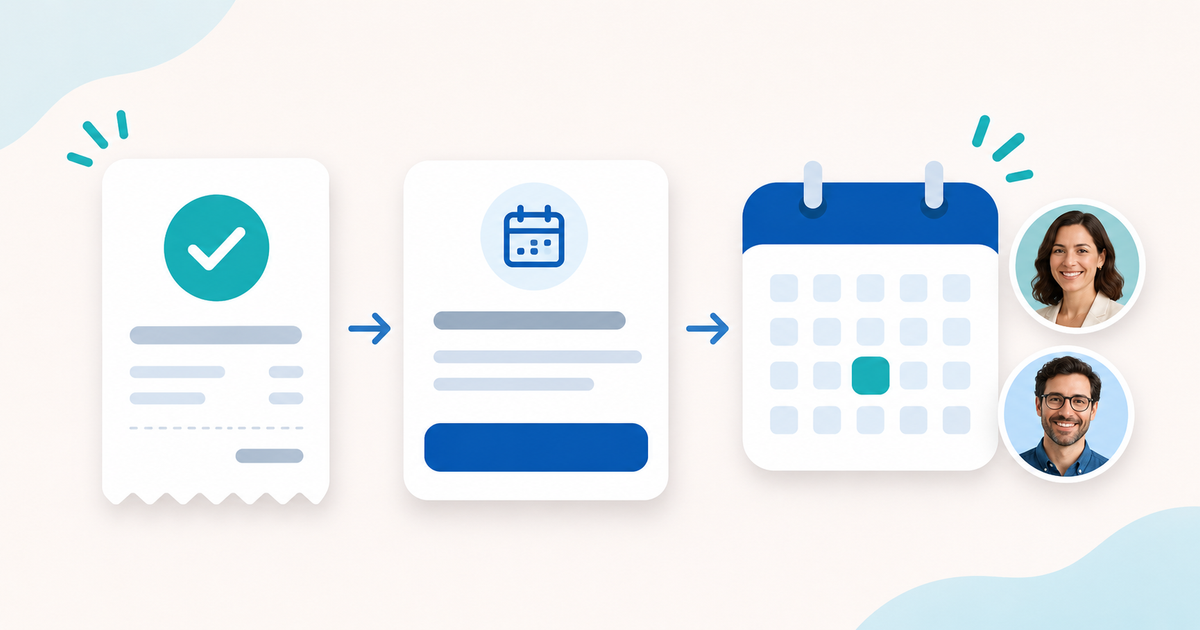
Use this acceptance checklist: the €8 summary never delivers the €24 guide; a canceled checkout does not deliver either file; a pending payment remains pending until confirmed; a confirmed paid order leads to the intended edition; a download problem has a visible contact route. Record actual observations rather than marking a template complete in advance.
Download the message and release-check templates. They are manual planning aids, not a bot or automated integration.
Handle “I paid but cannot download” privately
Reply: “Please send your order reference and the email used at checkout privately to [support contact]. I will check the payment and delivery status. Please do not post payment details in the group or pay again while we investigate.”
Check the actual order and provider status. If payment is pending, explain that delivery follows confirmation. If the order is paid, investigate the file and access route before asking for another purchase. Use the available support or resend process for that order; do not bypass the paid-order check because a message sounds convincing.
Keep relevant product, payment and delivery records for support and disputes. PayPal's digital-goods guidance describes useful documentation. Its Seller Protection terms impose eligibility requirements; a WhatsApp chat or download record alone does not guarantee coverage.
Publish one tested product link, share it with an appropriate audience and refine the description based on real questions. The practical gain is a clearer payment-to-file workflow, not a promise of buyers or income.
Editorial method: AI-assisted writing and illustration, checked against product and provider sources on 14 November 2026. Examples and messages are original templates. No WhatsApp partnership, bot integration, live purchase or sales result is claimed.