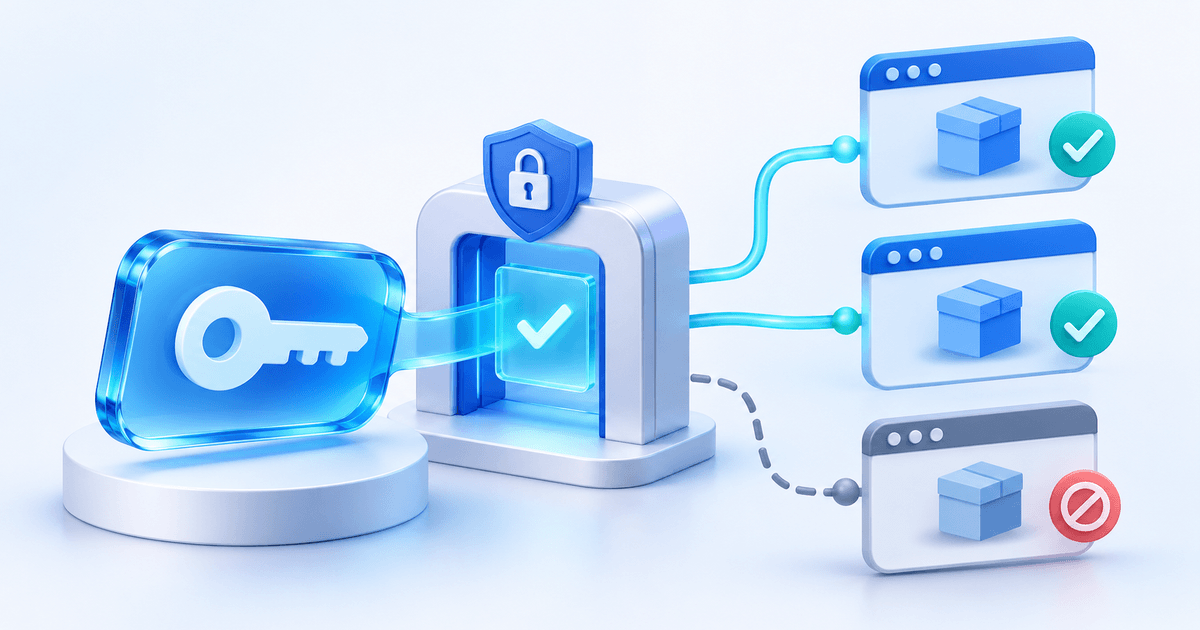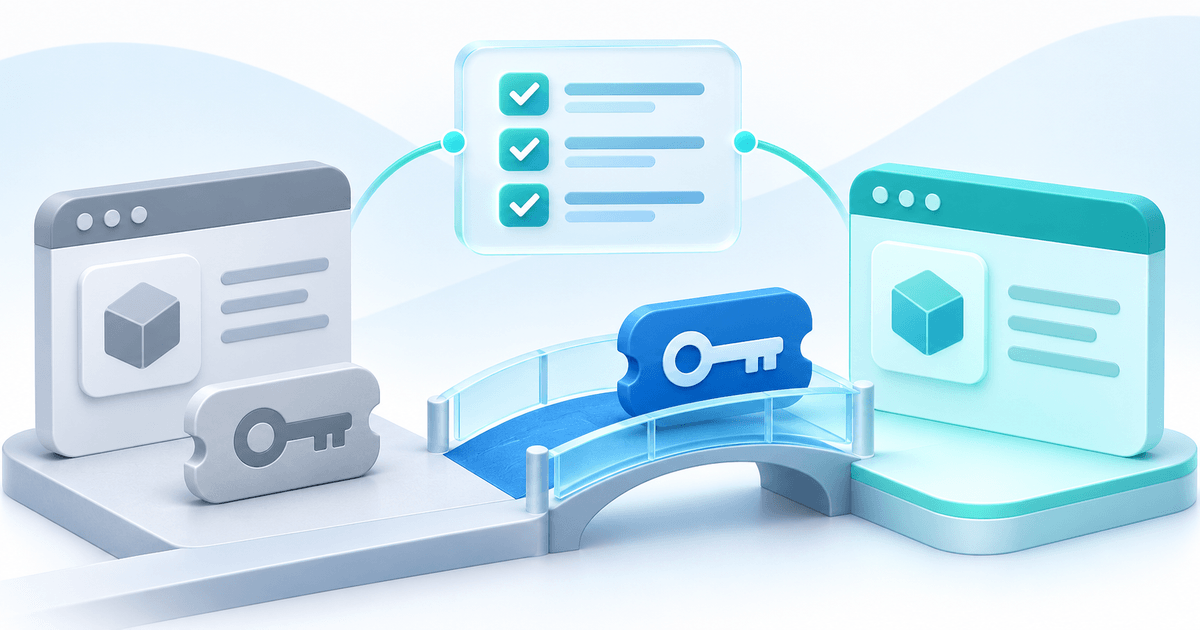
To sell a PDF with PayPal and deliver it automatically, create a digital product in PayRequest, upload your PDF, set a price and connect an eligible PayPal account. Share the hosted product link. PayPal processes the payment, and PayRequest unlocks the PDF on the confirmation page and emails a download link once payment is confirmed.
Example: sell a €19 photography guide
- Create a digital product named “Beginner Photography Guide” and upload the final PDF. Use a sample page for the public preview and keep the full guide in the product’s delivery settings.
- Set the price to €19, connect PayPal, and share the product page link. Buyers can see what they get before opening checkout.
- After confirmed payment, the buyer receives a download link. If payment is pending, cancelled or fails, keep the file locked.
On PayRequest Free, the standard platform fee on €19 is €0.38. That leaves €18.62 before PayPal fees and any other costs. Check PayRequest pricing and use the PayPal digital product pricing calculator with the provider fees for your account.
This guide is for creators and small sellers launching paid downloads through email, social media or their own website. You do not necessarily need a full online store. You do need a clear offer, an eligible PayPal account, a file you can legally sell and a dependable purchase-to-download journey.
PayPal merchant links are checkout, not a file library
PayPal's current Payment Links and Buttons documentation describes hosted merchant checkout for products, services and donations. It is different from a personal PayPal.Me profile. Depending on account and region, checkout can offer cards and wallets; do not promise the same methods to every buyer.
A merchant link can sell a digital item. That does not establish that it stores your file or sends a protected download. Ask how the chosen setup verifies payment, identifies the product and delivers access. A public cloud-drive URL on a thank-you page can be copied before or after payment and is not equivalent to order-linked fulfillment.
Choose the smallest selling setup that completes the job
| Selling setup | Fits when | Tradeoff to check |
|---|---|---|
| PayPal merchant link plus manual file delivery | You sell occasionally and can fulfill each paid order yourself | Response time, correct file identity and delivery records become your work |
| Existing PayPal checkout plus FetchApp | You want to keep checkout and add automatic fulfillment | Supported integration, product mapping, storage and delivery plan |
| A hosted digital storefront such as Sellfy | You need a catalog and a broader store workflow | Current plan requirements and features at your selling scale |
| PayRequest digital product page with PayPal | You want a shareable offer with order-linked file delivery | Eligible connected provider, product setup and current plan limits |
| Your own ecommerce store with a download extension | You already operate a store and need more customization | Hosting, extension compatibility, updates and delivery ownership |
FetchApp's PayPal integration explicitly offers delivery after checkout. Sellfy's official selling guide describes a hosted-store approach. These are alternatives to evaluate, not a first-hand test or an assurance that one provider is best for every seller.
If all you need is one-off collection for a service, use the invoice-versus-link decision guide. A download sale additionally needs fulfillment.
What does a PayPal digital-product sale cost?
Use our PayPal digital product pricing calculator to check a payment or work backward from what you want to keep. Add your own order costs and compare the standard platform cost on Free, Premium and Business without treating a remainder as profit.
Digital products are available on PayRequest Free with a 2% standard payment fee, capped at €25 per transaction. Active Premium (€5/month) and Business (€20/month) remove standard platform fees; PayPal provider fees and commission-payment exceptions remain separate. Choosing a plan at registration alone does not activate paid access. See current plans.
For a hypothetical €24 standard sale on Free, the platform fee is €0.48. If the merchant is in the Netherlands and the payment qualifies for PayPal's domestic “all other commercial transactions” category, the Dutch fee schedule lists 3.40% plus €0.35, checked on 14 November 2026. That models a €1.17 provider fee after cent rounding and a €22.35 remainder before tax, refunds, disputes and production costs. This is not profit, a universal PayPal rate or a sales forecast. Your account agreement, payment type, international origin and currency can change the amount.
The study-notes pricing worksheet shows both €8 and €24 cases and a formula you can reuse.
Match the product, payment and delivered file
Use this original acceptance card when comparing platforms. It specifies what you should verify; we have not made a live purchase for this article.
| Buyer stage | Acceptance requirement | Evidence you should retain |
|---|---|---|
| Offer | Exact bundle, currency, license and requirements are clear | Published product description and edition |
| Checkout | The order identifies the selected product | Product and order reference |
| Payment | Delivery follows a confirmed payment, not a screenshot | Provider transaction linked to the paid order |
| Delivery | Customer receives the purchased edition | File name/version and delivery record |
| Recovery | A buyer can contact you if access expires or fails | Contact route and documented resend process |
If two bundles both cost €24, the amount alone cannot identify which file to deliver. Keep a distinct product identity through checkout and fulfillment. Protecting the delivery URL reduces casual sharing; it does not prevent a paying buyer from copying or redistributing the file. Licensing and customer communication still matter.
PayPal's guidance for digital-goods sellers recommends delivery documentation and download confirmations. Preserve relevant records without claiming guaranteed Seller Protection: eligibility and dispute outcomes depend on applicable terms and transaction facts.
Worked examples for your first digital product
Start with a concrete offer rather than a file type. These original examples cover different decisions in the same PayPal selling journey:
- Sell nursing study notes with PayPal: define a 12-page original PDF, a useful preview and a release checklist.
- Price study notes and revision guides: compare €8 and €24 products with separate platform and provider fees.
- Sell study PDFs through WhatsApp: share one product link and handle pending payments or failed downloads.
If your constraint is avoiding a full store, use the separate PayPal selling guide without a website. It covers the lean launch setup; this page owns the broader checkout-and-delivery decision.
Use PayRequest when you need a linked offer and automatic delivery
PayRequest digital products combine the product offer with paid-order delivery. The reviewed implementation stores files privately and uses order-linked download tokens with expiry and download-limit checks. Those controls are product behavior verified in code, not a completed end-to-end checkout test.
Create an account, connect an eligible PayPal merchant account, upload the approved file, set the price and publish its product link. Open the customer page and verify the offer. Then use an appropriate purchase check to verify payment and delivery before announcing the launch. Available payment methods depend on connected providers and account eligibility.
If you already have checkout you like and only lack delivery, an add-on such as FetchApp may be sufficient. If you want to launch a shareable download offer and keep payment and fulfillment together, start with PayRequest's digital selling workflow. Upload one product before expanding the catalog.
Editorial note: materially refreshed on 14 November 2026 with AI writing assistance. Provider sources and PayRequest file-delivery code were reviewed. The cost worksheet and acceptance card are original illustrations; no live sale, customer result or payout forecast is claimed.