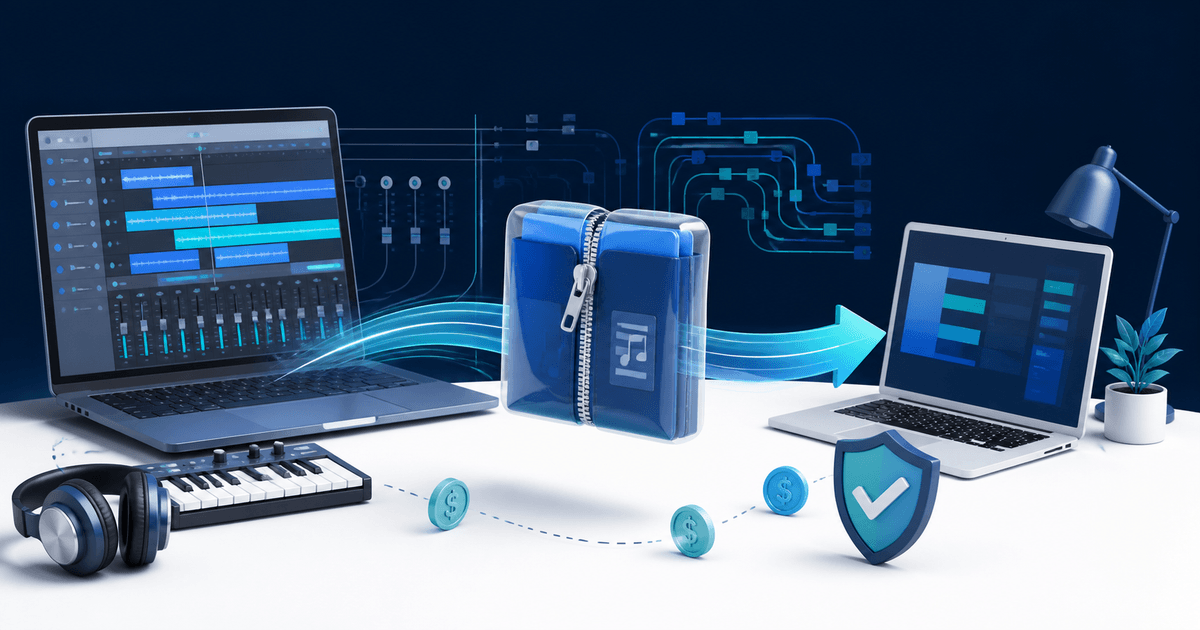
Sell a Logic Pro project template only after the customer ZIP opens on a second Mac without missing audio, samples, impulse responses or plug-ins you forgot to disclose. Consolidate the permitted assets, publish the exact Logic Pro and macOS versions, and separate stock-only and third-party editions when their requirements differ.
This guide is for producers selling editable session templates, not finished songs or sample packs. Its original asset is a two-Mac portability record that connects every dependency to a clean-open result.
Decide What the Buyer Receives
| Product | Buyer can edit | Main release risk |
|---|---|---|
| Recording template | Tracks, routing, buses and markers | Unavailable interfaces or input assignments |
| Mixing template | Channel strips, sends and master chain | Missing third-party plug-ins |
| Genre project file | Arrangement, MIDI and included audio | Unlicensed samples or unclear reuse rights |
| Stock-only edition | Logic instruments and effects | Sound Library content not installed |
Do not promise “all files included” unless you have the right to redistribute every recording, loop, impulse response and sample. A plug-in preset is not the plug-in; list the developer, product and tested version and tell buyers whether it is required or optional.
Consolidate the Retail Copy
Apple's current Logic Pro project guide says a project can be saved as a package or folder and lets you choose which asset types are copied. Its asset-management guide warns that referenced files will not travel with the project unless they are copied.
Create a fresh release copy, choose the assets you are licensed to include, then use Project Management > Consolidate. Remove unused takes, personal paths, client audio and alternate versions that are not part of the product. Compress a package before upload; Apple notes that packages should be compressed for reliable transfer through internet services.
Run the Two-Mac Portability Record
| Check | Creator Mac | Clean Mac | Pass condition |
|---|---|---|---|
| ZIP integrity | Create archive and checksum | Download and expand | Archive opens without repair |
| Project open | Current production setup | Minimum advertised version | No conversion surprise or missing project file |
| Assets | Full studio library | Fresh user account | Every included region and sample resolves |
| Plug-ins | All installed | Only advertised requirements | Missing items match the manifest exactly |
| Reference bounce | Export approved section | Export same section | Intended routing and automation survive |
The clean Mac should not share your sample drive, cloud folder or user library. Follow only the buyer-facing instructions. Record Logic Pro version, macOS version, installed Sound Library content, plug-ins, warnings and a short reference-bounce result. If the project opens only because your second machine already knows an external path, the release failed.
Write the Dependency Manifest
Put the exact Logic Pro and macOS versions at the top. List sample rate, tempo behavior, track count, required Sound Library packs, required and optional plug-ins, third-party sample sources, included audio rights, expected expanded size and the tested installation path. State whether future updates are included.
Offer a stock-only edition when possible. It reduces support and gives buyers a meaningful choice rather than hiding dependencies below checkout. Show screenshots of routing and track organization, but use an audio preview you are licensed to publish and say whether preview vocals or stems are excluded.
License and Deliver the Approved ZIP
Define whether the buyer may use the template in personal and commercial productions, client work and released songs. Prohibit redistribution of the editable template as a competing product, but do not claim ownership over third-party tools or content.
Use PayRequest's music and audio product workflow to sell the versioned ZIP and protected file delivery to release it after confirmed payment. Complete a real provider-backed order, download as a buyer and repeat the clean-open test on the delivered archive.
Publish when the second Mac opens the exact retail ZIP, every warning is predicted by the manifest, the reference section bounces correctly and the delivered license matches the listing.