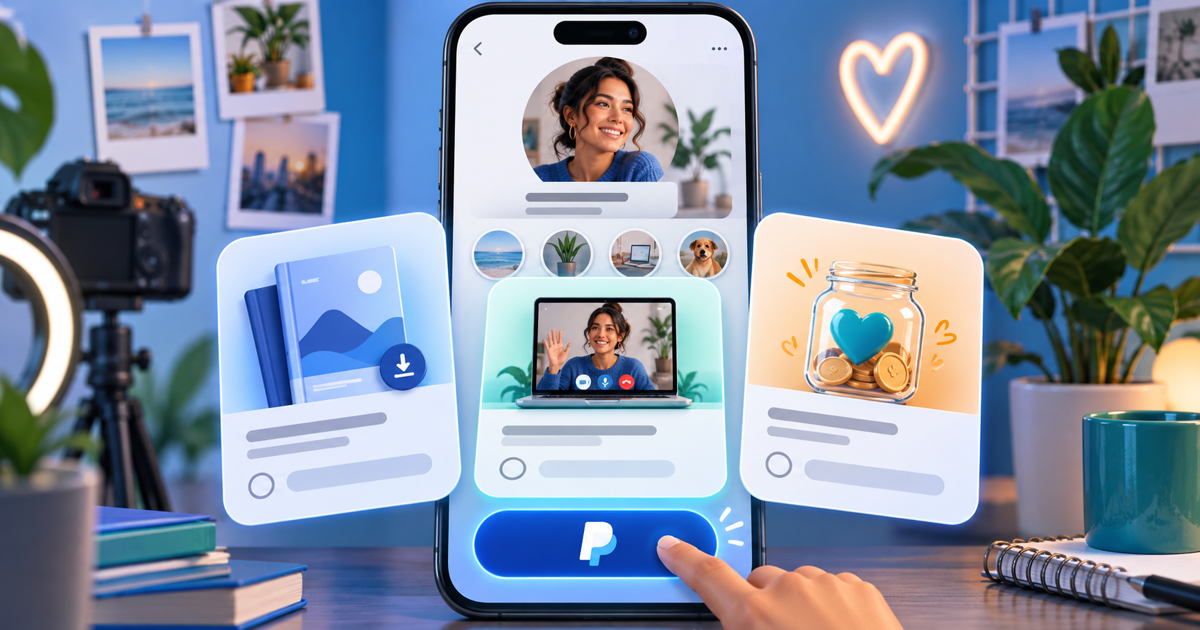
To connect Instagram to PayPal for payments, add a public PayPal.Me address, business Payment Link or branded checkout URL to your Instagram profile links. This sends followers to an external checkout; it is not the same as connecting a bank account or activating Instagram’s native shopping payments.
Add the link to your profile
Open your Instagram profile, choose Edit profile and look for Links or Add external link. Add the public destination and an accurate label such as “Buy the €25 template pack” or “Support my next video.” Menu labels can vary by app version and account. Save it, then check your public profile from another browser. Never paste a logged-in account-management URL.
For an existing PayPal.Me address, use our find your PayPal.Me link guide. For a product checkout, follow create a PayPal payment link. PayPal’s business Payment Links can support cards and eligible wallets as well as PayPal; their availability is market-specific.
Choose a destination that explains what happens next
The following is an illustrative offer checklist, not a completed customer test.
| Follower’s task | Destination | State before sharing |
|---|---|---|
| Support your work | Clearly labeled tip or support page | Purpose and chosen amount are clear |
| Buy a download | Product checkout | File, price, license and delivery described |
| Commission custom work | Quote or itemized invoice | Scope, deposit and delivery date agreed |
For example, a €25 template pack should say which files are included and when they become available. A support payment should not silently promise a product or tax deduction. Separate these actions instead of labeling every button “Pay me.”
Rehearse the mobile purchase
Open the published destination from Instagram’s in-app browser and a normal browser. Check seller name, amount, currency, payment methods and the post-payment message. If a purchase is pending or failed, do not mark it paid based on a return screen. Confirm payment in the receiving account or connected order record before delivery. This is a proposed rehearsal, not a claim that every market or account has been tested.
If checkout does not open correctly, offer the same public URL in a normal browser. This may resolve a browser issue; it does not force guest-card eligibility or bypass provider restrictions. See PayPal guest checkout.
Use one stable offer page as your business grows
A PayRequest page can present your offer before an eligible connected-provider checkout. Use payment pages for the offer and digital products when you need the supported download-delivery workflow. Keep the confirmation and delivery instructions consistent with the product you actually configured.
Create your payment link and check current plan inclusions and provider fees. Changing platforms does not remove PayPal’s eligibility rules or processing fees.
Reviewed on 17 October 2026 with AI writing assistance and official product sources. Cost examples and checklists are illustrative, not customer results or completed account-specific tests.