A graphic designer in Rotterdam needs to invoice a client for a €450 logo project. The client is non-technical, the relationship is informal, and emailing a PDF invoice with bank details feels heavy for what should be a fast handover. Five minutes later she sends a single link in WhatsApp. The client clicks, picks iDEAL, pays, and the money lands the next morning. No website, no Stripe API setup, no PayPal account creation, no accounting software — just a link.
This is the simplest version of a payment link, and it's how most small payments now move online. If you've been searching for "how to create a payment link" and tripping over advice that assumes you already have a Shopify store or a developer on call, this guide is the alternative. We'll walk through how to create a free payment link in roughly two minutes, how to choose the right payment provider, and the practical ways people actually share links to get paid.
Key Takeaways
- A payment link is a hosted checkout URL — the customer clicks, lands on a secure page, and pays in seconds
- You don't need a website, store, or developer to create one
- Free PayRequest accounts cover unlimited payment links with 0% platform fee on transactions
- The only fee is your payment provider's standard rate (e.g., 1.5% + €0.25 EU cards via Stripe, €0.29 flat for iDEAL via Mollie)
- Connecting a provider takes roughly three minutes via OAuth — no API keys, no webhooks, no code
- For European businesses, Mollie unlocks iDEAL, Bancontact, and SEPA at flat fees; for global SaaS, Stripe wins on coverage; PayPal adds consumer trust
- You can connect all three providers to a single PayRequest account and route each customer to the right method automatically
What Is a Payment Link, and Why Use One?
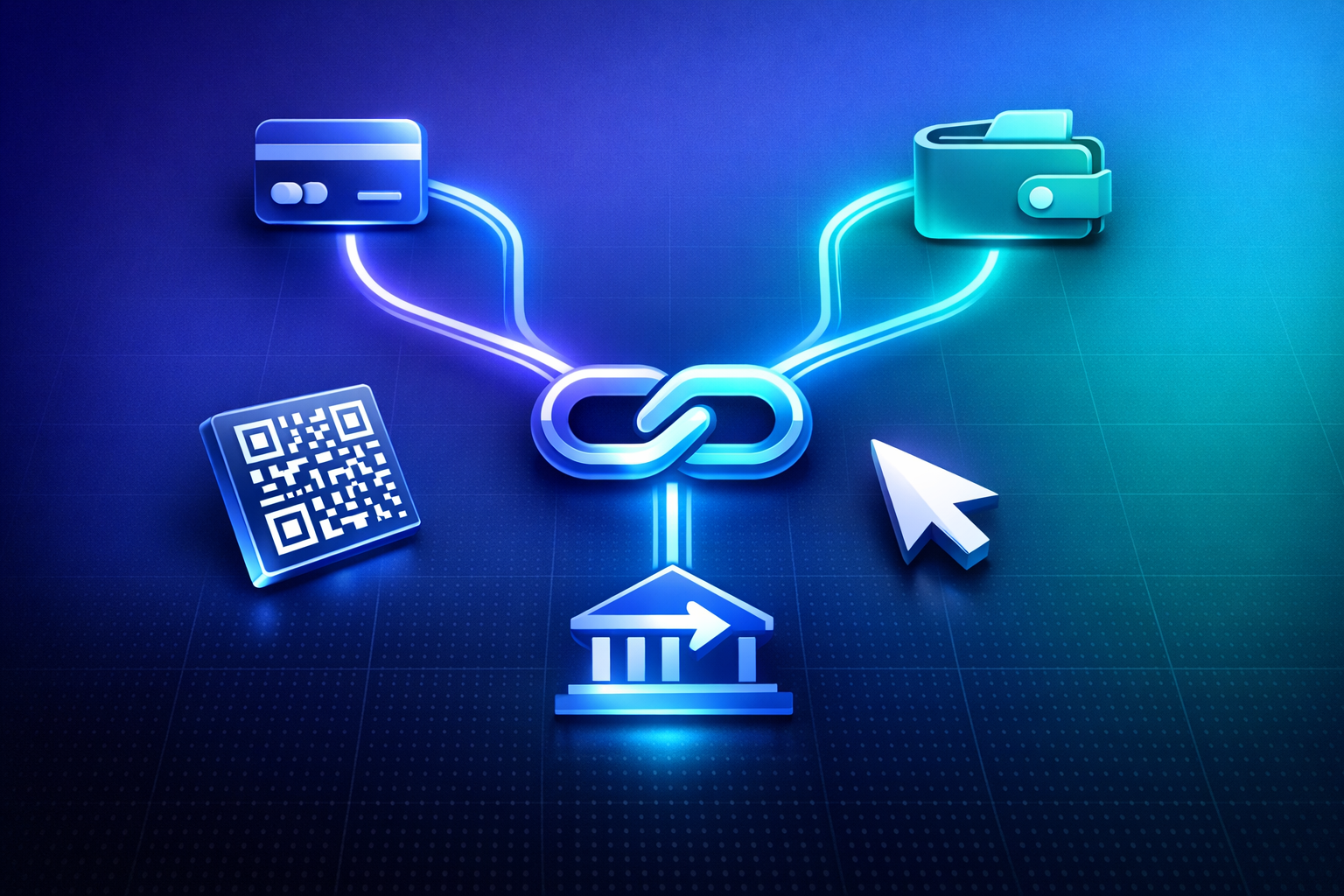
A payment link is a single URL that opens a secure, hosted checkout page. The merchant creates it once, sets a name and amount, and shares the URL however they like — email, SMS, WhatsApp, a QR code on a printed flyer, a Slack message, a LinkedIn DM. The customer clicks, picks a payment method, and pays. The money settles into the merchant's payment provider account and from there into the merchant's bank.
Payment links cut out everything that would normally sit between a sale and the actual payment. There is no need to build a website, no checkout to design, no developer to integrate, no PayPal request that limits the customer to one rail. The hosted checkout handles card validation, 3D Secure, fraud screening, and receipts, and the link itself works on any device with a browser.
For one-off and small payments, a payment link is faster than sending a formal invoice. Freelancers use payment links to bill clients between projects without spinning up an invoicing workflow. Service businesses use them for deposits, balance payments, and add-ons. Coaches, consultants, and creators use them to sell single sessions, digital downloads, or one-time access without building a store.
Invoices still matter when you need an itemized accounting record, VAT line items, or a payment due date with automated reminders. The good news is you don't have to choose: most platforms that offer payment links also offer invoices, and you can use both interchangeably depending on the situation. PayRequest, for example, lets you switch a payment link into a full invoice with one click if a client asks for one.
Building an e-commerce store is a worthwhile investment when you have a real catalog, recurring shoppers, and the time to maintain it. For most small sellers, though, the time-to-first-sale on a store is days or weeks, while the time-to-first-sale on a payment link is minutes. If you're testing a product, selling a one-off service, or fundraising for a single event, a link is the right tool. You can always graduate to a hosted sales page or full store later.
How to Create a Free Payment Link in 2 Minutes
Below is the fastest path from "I need to get paid" to "the money is on its way." The steps assume PayRequest, but the approach is similar with most modern payment-link tools.
Go to PayRequest and create a free account with an email address. There is no card required and no trial expiration on the basic plan. The account itself takes under a minute. While you wait, decide which payment provider you'll connect — that choice affects which payment methods your customers will see.
This is the step most "how to create a payment link" articles glaze over, and it's also the most important. Your payment provider determines what payment methods are available, what fees you pay, and how fast the money reaches your bank.
PayRequest connects to Stripe, Mollie, and PayPal through OAuth, which means you log in to your provider account once and the integration is live. There are no API keys to copy, no webhooks to configure, and no code. Each connection takes roughly three minutes.
If you don't already have a provider account, you can create one inside the same flow. The choice between Stripe, Mollie, and PayPal isn't strictly an either-or decision — connecting all three is the strongest setup — but the right starting point depends on where your customers are. For a quick decision, see the [full Stripe vs Mollie vs PayPal comparison](/payment-providers), which breaks down fees, methods, and country coverage side-by-side.
In the PayRequest dashboard, click *New Payment Link*. Give it a clear name (the customer sees this on the checkout page — "Logo design balance" is better than "Invoice 042"), set the amount and currency, and optionally enable extras like a custom thank-you message, a redirect URL after payment, or a download for digital goods. Save the link.
You'll get back a short URL and a QR code. Both work immediately — there's no review or activation period.
How you share the link depends on the situation. We'll cover the common methods in detail below, but the short version is: paste the URL anywhere you communicate with the customer. Email, WhatsApp, SMS, Slack, LinkedIn, Instagram DMs, a QR code on a printed quote — they all work. The link is just a URL.
When the customer pays, you get an instant notification, and the money flows from the customer's bank or card to your provider account, then to your bank on the provider's normal payout schedule.
Choosing the Right Payment Provider
The payment provider you connect matters more than the link tool itself. The provider sets your fees, your available payment methods, and your customer's country coverage. Three names dominate the global payment-link landscape: Stripe, Mollie, and PayPal. Each has a clear strength.
Stripe is the default for SaaS, marketplaces, and businesses outside Europe. It operates in 46+ countries, supports cards, Apple Pay, Google Pay, SEPA, and Klarna, and offers the lowest standard EU card rate of the three: 1.5% + €0.25. Stripe is the strongest choice if your customers are international, if you sell digital products to a global audience, or if you eventually want to add subscriptions and a developer integration.
Mollie is purpose-built for the European market. It offers iDEAL (the dominant Dutch method, 73% of online payments), Bancontact (Belgium's standard), SEPA Direct Debit at flat fees, Sofort (Germany), and Klarna. iDEAL costs a flat €0.29 per transaction with no percentage — for a €120 invoice that's a fee of €0.29 versus €2.05 with cards. For a Dutch, Belgian, or German audience, Mollie usually wins on both conversion and total fees. Mollie also pays out daily by default.
PayPal isn't the cheapest at 2.9% + €0.35, but the trust signal of the PayPal logo on a checkout page converts buyers who'd hesitate to type a card number into an unfamiliar form. PayPal covers 200+ markets, more than any other provider, and supports Pay Later in many regions. For e-commerce, digital products, and audiences that skew older or international, PayPal is worth the premium.
You don't have to choose just one. PayRequest lets you connect Stripe, Mollie, and PayPal to a single account, and the checkout page shows each customer the most relevant methods for their country and cart total. A Dutch buyer sees iDEAL via Mollie, a German buyer sees Sofort, a US buyer sees cards via Stripe and the PayPal button. Total setup time across all three providers is under ten minutes. The full breakdown of when each provider wins is in our side-by-side comparison.
Five Practical Ways to Share a Payment Link
The link is just a URL, which means it works anywhere a URL works. The right channel depends on the customer relationship, the amount, and the urgency.
For most professional B2B and B2C transactions, email is the default. The link goes in the body of the email or in the email footer of an invoice. Open rates and click rates are both higher than on a PDF invoice with bank details, and the customer can pay from their phone immediately.
For informal relationships and small amounts, paste the link into the same channel you already use to talk to the customer. Mobile checkout completion rates are typically higher than desktop because the customer's payment methods (Apple Pay, Google Pay, saved cards) are already on the device.
Every payment link comes with a QR code. Print it on a flyer, a menu, a business card, an event ticket, or a piece of equipment. The customer scans with their phone camera and lands on the same checkout page. This works particularly well for events, donations, and any retail-adjacent setup where you can't take physical cards. PayRequest's Smart Payment Links include QR generation by default and track which scans convert.
For creators and small brands, payment links replace the entire shopping flow. A link in an Instagram bio, a LinkedIn DM, or a TikTok caption goes straight to checkout. There's no need for a Shopify integration or a separate "shop" tab.
For agencies, consultants, and B2B teams, payment links work inside Slack and Microsoft Teams as a faster alternative to internal invoicing. A project manager can drop a link in a client channel and the client can pay without leaving the chat. This compresses sales cycles in service businesses where the back-and-forth of formal invoicing is the slowest part.
Common Use Cases for Free Payment Links
Different businesses use payment links in different ways, but the underlying need is the same: a fast way to take money without building infrastructure.
Freelancers and consultants use links for project deposits, balance payments, retainers, and the occasional rush charge. The link replaces the awkward "let me send you my IBAN" moment with a one-tap pay flow.
Coaches and course creators use links to sell single sessions, downloadable workbooks, and ticket access to webinars. The link can be reused for multiple buyers or set to expire after one use.
Service businesses — agencies, salons, repair shops — use links for deposits, late-charge invoicing, and add-on services. The customer doesn't need an account, and the operator doesn't need a payment terminal.
Event organizers and nonprofits use QR-code payment links on flyers and donation cards. The same URL handles a €5 donation and a €5,000 sponsorship without any reconfiguration.
Online sellers testing a product use a payment link as the entire store. If the product sells, they graduate to a sales page or a full store. If it doesn't, they've spent two minutes instead of two weeks.
What to Look For in a Payment-Link Tool
Not all payment-link tools are the same. The differences usually show up in fees, payment methods, and what happens after the link is paid.
Fees — Look for 0% platform fees. Some tools (notably consumer creator platforms) charge 5–9% on top of the provider's processing rate. PayRequest charges 0% on transactions on every plan; you only pay your Stripe, Mollie, or PayPal rate.
Payment methods — The tool's method list reflects which providers it connects to. Tools that only connect Stripe miss iDEAL and Bancontact. Tools that only connect PayPal miss the lowest card rates. Multi-provider tools cover the most ground.
Branding and customization — Free plans on most tools include enough customization for a clean, branded checkout. If you need full white-label, custom domains, or a hosted sales page, check whether those are paywalled.
What happens after payment — Good tools handle digital file delivery, automatic email receipts, redirect URLs, and tag-based automation after a successful payment. A bare-bones tool just sends the money and stops.
Reporting and analytics — Knowing which links convert and which don't is the difference between a tool you use once and a tool that becomes part of your business. Look for view counts, conversion rates, and per-country breakdowns.
Getting Started
Creating a free payment link is now one of the fastest ways to get paid online. The total time from sign-up to a working link is under five minutes if you don't have a provider account, and closer to two minutes if you do. There's no card required to start, no trial expiration, and 0% platform fee on every transaction.
The choice that matters most is the payment provider you connect. For European businesses, Mollie's flat-fee iDEAL and SEPA support typically pays for itself within the first few transactions. For global SaaS, Stripe's lower card rate and country coverage are the right starting point. For broad consumer trust, PayPal still moves the needle. The strongest setup is all three connected to one account, with each customer routed to the method that fits their country and cart.
When you're ready, start a free PayRequest account, pick a provider, and create your first link. Most users send their first payment link within five minutes of signing up.