A freelancer finishes a project on Friday afternoon. By the time the client's accounts payable department processes the traditional PDF invoice, clears it through approval, and schedules a bank transfer, three weeks have passed. Meanwhile, another freelancer on the same Friday sends a pay request link over WhatsApp. The client taps, pays with Apple Pay, and the money lands in minutes.
The difference isn't the work. It's how the payment was requested.
A pay request is the fastest, lowest-friction way to collect money for services, products, or deposits — and in 2026, it's rapidly replacing the old invoice-and-wait workflow for businesses that want predictable cash flow. This guide explains exactly what a pay request is, how to send one in under a minute, which templates to use, and how to automate the whole thing so you never chase a payment again.
Key Takeaways
- A pay request is a short, actionable message that asks a customer to pay a specific amount — usually via a link
- You can send a pay request in under 60 seconds with no PDF, no bank details, and no accounting software
- Email, SMS, WhatsApp, and QR codes all work — pick whichever channel your customer actually reads
- Polite, direct wording gets paid faster than long apologetic emails
- PayRequest automates pay requests, reminders, and payment tracking in one dashboard
What Is a Pay Request?
A pay request is a message that asks a customer or client to send payment for a specific amount, usually delivered with a clickable payment link, QR code, or hosted checkout page. It focuses on the action of getting paid — not the accounting paperwork around it.
Think of it as the modern equivalent of "I'll send you my bank details." Instead of handing over an IBAN and hoping the customer types it correctly, you generate a link like `pay.payrequest.io/invoice-324` and send it. The customer clicks, picks their preferred payment method, and pays. You get notified instantly.
An invoice is an accounting document. It lists itemised products or services, tax breakdowns, legal entity information, and reference numbers required for bookkeeping and compliance. Invoices are essential — tax authorities, accountants, and enterprise buyers all need them.
A pay request is an action trigger. It's a short message with one goal: get the payment moved. It doesn't need a detailed layout, a PDF, or a line-item table. It just needs the amount, what the payment is for, and a way to pay.
Most businesses use both. They issue a formal invoice for the records, then send a pay request — which may contain the invoice as an attachment — to actually collect the money. PayRequest combines both in one flow: the invoice generates automatically as the customer pays.
Pay requests work best when you need money fast, the amount is clear, and the customer is expecting to pay. Common scenarios include:
- Freelance project deliverables — send a pay request the moment you deliver the final file
- Service-based businesses — request payment right after the appointment, cleaning job, consultation, or treatment
- Deposits and holds — collect rental deposits, booking deposits, or upfront reservations with a secured payment hold
- Small B2B transactions — one-off consulting hours, ad-hoc support tickets, urgent repairs
- Splitting group costs — trips, events, group gifts, team lunches
For recurring B2B contracts with accounts payable departments, stick with invoices. For everything else, pay requests are faster.
How to Send a Pay Request in Under 60 Seconds
Sending a pay request used to mean writing an email, drafting payment terms, and hoping the customer had time to open an online banking app. With a modern payment platform, the whole thing takes less than a minute.
Open PayRequest and create a new payment request. Enter the amount and a one-line description — something like "Website redesign final payment" or "Saturday catering service." That description appears on the payment page and on the customer's bank statement, so keep it clear.
If the amount isn't fixed — say you're selling a service with optional add-ons — you can create a dynamic payment link that lets the customer pick the total at checkout.
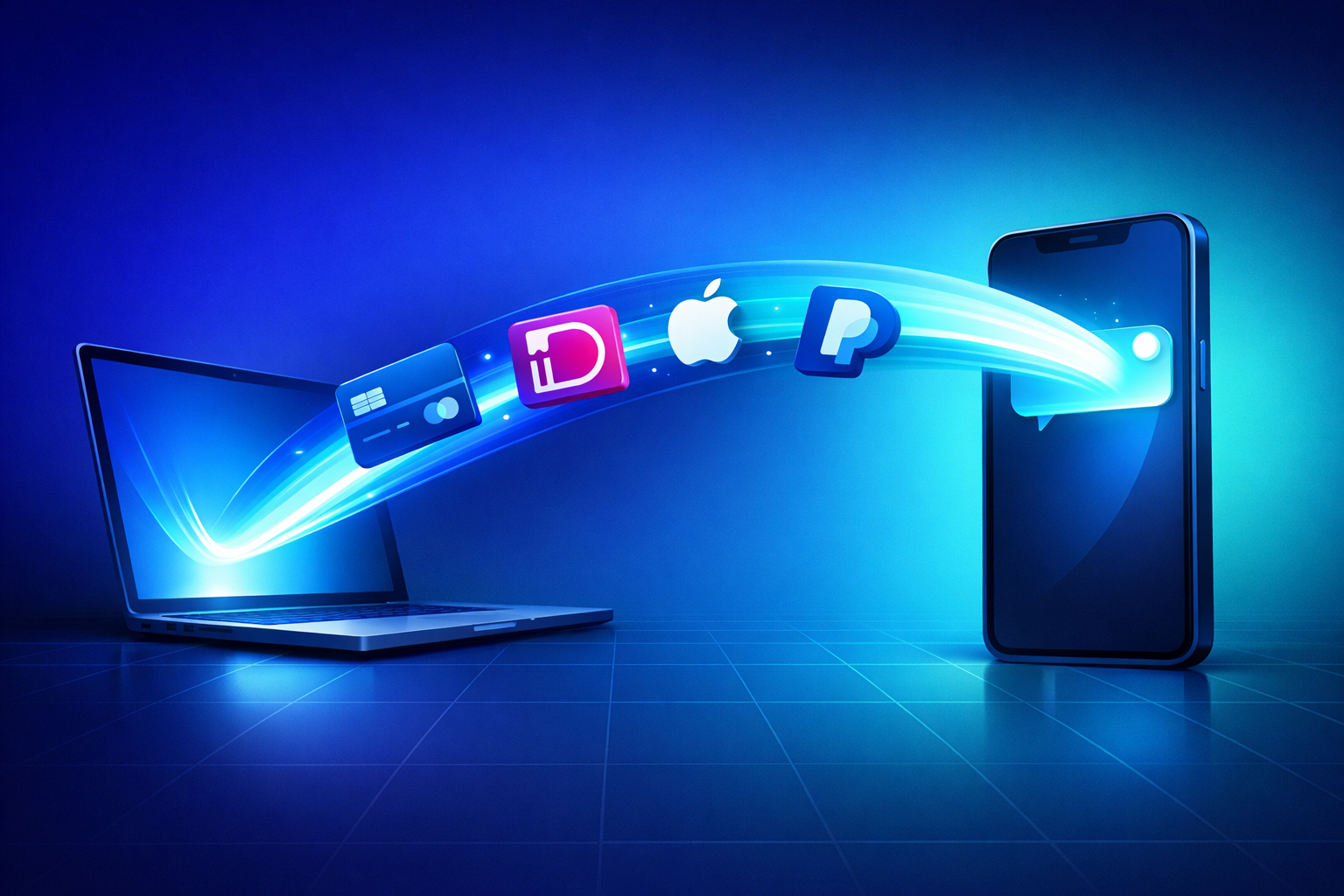
Click generate. PayRequest creates a short, clean URL like `pay.payrequest.io/ab12cd` that opens a professional checkout page. The page loads in under a second, works on any device, and supports every major payment method out of the box — cards, iDEAL, SEPA, Bancontact, PayPal, Apple Pay, Google Pay, Klarna, and more.
No bank details to copy. No IBAN to paste. No PDF to download.
Send the link wherever your customer actually reads messages. Email it, paste it into WhatsApp, SMS it, drop it into a Slack DM, or print it as a QR code on a receipt. The customer taps the link, pays, and you get a push notification the moment the money lands.
You can also embed the link in your invoice, your email signature, your website, or your social bio. One link, every channel.
How to Politely Ask for a Payment (Email Templates)
The fastest-paid pay requests share three traits: they're short, direct, and frictionless. Long apologetic emails signal weakness and get deprioritised. Here are three templates that work — initial request, first reminder, and final notice.
Subject: Payment link for [Project Name]
Hi [Name],
Thanks again for the project. The total is €[Amount], due by [Date].
You can pay here in one click: [payment link]
Accepts cards, iDEAL, SEPA, and PayPal. Let me know if you'd like an invoice PDF for your records.
Best, [Your Name]
Why it works: it states the amount, the due date, and provides a one-click path to payment. No apology, no justification, no fluff.
Subject: Friendly reminder — €[Amount] payment link
Hi [Name],
Just a quick reminder that the €[Amount] payment for [Project] is now due. Here's the link again to make it easy: [payment link]
Takes about 30 seconds. Let me know if you run into any issues.
Thanks, [Your Name]
The tone stays warm but the expectation is clear. You're not asking permission — you're removing the last bit of friction.
Subject: Overdue payment — action required
Hi [Name],
The €[Amount] payment for [Project] is now 21 days overdue. Please settle it this week using the link: [payment link]
If there's an issue preventing payment, reply to this email and we'll work it out. Otherwise, the account will be passed to our debt collection partner on [Date].
Best, [Your Name]
Firm, specific, and includes a real consequence. Most accounts get paid within 48 hours of receiving a message like this.
Channels That Work for Pay Requests
Your customer's preferred channel is the one that gets paid the fastest. Don't assume email is best — for many customers, it's the slowest option.
Still the default for B2B and most professional services. Use email when there's a paper trail requirement, when the amount is significant, or when the customer is in finance-operations mode. Keep the email short and put the payment link above the fold.
Dominant for consumer-facing businesses, personal services, and small B2B transactions. A pay request link in WhatsApp gets tapped within minutes — often seconds. Ideal for cleaners, handymen, tutors, coaches, and anyone billing under €500 per transaction.
Print your pay request link as a QR code on receipts, business cards, table tents, or event signage. Customers scan with their phone camera, pay on their device, and you see the confirmation in real time. Perfect for markets, pop-ups, workshops, and donation collection.
For creators, freelancers, and makers selling through Instagram, TikTok, or LinkedIn. Paste the pay request link directly into a DM reply or put it in your bio. Link-in-bio pages can host multiple pay request links on one landing page.
For traditional B2B workflows where the customer expects a formal invoice. PayRequest invoices include a prominent pay button that routes to the same checkout experience — so even finance teams can pay with one click instead of processing a bank transfer.
Common Mistakes That Delay Payment
Most late payments are caused by avoidable friction on the sender's side, not by malicious customers. Fixing these four mistakes alone can cut your average payment time in half.
"I'll send you the invoice soon" and "whenever you can pay" almost guarantee delay. State the exact amount and the exact date you expect payment. Customers who know precisely what's owed and when, pay on time; those left to interpret the message, postpone indefinitely.
If paying requires opening an online banking app, copying an IBAN, typing a reference number, and navigating two-factor authentication, you're asking for delay. Every additional step cuts completion by roughly 20%. A one-click payment link removes all of that.
A single payment request with no follow-up is how unpaid invoices turn into write-offs. Set up automatic reminders at 7, 14, and 21 days. PayRequest handles this with built-in dunning — the reminders send themselves with your branding, and they stop the moment payment arrives.
Sending the invoice by email but the payment link via WhatsApp forces the customer to context-switch. Keep the pay request and the way to pay it in the same message. One link, one action.
How to Automate Pay Requests With PayRequest
Manual pay requests work for a handful of customers. Once you're sending more than five a week, automation saves hours and increases your on-time payment rate.
Create a pay request template once — default amount, description, due terms, reminder schedule — and reuse it for every similar transaction. Charging €150 for each coaching session? One template handles every future session in two clicks.
Configure reminders to send at 3, 7, 14, and 21 days past due. Each reminder uses your wording and branding, escalates in tone, and stops the moment payment arrives. PayRequest's reminder engine is the same system used by enterprise billing teams — now accessible to solo founders.
Customers pay with whatever they prefer: cards, iDEAL, SEPA, Bancontact, PayPal, Apple Pay, Google Pay, or Klarna. The checkout auto-detects location and shows relevant local methods. Fewer abandoned payments, faster settlement.
See which pay requests are open, which are paid, which are overdue, and which customers are chronically slow. Export the data to your accounting tool or connect your AI billing assistant to query it in plain English — "show me all unpaid requests from March."
Start Sending Pay Requests Today
The gap between finishing work and getting paid should be minutes, not weeks. Pay requests close that gap by removing every piece of friction between you and your money.
Create a free PayRequest account, generate your first pay request in 60 seconds, and send it before your next coffee. You'll have the payment in your account by the time you've finished reading this paragraph.