Every subscription business loses revenue to failed payments. Cards expire, bank accounts run dry, spending limits get hit, and network errors interrupt transactions. On average, 5–10% of recurring charges fail each month. Without automated dunning software, those failed payments become involuntary churn — customers who wanted to keep paying but could not.
The businesses that recover the most revenue from failed payments share one thing in common: they do not chase payments manually. They use automated dunning software that retries charges intelligently, communicates with customers at the right moments, and makes it effortless for customers to fix payment issues themselves.
This guide covers what automated dunning software does, which features actually move the needle on recovery rates, how to evaluate different options, and why most businesses leave money on the table with their current approach.
What Is Automated Dunning Software?
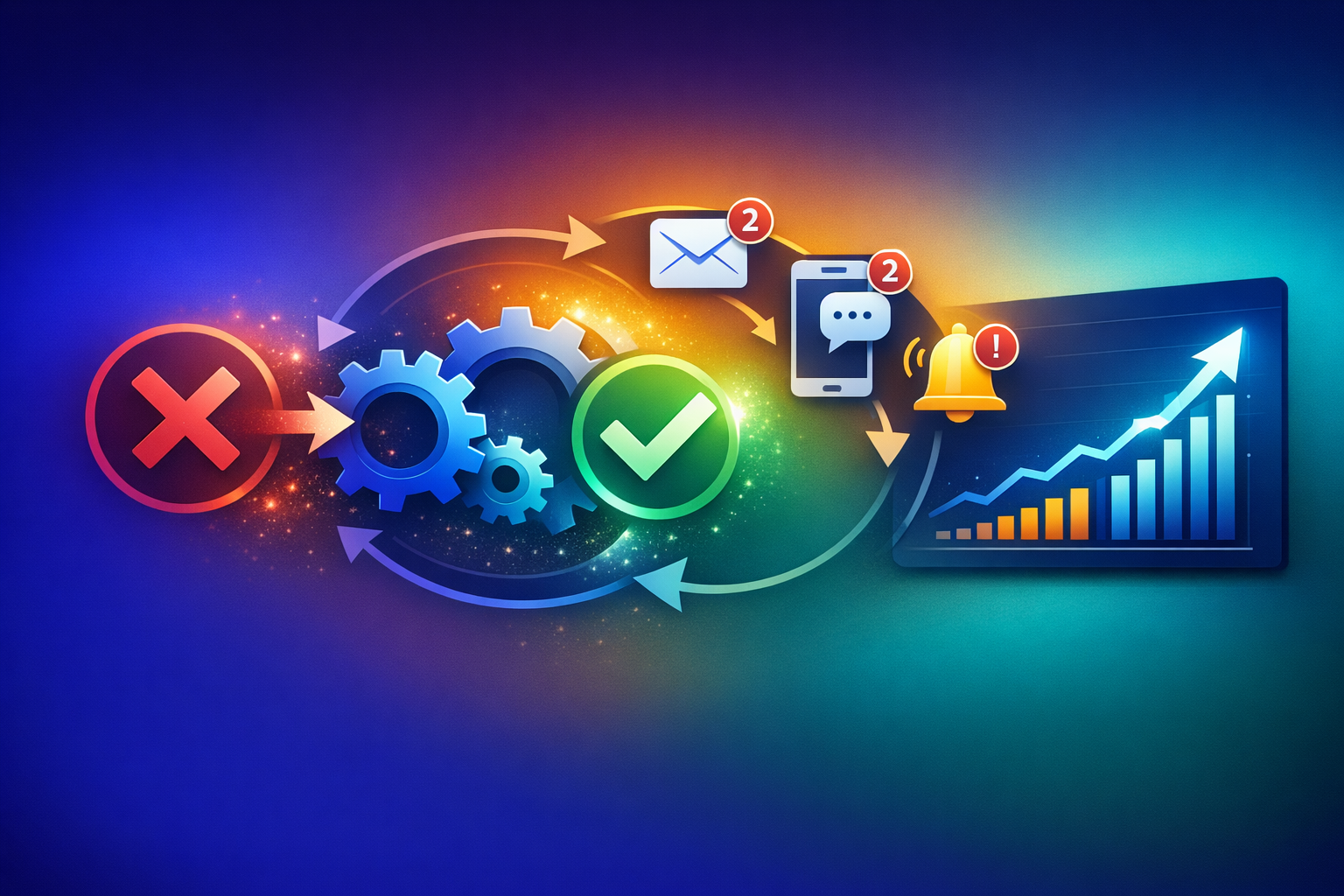
Automated dunning software is a system that recovers failed recurring payments without manual intervention. When a subscription charge or invoice payment fails, the software takes over: it retries the payment on a smart schedule, notifies the customer, provides a way to update payment details, and escalates through communication channels if the payment remains unresolved.
The word "dunning" comes from the 17th-century English verb "to dun," meaning to make persistent demands for payment. Modern automated dunning has evolved far beyond persistent demands. A well-designed dunning system works through several stages.
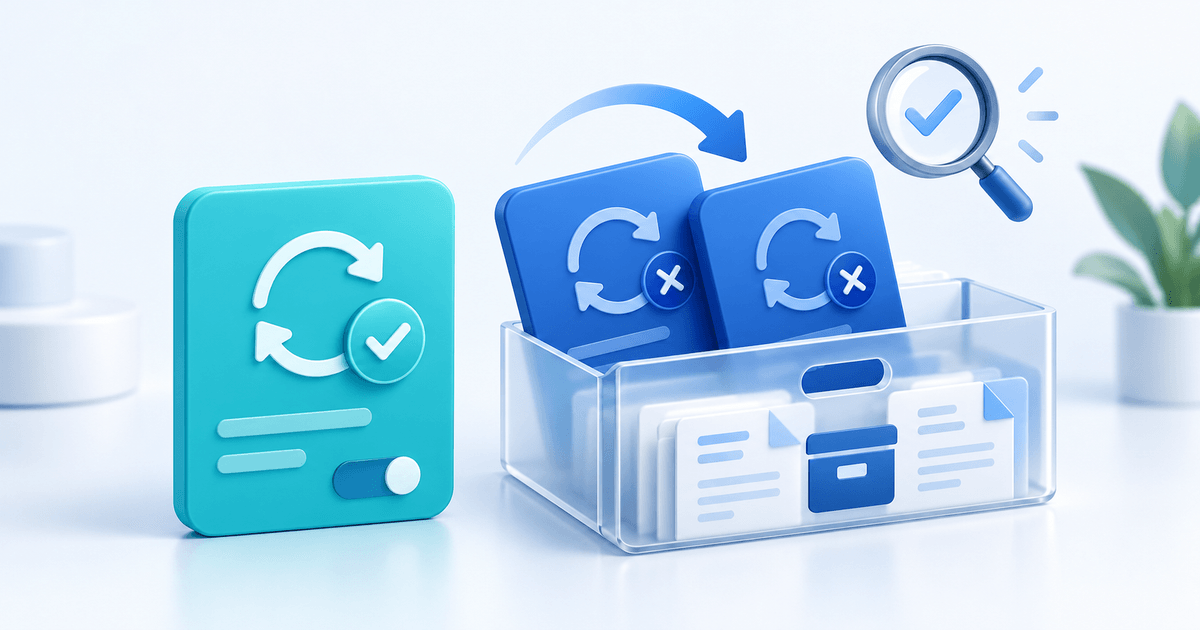
The first stage is the smart retry. When a payment fails, the software does not immediately email the customer. Instead, it waits and retries the charge at a time when the payment is more likely to succeed. Different failure reasons require different retry strategies — a card declined for insufficient funds should be retried at a different time than a card declined for a network error.
The second stage is customer notification. If retries alone do not recover the payment, the software sends a carefully timed email explaining what happened and providing a direct link to update payment details. The best dunning software makes this email feel helpful rather than demanding.
The third stage is escalation. If the customer does not respond to email, the software escalates to additional channels: SMS, in-app notifications, or notifications through a customer portal. Each escalation is more urgent but still respectful.
The final stage is resolution or suspension. After a configurable grace period, the software either recovers the payment (success) or suspends the subscription (last resort). Even suspension is not permanent — the customer can reactivate by updating their payment method.
Many businesses still handle failed payments manually. Someone checks a spreadsheet, sends individual emails, follows up when they remember, and hopes for the best. This approach fails for three reasons.
First, timing matters enormously. A retry sent at 9am on a Monday after payday has a dramatically different success rate than a retry sent at 3pm on a Wednesday. Manual processes cannot optimise for timing across hundreds or thousands of failed payments.
Second, consistency drops under load. When you have five failed payments, manual follow-up is manageable. When you have fifty or five hundred, emails get missed, follow-ups get delayed, and revenue silently disappears.
Third, the manual approach lacks data. Without tracking which retry strategies work, which email templates get responses, and which customer segments have higher recovery rates, you cannot improve your process over time.
Key Features of Effective Automated Dunning Software
Not all dunning tools are equal. The difference between recovering 30% and 70% of failed payments comes down to specific features.
The most impactful feature in any dunning system is intelligent retry scheduling. Basic dunning retries on fixed intervals — say, every 3 days for 2 weeks. Smart dunning analyses the failure reason and optimises retry timing accordingly.
By failure type: A "do not honour" decline often succeeds on retry after 24–48 hours (temporary bank-side issue). An "insufficient funds" decline is more likely to succeed after a billing cycle, typically around the 1st or 15th of the month when salaries arrive. An "expired card" decline will never succeed on retry — the customer must update their card details.
By timing: Payment processors report higher success rates for retries attempted in the morning (6am–10am) when banks are processing fresh batches. Retries on Mondays and the first day after month-end also show improved success rates.
By payment method: Card retries follow different patterns than SEPA direct debit retries. SEPA failures due to insufficient funds can take 2–5 business days to report, so retry windows need to be longer. Bank transfer failures through services like Ponto require a completely different approach — prompting the customer to initiate a new transfer rather than retrying automatically.
PayRequest's dunning system implements method-aware retry logic that treats card, SEPA, and bank transfer failures differently, optimising recovery for each payment type.
Email alone is no longer sufficient for dunning. Modern automated dunning software should support multiple communication channels.
Email remains the primary channel for payment failure notifications. The best dunning emails are short, clear, and action-oriented. They explain what happened ("Your payment of €49 for Plan X failed"), why it matters ("Your subscription will be paused in 7 days"), and what to do ("Update your payment method"). Every email should include a direct link to a payment update page — not a login page, not a settings page, but a dedicated page for fixing this specific payment.
SMS notifications are increasingly important. Text messages have a 98% open rate compared to email's 20–30%. For high-value subscriptions or time-sensitive situations (subscription about to suspend), an SMS reminder dramatically increases recovery. PayRequest's SMS reminders integrate directly with the dunning workflow.
Customer portal notifications let customers see and resolve payment issues on their own schedule. When a customer logs into the customer portal, they should immediately see a banner or notification about the failed payment with a one-click resolution. Self-service recovery has the highest customer satisfaction scores because it puts the customer in control.
The fastest path to recovering a failed payment is enabling the customer to fix it themselves. Automated dunning software should provide a frictionless self-service experience.
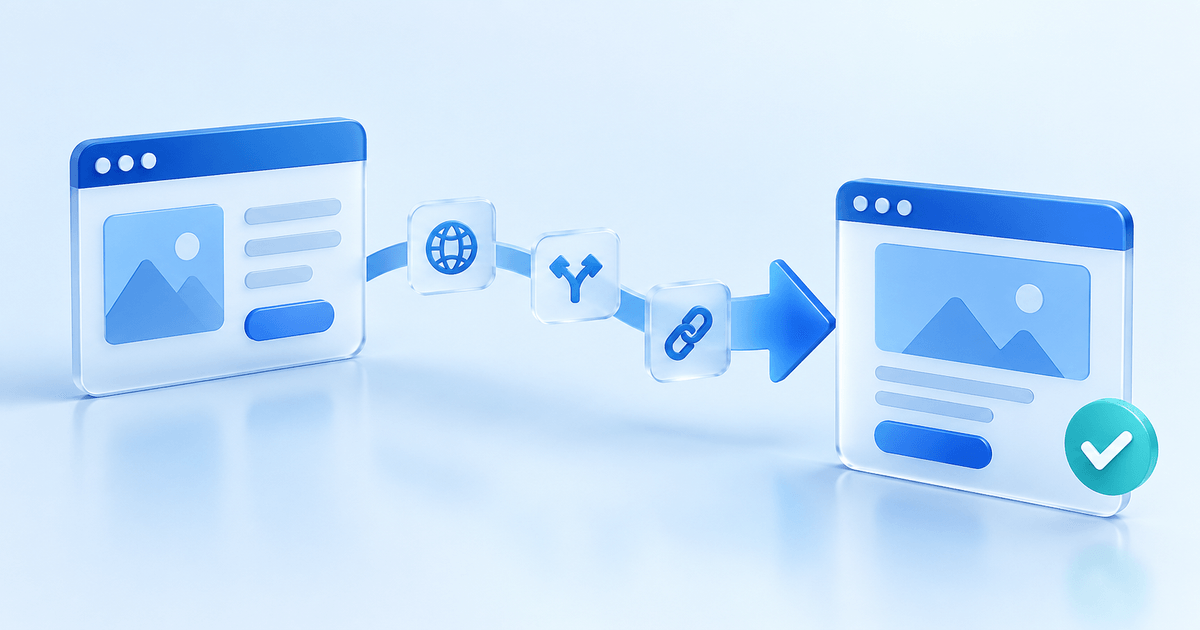
This means a dedicated payment update page — not buried in account settings, but a standalone page linked directly from every dunning email and SMS. The page should pre-populate the customer's information, show which payment failed, and accept a new payment method in under 60 seconds.
The best dunning systems also support payment method switching. If a customer's card is declined, they should be able to switch to iDEAL, SEPA direct debit, or another method without contacting support. PayRequest's customer portal supports this natively — customers can add, remove, and switch payment methods through the portal.
Configurable grace periods prevent premature subscription cancellations. The right grace period depends on your business and your customer segment.
For B2B SaaS with annual contracts: a 14–21 day grace period is standard. Enterprise customers may need time to process internal approvals for payment method changes. Suspending too quickly damages the relationship.
For consumer subscriptions: a 7–10 day grace period balances recovery opportunity with revenue protection. Shorter grace periods create urgency; longer ones give customers time to resolve issues.
For invoicing and one-time payments: grace periods typically align with payment terms. A net-30 invoice might have a 7-day dunning period after the due date before escalating to formal collection.
You cannot improve what you cannot measure. Automated dunning software should track and report on these key metrics.
Recovery rate is the percentage of failed payments that are successfully recovered. Industry benchmarks vary: 40–50% is average, 60–70% is good, 80%+ is excellent. Your recovery rate tells you whether your dunning strategy is working.
Recovery by channel shows which communication method drives the most recoveries. If SMS recovers 3x more payments than email for your customer base, you should invest more in SMS.
Time to recovery measures how long it takes to recover a failed payment. Shorter is better, but the goal is not speed — it is completeness. A dunning system that recovers 70% of payments in 14 days is better than one that recovers 50% in 3 days.
Churn attribution distinguishes voluntary churn (customer cancelled) from involuntary churn (payment failed and was not recovered). Many businesses are surprised to discover that 20–40% of their total churn is involuntary — and largely preventable with better dunning.
How to Evaluate Automated Dunning Software
When comparing dunning solutions, these criteria separate tools that look good in demos from tools that actually recover revenue.
Your dunning software must work with your payment provider. If you use Stripe, the tool needs to read Stripe decline codes and trigger retries through the Stripe API. If you use Mollie for European payments, it needs to handle iDEAL and SEPA-specific failure modes. If you use multiple providers, the tool should normalise failure reasons across providers.
PayRequest integrates with Stripe, Mollie, and PayPal, handling provider-specific retry logic for each. This means your dunning strategy works regardless of which provider processes the payment.
Many dunning tools focus exclusively on subscription payments. But businesses that send invoices also experience payment failures — especially with SEPA direct debit and bank transfers. The best automated dunning software handles both subscription and invoice recovery in a single system.
For subscriptions, dunning is about retrying the recurring charge and keeping the subscription active. For invoices, dunning is about sending payment reminders and providing easy payment options when an invoice goes overdue. PayRequest's payment recovery system handles both scenarios with the same automation engine.
Some dunning platforms offer extensive customisation: custom retry schedules per plan, per customer segment, per payment method, with branching logic and conditional workflows. Others take an opinionated approach: smart defaults that work for most businesses, with minimal configuration required.
The right choice depends on your team. If you have a dedicated revenue operations team, deep customisation lets you optimise every aspect of the dunning workflow. If you are a growing business without a RevOps function, smart defaults get you 90% of the results with 10% of the configuration effort.
Dunning software pricing typically follows one of three models.
Percentage of recovered revenue: The tool takes a cut (typically 3–5%) of every payment it recovers. This aligns incentives — you only pay when the tool works — but costs can be significant at scale. On €50,000/month in recovered revenue, a 5% fee is €2,500/month.
Flat monthly fee: A fixed price regardless of recovery volume. Better value at scale, but you pay even if recovery rates are low during quiet months.
Included in your billing platform: Some billing platforms include dunning as a built-in feature at no additional cost. PayRequest includes automated dunning in the €20/month plan — no extra fees, no percentage of recovered revenue. This is the most cost-effective approach for most businesses.
Automated Dunning Software Compared
Here is how the major approaches to automated dunning compare.
Pros: Deep specialisation, advanced analytics, extensive customisation. These tools do one thing and do it well.
Cons: Additional cost on top of your billing platform, another integration to maintain, data split across systems. Recovery percentages are often quoted under ideal conditions.
Best for: Large SaaS companies with dedicated RevOps teams managing 10,000+ subscriptions.
Stripe, Mollie, and other providers offer basic retry logic built into their platforms. Stripe Smart Retries, for example, uses machine learning to optimise retry timing.
Pros: No additional tool needed, free, automatic.
Cons: Limited customisation, no multi-channel communication (retries only, no customer emails), no customer self-service portal, minimal reporting. Provider dunning is retry-only — it does not handle the full dunning lifecycle.
Best for: Early-stage businesses with low failed payment volume where basic retries are sufficient.
Platforms like PayRequest that include dunning alongside invoicing, subscriptions, and a customer portal offer the most integrated approach.
Pros: Single platform for billing and recovery, customer portal for self-service, multi-channel communication, no additional cost, consistent data across all billing operations. The dunning system has full context about the customer relationship — past payments, subscription history, communication preferences.
Cons: May not offer the depth of customisation that standalone tools provide.
Best for: SMBs and mid-market businesses that want effective dunning without managing separate tools. Businesses that value simplicity and integrated data over maximum configurability.
Setting Up Automated Dunning in PayRequest
Getting started with automated dunning in PayRequest takes about 10 minutes.
Navigate to Settings → Dunning in your PayRequest dashboard. Configure how many times to retry a failed payment and at what intervals. The default schedule (1 hour, 1 day, 3 days, 7 days) works well for most businesses. You can customise intervals per payment method — shorter for card failures, longer for SEPA.
PayRequest includes pre-built dunning email templates that you can customise with your branding. Each email in the sequence has a different tone: the first is informational ("Your payment could not be processed"), the middle ones are helpful ("Here is how to update your payment method"), and the final one is urgent ("Your subscription will be paused tomorrow").
Turn on the customer portal so customers can update their payment method without contacting support. When a customer receives a dunning email, the "Update Payment Method" link takes them directly to their portal where they can add a new card, switch to iDEAL, or set up SEPA direct debit.
Set how long to wait before suspending a subscription after all retries are exhausted. During the grace period, the customer still has access to your service but receives escalating notifications. This is the window where self-service recovery happens most.
Check the dunning analytics dashboard weekly to track your recovery rate, average time to recovery, and which channels drive the most recoveries. Use this data to tune your retry schedule and communication cadence over time.
Stop Losing Revenue to Failed Payments
Failed payments are not inevitable losses. With the right automated dunning software, 50–70% of failed payments can be recovered automatically — no manual follow-up, no awkward emails, no spreadsheets.
PayRequest includes automated dunning as part of the complete billing platform — alongside invoicing, subscriptions, a customer portal, and payment recovery. All for €20/month with zero transaction fees from PayRequest.
Start your free trial to set up automated dunning in under 10 minutes, or explore PayRequest's dunning feature to see exactly how it works.