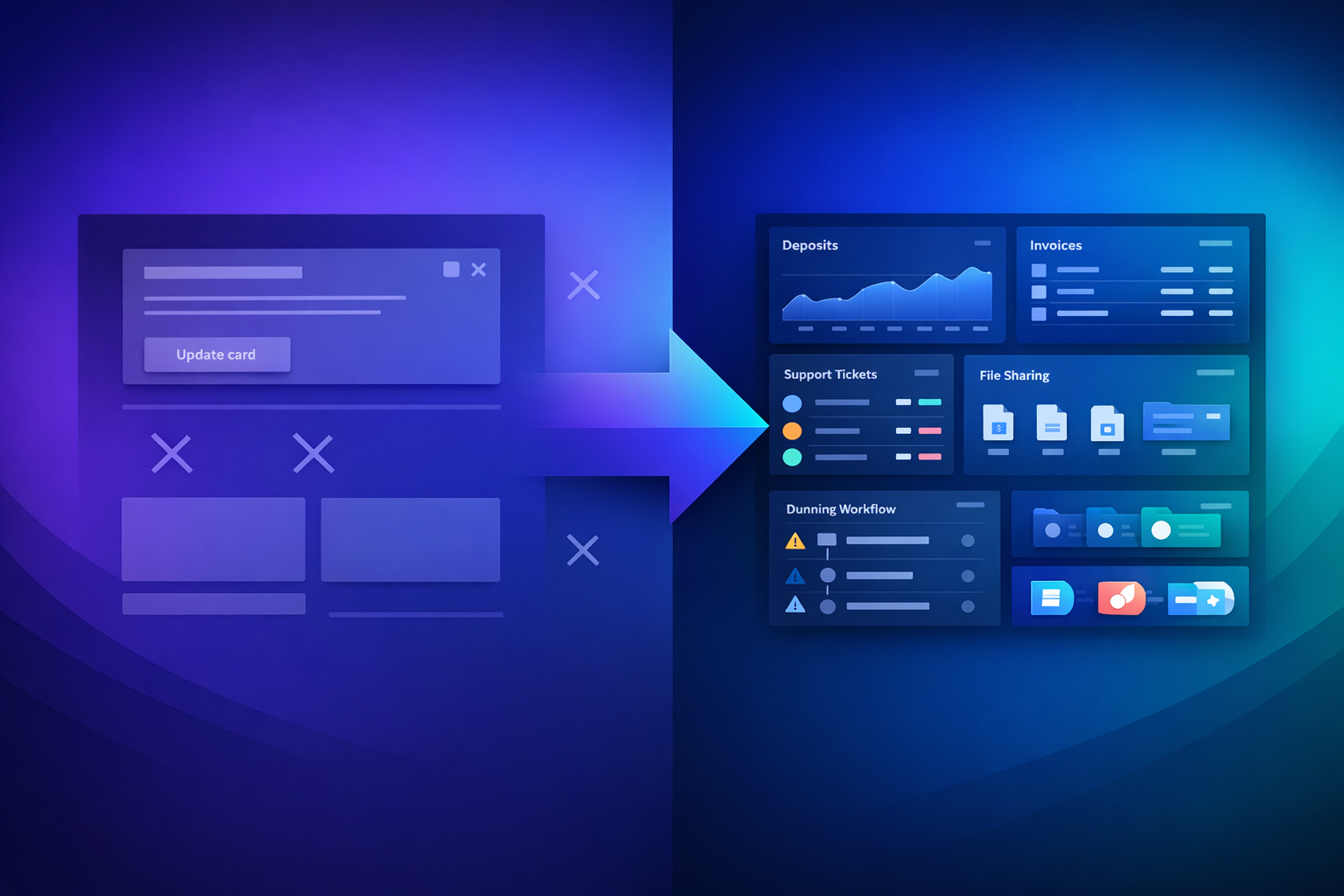
Stripe's customer portal is a solid tool — for the problem it was designed to solve. If you run a straightforward SaaS product where customers need to update their credit card or cancel a subscription, it works fine. The trouble starts when your billing relationship with clients goes beyond a simple recurring charge.
Agencies managing retainers. Hosting providers juggling deposits and monthly fees. Service businesses combining one-time projects with ongoing subscriptions. These B2B scenarios expose gaps in Stripe's portal that no amount of custom CSS can fix.
This article examines exactly what Stripe's customer portal does and doesn't do, identifies the ten critical features B2B businesses are missing, and explains how to add them without switching away from Stripe.
What Stripe's Customer Portal Actually Offers
Before diving into limitations, it's worth acknowledging what Stripe built. The customer portal is a hosted page where your customers can manage their Stripe subscriptions and billing details. It's included with Stripe Billing at no additional cost.
Customers can update their payment method — swap a credit card, add a new one, or set a default. They can view and download invoice PDFs for past payments. Subscription management lets them upgrade, downgrade, or cancel their plan. You get basic branding: your logo, brand colors, and a custom headline.
For a B2C SaaS company with simple monthly or annual plans, this covers the essentials. A customer signs up, pays monthly, and occasionally needs to update their card. Stripe's portal handles that workflow cleanly.
The moment your billing involves anything beyond basic subscriptions — deposits, project-based invoices, multiple payment providers, support requests, file delivery — you start hitting walls. These aren't bugs or missing features in the traditional sense. Stripe deliberately scoped their portal for subscription management, not comprehensive client billing.
That design decision works for Stripe's core market. For B2B businesses with complex client relationships, it creates a gap that needs filling.
10 Features B2B Businesses Need That Stripe's Portal Doesn't Have
Each of these limitations represents a real workflow that B2B businesses handle daily — often through manual processes, spreadsheets, or email threads that should be automated.
Rental companies, agencies, and service businesses frequently collect security deposits before starting work. Stripe supports pre-authorization holds, but these expire after 7 days — far too short for a deposit on a three-month project or annual lease.
There's no way for clients to view their deposit status, see deposit history, or request a return through Stripe's portal. Businesses end up tracking deposits in spreadsheets and fielding "where's my deposit?" emails manually. A proper deposit management system gives clients transparency and saves you support time.
Beyond invoice PDFs, Stripe's portal offers no file exchange capability. Agencies can't share deliverables. Consultants can't attach reports. Hosting providers can't distribute configuration documents.
These businesses resort to email attachments or separate file-sharing tools, fragmenting the client experience. When a client logs into their portal expecting to find everything in one place, finding only invoices feels incomplete.
Stripe's portal is purely transactional — there's no messaging, no ticketing, and no way for clients to ask billing questions within the portal. Every "Why was I charged twice?" or "Can you adjust this invoice?" goes through email or your general support queue.
A billing-integrated support system lets clients raise questions in context. They can reference specific invoices, and your team sees the full billing history alongside the request. This speeds up resolution and reduces back-and-forth.
Stripe reconciles payments made through Stripe — card charges, SEPA Direct Debit initiated via Stripe, and similar. But many B2B transactions happen via direct bank transfer, especially in Europe where SEPA credit transfers are common.
When a client pays €5,000 via bank transfer to your business account, Stripe has no visibility into that payment. You're left manually matching bank statements to open invoices. Automated payment matching eliminates this by connecting your bank account and auto-reconciling incoming transfers against outstanding invoices.
Stripe's portal only shows Stripe transactions. If you accept iDEAL through Mollie, PayPal for international clients, or direct bank transfers — your clients see a fragmented view. They might have three invoices in Stripe's portal and two more paid through other channels that don't appear at all.
A unified customer portal aggregates all payment activity regardless of provider. Clients see one complete picture: every invoice, every payment, every outstanding balance.
B2B billing rarely exists in isolation. It's tied to contracts, service agreements, or project scopes. Stripe's portal has no concept of contracts — there's no way to link a subscription to its governing agreement, no contract viewing, and no e-signature workflow.
Clients who want to review what they're paying for alongside what they're paying have to cross-reference emails and documents. Integrating contract context into the billing portal reduces "what am I being billed for?" queries significantly.
Stripe's built-in dunning deserves a deeper look — so we'll cover it in its own section below. The short version: Stripe offers email-only retry logic with Stripe-branded emails, a maximum of 3 automatic retries, and no SMS, postal, or multi-channel escalation.
For B2B businesses where a single failed payment can mean thousands in lost revenue, these limitations are costly. Dedicated dunning tools recover 12-47% more revenue through intelligent, multi-channel follow-up.
Stripe provides no self-service refund request mechanism. Every refund is initiated manually by you from the Stripe Dashboard. Clients who want a refund have to email you, wait for acknowledgment, and then wait again for processing.
A self-service refund request workflow lets clients submit requests with a reason, which you can approve or deny from your dashboard. It creates an audit trail and dramatically reduces the email overhead around refund handling.
Stripe lets you add metadata to customers, but the portal has no concept of tags, segments, or client categories. You can't label clients as "VIP," "at-risk," "enterprise," or "pending renewal" in a way that affects their portal experience or your operational workflows.
Client tagging lets you segment customers by type, tier, risk level, or any custom category. Combined with automated workflows, you can trigger different dunning sequences for different segments, offer VIP clients extended payment terms, or flag high-risk accounts for manual review.
Stripe's branding options are functional but constrained. You can set a logo, brand colors, and a headline. However, the portal cannot be embedded in your website via iframe — it always opens on billing.stripe.com. Sessions expire after just 5 minutes of inactivity, forcing clients to re-authenticate frequently.
For agencies and service businesses that want the portal to feel like part of their product, these constraints break the illusion. Clients see "billing.stripe.com" in their browser, not your domain. The short session timeout creates friction for clients reviewing multiple invoices.
Stripe's Dunning Is Costing You Revenue
Dunning — the process of recovering failed payments — is where Stripe's limitations hit your bottom line hardest. Failed payments account for 20-40% of all churn in subscription businesses, according to industry data. How you handle them directly impacts revenue.
Stripe's Smart Retries use machine learning to determine the optimal time to retry a failed charge. You can configure up to 8 retry attempts over a maximum of 8 weeks. Email notifications are sent to customers when payments fail, and you can customize the email content.
This sounds reasonable on paper. In practice, several constraints limit its effectiveness.
Stripe's dunning emails carry Stripe's branding unless you're on the Scale plan ($0.008/transaction). There's no SMS option — in an age where text messages have 98% open rates versus 20% for email. No postal mail for high-value B2B invoices where a physical letter carries more weight. No timezone-aware sending to maximize the chance your message arrives when the client is active.
Most critically, there's no revenue recovery reporting. You can see which payments failed and which succeeded on retry, but there's no aggregate view of how much revenue your dunning process is recovering versus losing. Without this data, you can't optimize your approach.
Consider a B2B service business with 200 clients paying €500/month. Industry averages suggest 5-10% of charges fail each month. That's 10-20 failed payments representing €5,000-€10,000 in at-risk revenue.
Email-only dunning recovers roughly 50-60% of these. Multi-channel dunning with SMS, automated escalation, and intelligent timing recovers 70-85%. On a base of €7,500 in monthly failed charges, that's the difference between recovering €4,500 and €6,375 — an additional €1,875 per month, or €22,500 per year.
The Real Cost of Portal Limitations
Beyond dunning, Stripe's portal gaps create hidden operational costs that compound over time.
Every feature your portal lacks generates support tickets. Clients emailing about deposit status, requesting refund processing, asking about invoices paid via bank transfer, or needing documents that aren't in the portal — these add up. A business with 200 clients might handle 40-60 portal-related support requests per month, consuming 15-20 hours of staff time.
Without automated bank transfer matching, someone on your team spends hours matching payments to invoices. For businesses processing 50+ bank transfers monthly, this can consume an entire workday per week — time that could be spent on growth activities.
When clients need three different systems to manage their billing relationship with you — Stripe's portal for subscriptions, email for support, a shared drive for documents — trust erodes. Professional clients expect a unified experience from their service providers.
How to Add What's Missing Without Switching Payment Providers
Here's the critical insight: you don't need to replace Stripe. Stripe is excellent at payment processing — card acquiring, SEPA Direct Debit, payment method tokenization, and fraud prevention. These are hard technical problems that Stripe solves well.
What you need is a billing management layer that sits on top of Stripe and fills the portal gap. Think of it as the front office to Stripe's back office.
The setup is straightforward: Stripe handles payment processing. PayRequest connects to your Stripe account (and optionally Mollie, PayPal, or bank connections) and provides the complete billing CRM. Your clients access PayRequest's customer portal — which shows all their invoices, subscriptions, deposits, documents, and payment history in one branded interface.
Stripe continues doing what it does best. PayRequest adds everything Stripe's portal is missing. There's no migration, no re-integration, no disruption to existing payment flows.
With PayRequest as your billing layer, clients get a unified portal showing all payment activity across providers. Deposit management with full transparency. File delivery and document sharing. Billing-integrated support requests. Automated multi-channel dunning with SMS and escalation. Self-service refund requests with approval workflows. And fully branded portal experience on your domain.
Feature Comparison: Stripe Portal vs Stripe + PayRequest
Understanding exactly where the gaps are — and how they're filled — helps make the decision concrete.
| Feature | Stripe Portal | Stripe + PayRequest |
|---|---|---|
| Update payment method | Yes | Yes |
| View/download invoices | Yes | Yes |
| Manage subscriptions | Yes | Yes |
| Basic branding (logo, colors) | Yes | Yes |
| Security deposit management | No | Yes |
| File delivery & documents | No | Yes |
| Billing support requests | No | Yes |
| Bank transfer reconciliation | No | Yes |
| Multi-provider unified view | No | Yes |
| Contract management | No | Yes |
| Multi-channel dunning (SMS) | No | Yes |
| Self-service refund requests | No | Yes |
| Tag-based client segmentation | No | Yes |
| Embeddable white-label portal | No | Yes |
| Revenue recovery reporting | Scale plan only | Yes |
| Activity audit log | No | Yes |
The comparison isn't about Stripe being bad — it's about Stripe being designed for a different use case. Stripe's portal serves B2C SaaS. B2B billing needs more.
Making the Switch: What to Expect
Adding PayRequest to your Stripe setup takes about 15 minutes. Connect your Stripe account via OAuth, import your existing customers and invoices, customize your portal branding, and share the portal link with clients.
There's no downtime, no payment disruption, and no change to how Stripe processes your charges. Your clients simply get a better portal experience — and you get a complete billing CRM to manage the relationship.
At €20/month with all features included, the ROI math is straightforward. If the portal saves you even two hours of support time per month, it's paid for itself. Factor in improved dunning recovery, and it becomes a revenue generator.
You don't need to leave Stripe. You need to add what Stripe is missing. Start your free trial and see the difference a complete billing portal makes for your client relationships.