De gemiddelde e-mailfactuur wordt betaald na 23 dagen. Een klantfactureringsportaal brengt dat terug naar minder dan 7 dagen. Voor B2B-bedrijven die terugkerende klanten factureren — agencies, hostingproviders, SaaS-bedrijven, dienstverleners — is dat verschil geen kleine efficiëntiewinst. Het is het verschil tussen voorspelbare cashflow en voortdurend achter betalingen aanzitten.
Toch vertrouwen de meeste B2B-bedrijven nog steeds op e-mailfacturering: een pdf genereren, als bijlage meesturen, versturen en wachten. Als de betaling uitblijft, een herinnering sturen. Dan nog een. Dan de telefoon pakken. Deze werkwijze had zin toen factureren drukken en posten betekende. In 2026 is het de grootste bottleneck in je cashflow.
In deze handleiding vergelijken we e-mailfacturering met klantfactureringsportalen op alle relevante punten — betaalsnelheid, administratie-inspanning, klantervaring en kosten — en laten we je precies zien wanneer en hoe je de overstap maakt.
Belangrijkste inzichten
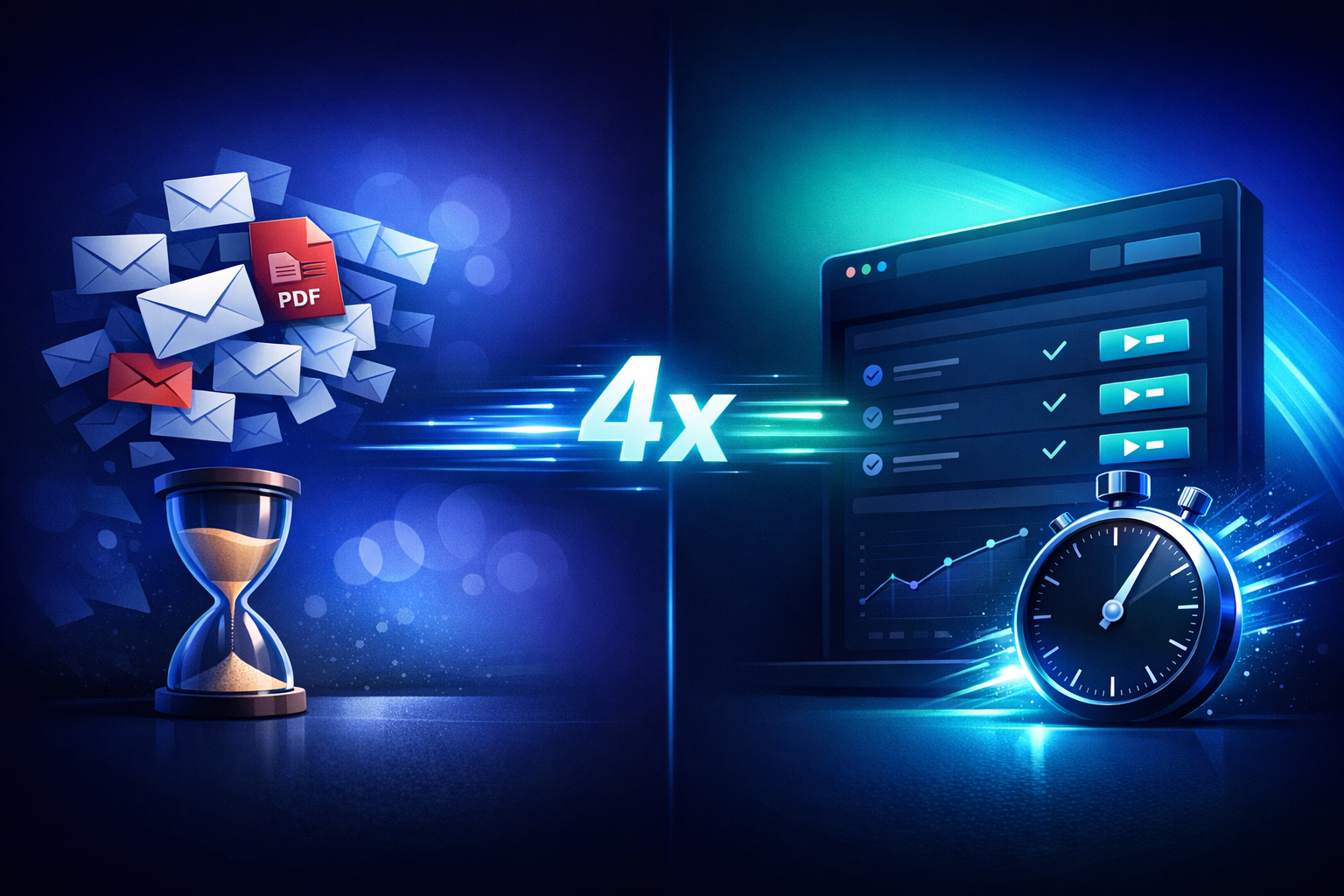
- E-mailfacturering duurt gemiddeld 23 dagen tot betaling; klantportalen gemiddeld minder dan 7 dagen — een verbetering van 4x.
- Portalen verlagen het percentage achterstallige betalingen van 30–40% naar minder dan 10% door drempels weg te nemen.
- De grootste verborgen kost van e-mailfacturering is de administratietijd die je kwijt bent aan het achtervolgen van betalingen en het beantwoorden van "waar is mijn factuur?"-vragen.
- Portalen en e-mailfacturering sluiten elkaar niet uit — de beste aanpak combineert e-mailmeldingen met betalingen via het portaal.
- De migratie kost één middag. Klanten stappen sneller over dan je verwacht.
- PayRequest bevat een volledig klantfactureringsportaal in het Business-abonnement voor €20/maand.
Het probleem met e-mailfacturering
E-mailfacturering werkt — technisch gezien. Een factuur wordt verstuurd, op een gegeven moment betaald, het bedrijf gaat door. Maar "op een gegeven moment" doet hier heel veel werk.
De gemiddelde zakelijke professional ontvangt 120 e-mails per dag. Jouw factuur concurreert met vergaderverzoeken, projectupdates, marketingmails en echt urgente verzoeken. Ze wordt geopend, mentaal genoteerd en vervolgens begraven onder de volgende golf inkomende mail.
Als de crediteurenmedewerker twee weken later aan de slag gaat met facturen verwerken, is die van jou nergens meer te vinden. Ze doorzoeken de inbox, vinden de factuur misschien, mailen je misschien om hem opnieuw te sturen. Er gaat weer een week voorbij. Je cashflow lijdt — niet omdat de klant weigerde te betalen, maar omdat de zoekfunctie van Gmail het liet afweten.
Dit is geen uitzonderlijk geval. Onderzoek toont consequent aan dat 15–25% van de e-mailfacturen minimaal één keer opnieuw verstuurd moet worden voor betaling plaatsvindt. Elk opnieuw versturen voegt gemiddeld 11 dagen toe aan de betaalcyclus.
Met e-mailfacturering stuur je een factuur en verdwijn je in een zwart gat. Heeft de klant de e-mail geopend? Heeft hij hem doorgestuurd naar de financiële afdeling? Ligt hij in een goedkeuringswachtrij? Is er een geschil waar jij niets van weet? Je hebt geen idee totdat er geld op je rekening verschijnt, of totdat er zoveel tijd is verstreken dat je een vervolgbericht stuurt.
Dit gebrek aan zicht maakt cashflowprognoses tot giswerk. Je kunt je eigen financiële afdeling niet vertellen welke facturen deze week waarschijnlijk betaald worden en welke pas volgende maand — simpelweg omdat je niet weet waar ze zich bevinden in het interne proces van de klant.
Voor elke 10 e-mailfacturen die je verstuurt, kun je rekenen op handmatige opvolging bij 3–4 ervan. Elke opvolging vereist controleren of de betaling is binnengekomen, een herinneringse-mail opstellen en het gesprek bijhouden. Bij 50 facturen per maand zijn dat 15–20 handmatige opvolgingen die uren administratietijd kosten.
Deze opvolgingslast schaalt lineair. Twee keer zoveel klanten betekent twee keer zoveel achtervolgen. Er is geen efficiëntiewinst op schaal — alleen meer e-mails, meer spreadsheetbeheer en meer angst over achterstallige betalingen.
Wat een klantfactureringsportaal eigenlijk is
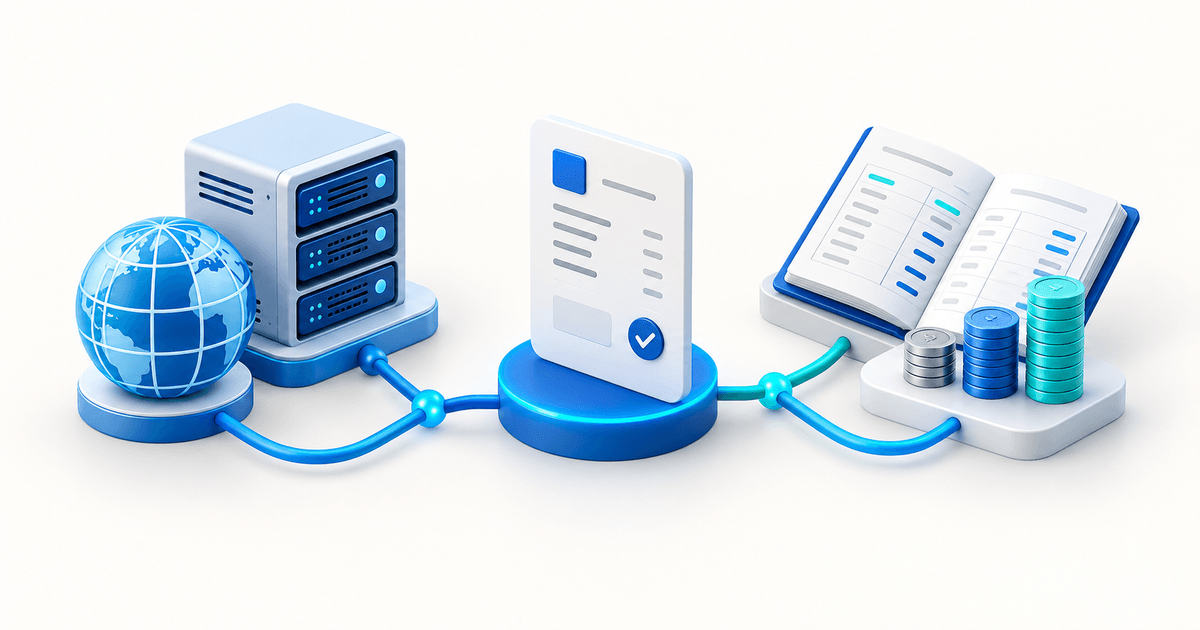
Een klantfactureringsportaal is een gepersonaliseerd, zelfbedieningsdashboard waar je klanten hun volledige factureringsrelatie met jou beheren. Ze loggen in, zien elke factuur die je ooit naar hen hebt gestuurd, betalen openstaande bedragen, downloaden bonnen, beheren hun abonnement en werken hun betaalmethode bij — zonder jou ook maar één e-mail te sturen.
Betaallinks lossen één probleem goed op: betaald worden voor één transactie. Een klantfactureringsportaal lost de volledige factureringsrelatie op. In plaats van een nieuwe betaallink te sturen bij elke factuur, heeft de klant één vaste URL — zijn factureringsdashboard — waar alles te vinden is.
Vergelijk het verschil tussen iemand elke keer een bankrekeningnummer sms’en als ze je iets verschuldigd zijn versus hem een doorlopende opdracht geven. Het portaal is de doorlopende opdracht: eenmalig instellen, en de betalingsrelatie loopt vanzelf.
De echte waarde van een portaal is zelfbediening. Als een klant een kopie van de factuur van vorige maand nodig heeft, stuurt hij jou geen e-mail — hij downloadt hem gewoon uit het portaal. Als hij zijn creditcard wil bijwerken voordat hij verloopt, doet hij dat zelf. Als hij wil controleren of de betaling van vorig kwartaal is doorgekomen, staat de geschiedenis er gewoon.
Elke zelfbedieningsactie in het portaal is een ondersteuningse-mail die jij nooit hoeft te beantwoorden. Het klantenportaal van PayRequest meldt dat bedrijven een reductie van 70% in factureringsgerelateerde supporttickets zien binnen de eerste maand na invoering van het portaal.
Directe vergelijking
Inzicht in de afwegingen tussen e-mailfacturering en een klantportaal helpt je beslissen of — en wanneer — je de overstap maakt.
| Factor | E-mailfacturering | Klantfactureringsportaal |
|---|---|---|
| Gemiddeld aantal dagen tot betaling | 23 dagen | 5–7 dagen |
| Percentage achterstallige betalingen | 30–40% | Minder dan 10% |
| Administratietijd per factuur | 15–30 min (inclusief opvolging) | Minder dan 2 min |
| Klantervaring | Inbox doorzoeken, pdf vinden, betalen | Inloggen, op Betalen klikken |
| Facturen opnieuw versturen | 15–25% vereist opnieuw versturen | 0% (altijd beschikbaar) |
| Zicht op betaling | Geen totdat geld binnenkomt | Real-time statustracking |
| Toegang tot bonnen | Klant moet opvragen | Zelf te downloaden |
| Betaalmethode bijwerken | Jij regelt handmatig | Klant zelf via portaal |
| Terugkerende facturering | Handmatige factuur elke cyclus | Automatisch met portaaltoegang |
| Geschillenafhandeling | E-mailheen-en-weer | Portaalberichten + status |
| Auditspoor | Verspreid over e-mails | Gecentraliseerde geschiedenis |
| Professionele uitstraling | Standaard | Premium, gepersonaliseerde ervaring |
Drie rijen in die tabel verdienen extra aandacht. De betaalsnelheid van 23 dagen versus 5–7 dagen is het meest opvallende cijfer, maar het verschil in administratietijd is waar je bedrijf daadwerkelijk geld bespaart.
Bij 15–30 minuten per factuur inclusief opvolging kost een e-mailproces je 12–25 uur per maand bij 50 facturen. Een portaalproces kost minder dan 2 uur. Dat is 10–23 uur per maand teruggewonnen voor productief werk — ter waarde van €400–900/maand op basis van gangbare B2B-uurtarieven.
De daling van het percentage achterstallige betalingen van 30–40% naar minder dan 10% is even significant. Achterstallige betalingen zijn niet alleen een cashflowprobleem — ze kosten mentale energie, beschadigen klantrelaties en dwingen tot ongemakkelijke betalingsgesprekken waar niemand op zit te wachten.
Het effect van 4x sneller betaald worden
De bewering dat portalen betalingen 4x sneller maken is geen marketing. Het weerspiegelt een fundamentele verandering in hoe betalingen werken.
E-mailfacturering vereist dat de klant een meerstappenproces doorloopt: e-mail ontvangen, bijlage vinden, factuur bekijken, je bankgegevens opzoeken, overschakelen naar de bankapp, overschrijvingsgegevens invullen, betaling bevestigen. Elke stap is een gelegenheid om afgeleid te raken of vertraging op te lopen.
Een klantportaal reduceert dit tot twee stappen: de melding zien, op Betalen klikken. De factuur staat al in het portaal. De betaalmethode is al opgeslagen. Het bedrag is vooraf ingevuld. Betalingsbevestiging is direct. De wrijving die dagen of weken toevoegt aan e-mailgebaseerde betalingen bestaat simpelweg niet.
Stel je een B2B-dienstverlener voor die €50.000 per maand factureert aan 30 klanten. Met e-mailfacturering en een gemiddelde van 23 dagen staat er op elk moment ongeveer €38.000 open. Met een portaal en een gemiddelde van 6 dagen dalen de openstaande facturen naar ongeveer €10.000.
Dat is €28.000 aan verbeterd werkkapitaal — geld dat altijd van jou was maar vastzat in de e-mail-naar-betaling-pijplijn. Voor bedrijven die op marges werken of groei financiëren vanuit omzet, is deze verbetering transformatief.
De impact van achterstallige betalingen is even concreet. Bij een percentage van 35% met e-mailfacturering volg je 10–11 facturen per maand handmatig op. Bij minder dan 10% met een portaal zijn dat er 2–3. Je dunningautomatisering verwerkt de meeste ervan automatisch, waardoor de werkelijke handmatige inspanning nagenoeg nul wordt.
Wanneer e-mailfacturering nog zinvol is
Ondanks de voordelen van portalen zijn er situaties waarin e-mailfacturering de juiste keuze is — of in ieder geval niet de verkeerde.
Voor een eenmalig project bij een nieuwe klant kan het instellen van portaaltoegang overdreven aanvoelen. Een eenvoudige factuure-mail volstaat. Als de relatie uitgroeit tot terugkerend werk, kun je de klant op dat moment overzetten naar het portaal.
Toch is het zelfs voor eenmalige facturen verstandig om een betaallink te sturen (in plaats van een pdf-bijlage), wat de handmatige bankoverschrijvingsstap elimineert en sneller betaald krijgen mogelijk maakt. Dat kan met de slimme betaallinks van PayRequest zonder portaalinstellingen.
Als je minder dan 10 terugkerende klanten hebt en je huidige e-mailproces goed werkt — betalingen komen op tijd, niemand raakt facturen kwijt, opvolging is minimaal — is de urgentie om over te stappen lager. Het portaal bespaart nog steeds tijd, maar de absolute besparing is kleiner.
Het kantelpunt ligt doorgaans rond de 15–20 terugkerende klanten. Bij dat volume wordt de administratieve last van e-mailfacturering merkbaar en betaalt het portaal zich terug binnen de eerste factureringscyclus.
De overstap maken: wat je kunt verwachten
Migreren van e-mailfacturering naar een klantfactureringsportaal is eenvoudiger dan de meeste bedrijven verwachten.
Een klantportaal instellen in PayRequest omvat drie stappen: je huisstijl configureren (logo, kleuren, bedrijfsgegevens), je betaalmethoden instellen (Stripe, Mollie of PayPal — 0% PayRequest-kosten) en je bestaande klanten uitnodigen. Elke klant ontvangt een e-mail met zijn portaalinloggegevens.
Bestaande facturen en abonnementen verschijnen automatisch in het portaal. Er is geen data-import, geen csv-upload en geen handmatige invoer nodig. Als je PayRequest al gebruikt voor facturering, kunnen je klanten het portaal direct gaan gebruiken.
De meest gehoorde zorg is "mijn klanten zullen het niet gebruiken." In de praktijk is deze angst bijna altijd ongegrond. Wanneer klanten een e-mail ontvangen met "Je hebt nu een factureringsportaal waar je alle facturen kunt bekijken, direct kunt betalen en bonnen kunt downloaden", reageren ze opgelucht, niet geïrriteerd.
Het adoptiepercentage van portalen bij PayRequest-klanten is gemiddeld 75–90% binnen de eerste factureringscyclus. Klanten geven de voorkeur aan portalen omdat die echte frustraties oplossen: verloren facturen, ontbrekende bonnen en het gedoe van handmatige bankoverschrijvingen. Het gemak van zelfbediening stimuleert adoptie vanzelf.
De 10–25% klanten die het portaal aanvankelijk negeren, komen er doorgaans omheen na hun eerste "waar is mijn factuur?"-moment. Één bezoek aan het portaal waar ze elke factuur netjes geordend terugvinden is doorgaans genoeg om de gewoonte blijvend te veranderen.
De meeste bedrijven zien een positief rendement op het portaal binnen de eerste maand. Het Business-abonnement van €20/maand betaalt zichzelf terug als het je ook maar één uur factuuropvolging bespaart — en doorgaans bespaart het 10–20 uur. De snellere betalingen alleen al verbeteren je cashpositie genoeg om de investering vele malen te rechtvaardigen.
Het langetermijnvoordeel neemt toe naarmate je klantenbestand groeit. Elke nieuwe klant die aan het portaal wordt toegevoegd, vereist nul extra administratieve overhead. Je factureringsproces schaalt zonder dat je je factureringsteam hoeft uit te breiden.
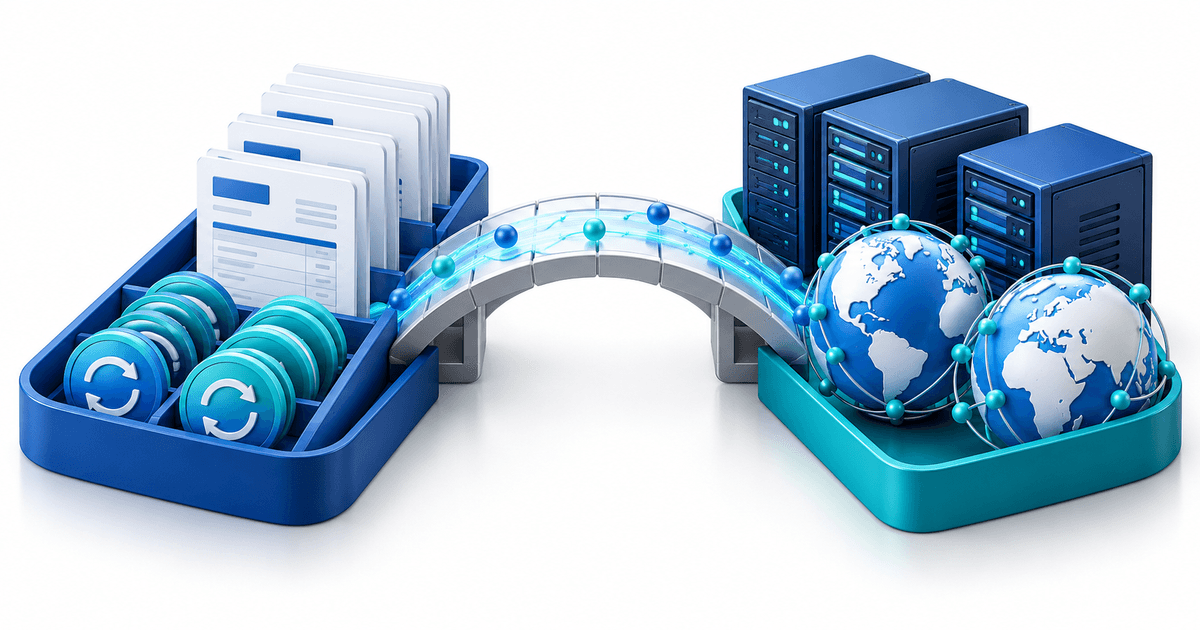
Hoe PayRequest beide werelden overbrugt
PayRequest dwingt je niet te kiezen tussen e-mailfacturering en portaalfacturering. Elke factuur die via PayRequest wordt verstuurd, genereert automatisch een e-mailmelding aan de klant met een directe link naar het portaal. Klanten die de voorkeur geven aan e-mail krijgen nog steeds een e-mail. Klanten die de voorkeur geven aan het portaal vinden alles klaarstaan wanneer ze inloggen.
Deze hybride aanpak betekent dat je geleidelijk kunt overstappen. Begin met het portaal activeren naast je bestaande e-mailfacturering. Terwijl klanten het portaal ontdekken en gaan gebruiken, neemt je e-mailopvolgingswerk vanzelf af. Binnen een paar factureringscycli wordt het portaal het primaire factureringskanaal — zonder dat je ooit klanten hebt gevraagd hun gedrag te veranderen.
Het portaal is ook geïntegreerd met de betalingsmatching van PayRequest voor klanten die via bankoverschrijving betalen, dunning voor geautomatiseerde betalingsherinneringen en abonnementsfacturering voor terugkerende facturen. Alles werkt samen zodat je facturering vanzelf loopt terwijl je klanten hun eigen ervaring beheren.
Veelgestelde vragen
Met PayRequest kost de installatie minder dan 30 minuten. Voeg je logo en huisstijl toe, koppel je betaalprovider (Stripe, Mollie of PayPal) en nodig je klanten uit. Bestaande facturen en abonnementen verschijnen automatisch in het portaal — geen data-migratie nodig.
Ja. PayRequest-klanten melden 75–90% klantadoptie binnen de eerste factureringscyclus. Klanten geven de voorkeur aan portalen omdat die echte frustraties oplossen: verloren facturen, ontbrekende bonnen en het gedoe van handmatige bankoverschrijvingen. Het gemak van zelfbediening stimuleert adoptie vanzelf.
Ja. PayRequest stuurt factuurmeldingen per e-mail met een directe link naar het portaal. Klanten ontvangen de vertrouwde e-mailmelding en klikken door om direct te betalen in het portaal. Je combineert het bereik van e-mail met de snelheid en het gemak van portaalbetalingen.
PayRequest bevat het klantfactureringsportaal in het Business-abonnement voor €20/maand. Er zijn geen kosten per klant, geen portaalinstellingskosten en geen transactiekosten van PayRequest. Betalingsverwerkingskosten zijn alleen van de provider (Stripe, Mollie of PayPal).
Een betaallink is een eenmalige of enkeldoel-URL voor één transactie. Een klantportaal is een permanent, gepersonaliseerd dashboard voor de volledige factureringsrelatie. Klanten zien alle facturen, betalingshistorie, abonnementen en kunnen betaalmethoden bijwerken. Vergelijk het met het verschil tussen een eenmalig sms’je ontvangen en een vast account hebben.
Maak deze week de overstap
Het verschil tussen e-mailfacturering en portaalfacturering is meetbaar in dagen, uren en euro’s. De overstap van 23-daagse betaalcycli naar minder dan 7 dagen transformeert je cashflow. Het wegvallen van factuurachtervolging geeft je uren per week terug. Klanten zelfbediening bieden vermindert de supportlast en verbetert de professionele uitstraling van je bedrijf.
PayRequest bevat het volledige klantfactureringsportaal in het Business-abonnement voor €20/maand. Stel het in op een middag, nodig je klanten uit en word sneller betaald. Start je gratis proefperiode of bekijk de prijzen — alle functies zijn inbegrepen.