If you've ever spent hours matching bank statements to invoices, you know the pain of manual payment reconciliation. It's tedious, error-prone, and takes time away from growing your business. In this guide, we'll show you how automatic payment matching can eliminate this busywork entirely.
The Reconciliation Nightmare
Manual reconciliation is one of the biggest time sinks in small business accounting. Here's what it typically involves:
• Downloading bank statements
• Opening your invoicing system in another tab
• Manually matching each payment to an invoice
• Hunting down partial payments and payment references
• Marking invoices as paid one by one
• Chasing down unidentified payments
For a business with 50-100 monthly transactions, this can easily consume 4-8 hours every month.
The Real Cost of Manual Matching
Beyond the time investment, manual reconciliation has hidden costs:
• Labor costs — staff time spent on repetitive tasks
• Opportunity costs — that time could go toward growth activities
• Error costs — missed payments and duplicate entries cause accounting issues
• Fraud risk — manual processes are more susceptible to oversights
• Cash flow blind spots — delayed reconciliation means you don't know your true position
How Automatic Payment Matching Works
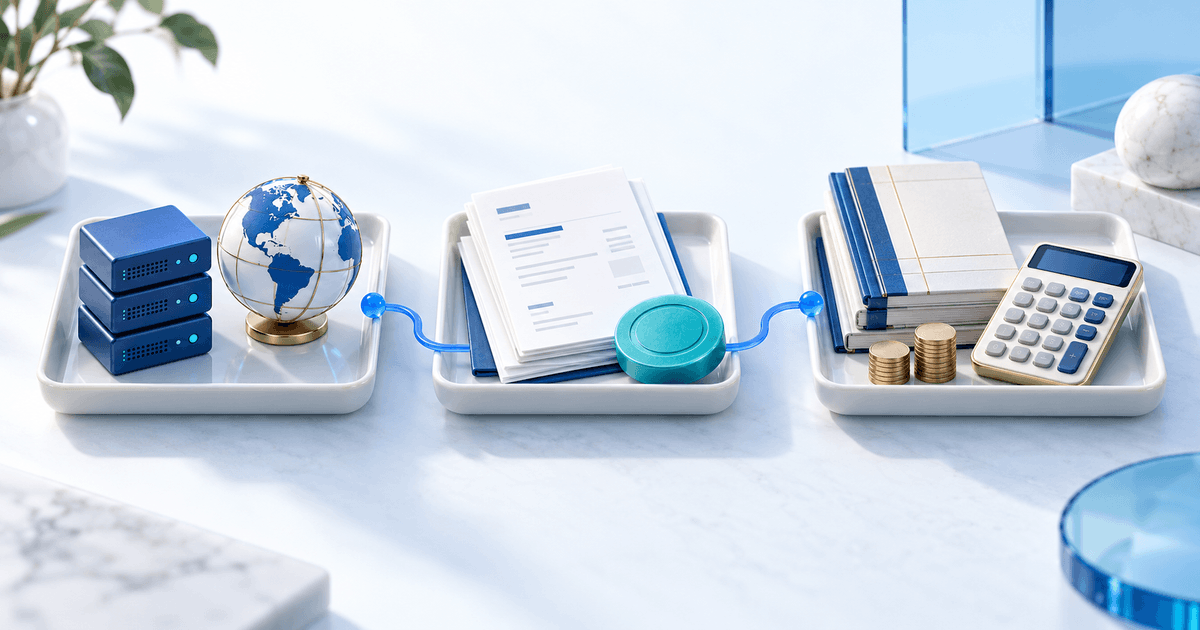
Modern payment matching software connects directly to your bank and invoicing system, automatically linking incoming payments to outstanding invoices. Here's the process:
1. Bank connection — Secure API connection to your bank via open banking (like Ponto)
2. Real-time monitoring — New payments detected within minutes
3. Intelligent matching — AI analyzes amounts, references, and payer details
4. Automatic reconciliation — Matched payments update invoice status instantly
5. Exception handling — Unmatched payments flagged for quick manual review
PayRequest's Payment Matching Feature
PayRequest's Payment Matching feature uses Ponto integration to deliver 99%+ matching accuracy. When a customer pays an invoice via bank transfer, the system:
• Detects the payment in real-time
• Matches it to the correct invoice using amount, reference, and customer data
• Automatically marks the invoice as paid
• Updates your dashboard instantly
• Notifies you only when manual intervention is needed
Time Savings in Practice
Here's what automatic reconciliation looks like in practice:
Before: 4-8 hours monthly matching 100 transactions
After: 15-30 minutes reviewing exceptions only
That's a 90%+ time reduction. For many businesses, this means getting hours back every single week — time that can go toward serving customers, developing products, or simply having a life outside of admin work.
Beyond Matching: Real-Time Cash Flow Visibility
Automated reconciliation isn't just about saving time — it's about knowing your financial position at any moment. When payments are reconciled in real-time, you can:
• See exactly which invoices are outstanding
• Identify late payers immediately
• Make informed decisions about spending and investments
• Close your books faster at month-end
• Spot anomalies before they become problems
Getting Started with Automatic Reconciliation
Setting up automatic payment matching with PayRequest takes just a few minutes:
1. Sign up for PayRequest (free trial available)
2. Connect your bank account via Ponto
3. Enable Payment Matching in settings
4. Watch as past and future payments are automatically matched
Stop wasting hours on manual reconciliation. Let automation handle the busywork while you focus on what matters.