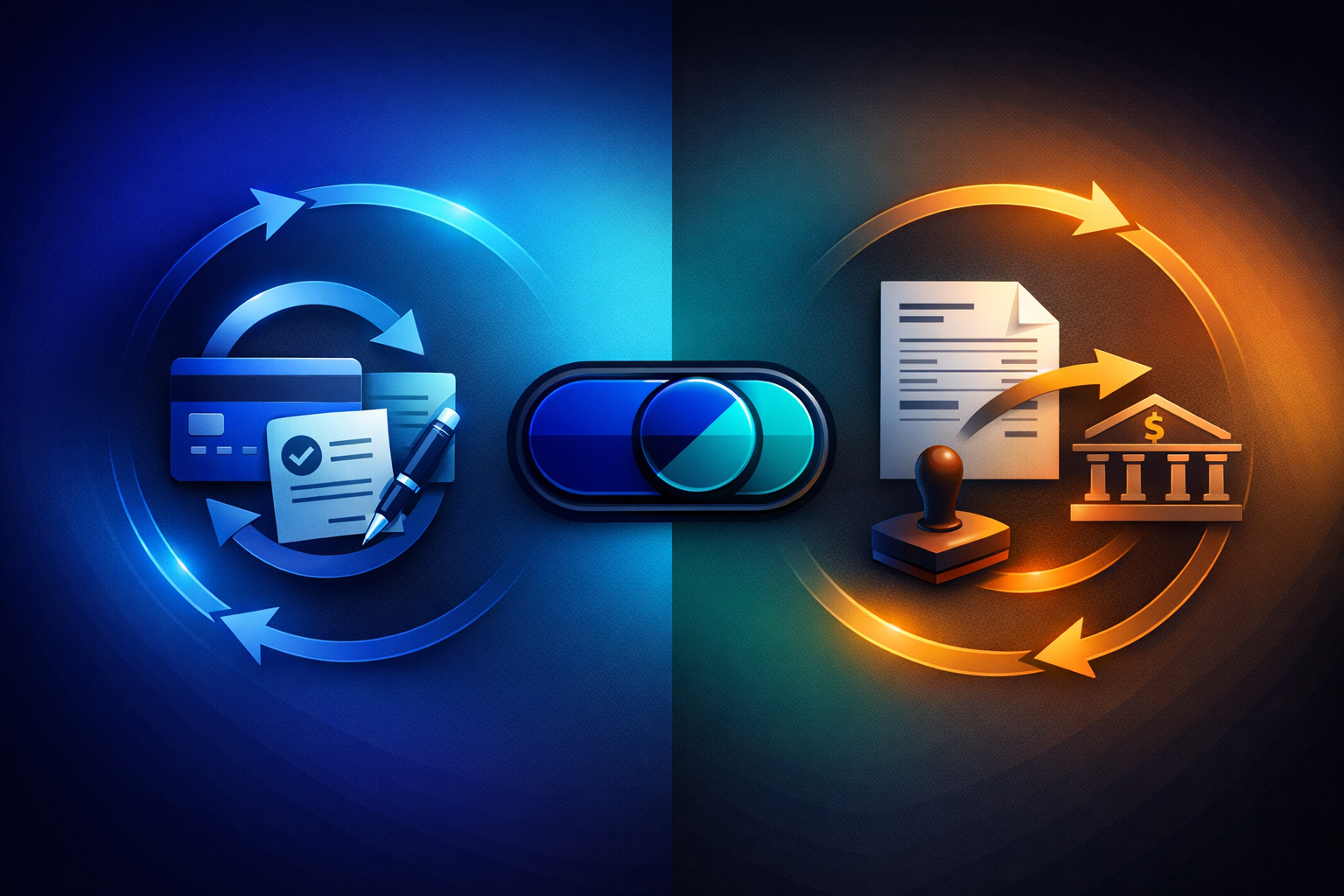
Subscription billing seems simple until you have two types of client on the same plan. One wants their card charged automatically every month. The other wants an invoice they can route through accounts payable. Forcing everyone into the same billing method costs you clients.
This guide breaks down the two approaches to recurring payment collection — automatic and manual — explains when each one wins, and shows how modern billing platforms let you use both simultaneously.
Key Takeaways
- Automatic billing (SEPA Direct Debit or saved card) reduces admin and guarantees payment timing — ideal for high-volume, low-touch subscriptions.
- Manual billing (invoice + bank transfer) gives B2B clients payment control and fits procurement workflows — essential for enterprise and government contracts.
- The best billing strategy is hybrid: automatic by default, manual where the client requires it.
- PayRequest lets you set the billing method per subscription and switch anytime without disrupting the billing cycle.
- Pairing manual billing with automatic payment matching eliminates the traditional downside of invoice-based subscriptions.
What Is Automatic Subscription Billing?
Automatic billing means the payment is pulled from the client without any action on their part after initial authorization. The two most common mechanisms in Europe are SEPA Direct Debit and saved card charges.
With SEPA Direct Debit, the client signs a mandate — either via iDEAL (instant verification in the Netherlands and Belgium) or by entering their IBAN directly. Once authorized, PayRequest pulls the subscription amount from their bank account on each billing date.
The key advantage is reliability. Bank accounts do not expire like credit cards. There are no card-not-present declines, no 3D Secure friction, and no annual card replacement issues. SEPA Direct Debit achieves a 98%+ success rate compared to roughly 92% for card-based recurring charges.
Transaction costs are also significantly lower. A SEPA Direct Debit collection costs around €0.29, while a recurring card charge costs 1.5–2.9% of the amount. For a €299/month subscription, that is €0.29 versus €4.49–8.67 per charge.
Automatic billing excels when the subscription is standardised and the client expects hands-off billing. Think SaaS plans with fixed monthly pricing, gym or fitness memberships, hosting renewals, and community subscriptions.
The pattern is simple: the client signs up, authorises a payment method, and receives the service. They do not want to think about payments again until they need to cancel or upgrade. Automatic billing matches this expectation perfectly.
For businesses with 50+ active subscriptions, automatic billing is almost mandatory. Manually tracking and chasing 50 invoices per month is not scalable, and the administrative cost quickly exceeds the subscription revenue.
What Is Manual Subscription Billing?
Manual billing — more accurately called invoice-based subscription billing — generates an invoice on each billing date and sends it to the client. The client then pays by bank transfer. The subscription renews once payment is received and matched.
The cycle works like this: PayRequest generates the invoice automatically on the billing date and emails it to the client with a payment link and bank transfer details. The client reviews the invoice, routes it through their internal approval process if needed, and initiates a bank transfer. When the payment arrives, payment matching links it to the open invoice and marks the subscription as paid for that cycle.
This sounds slower than automatic billing — and it is. But for many B2B relationships, this workflow is not optional. It is required.
Large organisations, government agencies, and enterprises often cannot give external vendors direct debit access to their bank accounts. Their procurement policies require a purchase order, an invoice, internal approval, and a scheduled payment run. Trying to force these clients onto automatic billing means losing them entirely.
Invoice-based billing also gives the client a clear paper trail for each payment. The invoice reference, billing period, and amount are documented before payment happens — not after. For clients with strict accounting requirements, this transparency matters more than convenience.
Additionally, some clients simply prefer control. They want to review each charge before paying, especially for larger subscription amounts. A €2,400/year enterprise plan deserves a conscious payment decision each quarter, not a silent bank debit.
Automatic vs Manual: A Direct Comparison
Understanding the tradeoffs helps you decide which method to offer — or, more likely, how to combine them.
| Factor | Automatic (SEPA/Card) | Manual (Invoice + Transfer) |
|---|---|---|
| Payment timing | Exact billing date | 7–30 days after invoice |
| Admin effort | Near zero | Low with automation |
| Transaction cost | €0.29 (SEPA) / 1.5–2.9% (card) | €0.00–0.20 (bank transfer) |
| Success rate | 98%+ (SEPA) | Depends on client payment speed |
| Client effort | None after setup | Review + initiate transfer |
| B2B procurement fit | Poor (no PO workflow) | Excellent |
| Cash flow predictability | High | Moderate |
| Failed payment handling | Auto-retry (dunning) | Reminder emails + escalation |
| Best for | High-volume, standardised plans | Enterprise, government, large contracts |
Businesses that only offer automatic billing often do not realise what they are leaving on the table. Enterprise clients with annual contracts worth €5,000–50,000 will not sign a SEPA mandate for a vendor they just started working with. They need invoices.
If your billing system cannot generate invoices for subscriptions, these prospects go to a competitor who can. The hidden cost is not a failed payment — it is a deal that never closes.
Conversely, businesses that only offer manual billing face a different problem: late payments. Without automatic collection, every payment depends on the client remembering to pay, having approved the invoice, and having scheduled the transfer.
Average payment time for B2B invoices in Europe is 23 days after the invoice date. For a monthly subscription, that means cash arrives three weeks into the next billing period. Your recurring revenue becomes unpredictable, and your accounting team spends hours chasing payments instead of closing books.
How to Switch Payment Methods in PayRequest
PayRequest treats the billing method as a per-subscription setting, not a global configuration. This means you can run any mix of automatic and manual subscriptions simultaneously.
When you create a new subscription in PayRequest, you choose the billing method: automatic (SEPA Direct Debit or card) or manual (invoice-based). The choice applies only to that subscription — your other subscriptions are unaffected.
For automatic billing, the client completes a one-time mandate authorization during checkout. For manual billing, PayRequest generates and sends the first invoice immediately.
Need to move a client from manual to automatic — or vice versa? Change the billing method in the subscription settings. The switch takes effect on the next billing cycle. No prorated charges, no gap in service, no new subscription required.
Common scenarios where switching makes sense:
Manual → Automatic: A client who started on invoices has built trust over six months and now prefers automatic billing for convenience. Switch them to SEPA Direct Debit. They authorize the mandate once, and all future charges are collected automatically.
Automatic → Manual: A client's card keeps failing due to corporate spending limits, or their finance team wants invoices for a new fiscal year. Switch them to manual billing. They receive invoices going forward and pay by bank transfer on their schedule.
Automatic → Manual (temporarily): A SEPA Direct Debit mandate is being contested or a card is expired. Switch to manual billing to keep the subscription active while the payment method issue is resolved.
Best Practices for Hybrid Subscription Billing
Most B2B billing platforms force you to choose one approach. The businesses that retain the most clients offer both and default intelligently.
For most businesses, automatic billing should be the default. It requires less administrative effort, provides predictable cash flow, and reduces late payments. When a client specifically requests invoices — because their procurement process requires it, or because the contract value is high — switch that individual subscription to manual.
This approach captures the efficiency of automatic billing for the majority of subscriptions while accommodating enterprise clients who need manual workflows.
The biggest mistake with manual billing is leaving it truly manual. If a client is on invoice-based billing, three things should still be automated:
- Invoice generation — PayRequest creates the invoice on the billing date. No one has to remember to create it.
- Payment matching — When the bank transfer arrives, payment matching links it to the open invoice automatically. No spreadsheet reconciliation.
- Overdue reminders — If the invoice is not paid within the expected timeframe, dunning sends automated reminders via email and SMS.
With these three automations, manual billing requires almost zero administrative effort despite the client-initiated payment flow.
Track which billing method performs better for your business. Look at average days-to-payment for manual subscriptions, failure rates for automatic subscriptions, and churn rates for each method. If manual billing clients consistently pay within 5 days, the method is working well. If they average 25 days, consider requiring automatic billing for new subscriptions.
PayRequest's subscription dashboard shows payment status across all subscriptions, making it easy to spot patterns and adjust your default approach.
Dunning is not just for failed card charges. For manual billing, dunning means automated payment reminders with escalating urgency. For automatic billing, it means retry scheduling with configurable intervals.
Both methods benefit from automated follow-up. The key difference is the message: automatic billing dunning says "we'll retry your payment on [date]," while manual billing dunning says "your invoice is overdue — pay now."
FAQ
Automatic billing pulls payments via SEPA Direct Debit or saved card without client action. Manual billing sends an invoice each cycle and the client pays by bank transfer. Both keep the subscription active — the difference is who initiates payment.
Yes. PayRequest sets the billing method per subscription, not per account. Run some clients on automatic SEPA collection while others receive invoices — and switch any subscription between methods at any time.
Bank transfers for manual billing are often free or cost €0.00–0.20 per transaction. SEPA Direct Debit costs around €0.29 per collection. Credit card recurring charges cost 1.5–2.9%, making them the most expensive option for recurring billing.
Yes, automatic billing provides more predictable cash flow because payments arrive on the exact billing date. Manual billing depends on when the client initiates the transfer, which typically takes 7–30 days after invoicing.
The switch takes effect on the next billing cycle. There is no service interruption, no prorated charge, and no need to create a new subscription. The billing history, plan details, and subscription ID all remain the same.
Start Billing Your Way
The best subscription billing strategy is not choosing between automatic and manual — it is offering both. PayRequest gives you per-subscription control over billing methods, automated payment matching for invoice-based billing, and smart dunning for both approaches.
Set up your first subscription in minutes. Choose the billing method that fits each client. Start your free trial or view pricing — everything is included in the Business plan at €20/month.