The first Monday of every month looks the same. Open the spreadsheet, cross-reference active clients with their billing terms, create each invoice individually, send them out, and start the waiting game. Two weeks later, half the invoices are unpaid. Time to write follow-up emails — politely, because these are long-term clients you cannot afford to annoy. Repeat next month.
This manual billing cycle costs service businesses an average of 15 hours per month in administrative time and delays cash flow by 2-3 weeks compared to automated alternatives. For agencies managing retainers, hosting providers billing subscriptions, IT service companies tracking licenses, and rental businesses collecting monthly payments, the inefficiency compounds with every new client added.
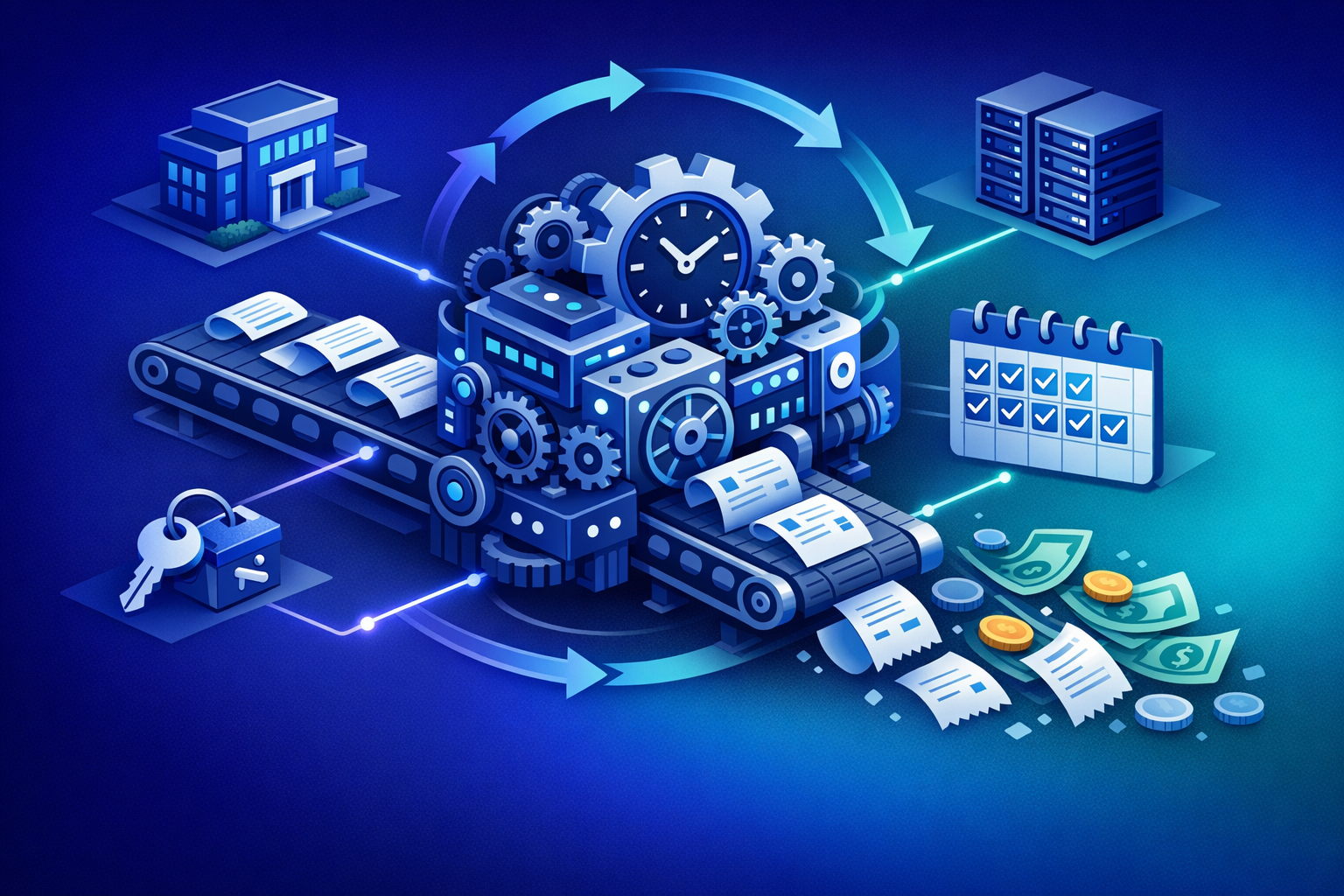
Recurring billing automation replaces this cycle entirely. Invoices generate on schedule, payments collect automatically through saved payment methods, reminders send without manual intervention, and failed payments recover through intelligent retry sequences. The result is not just time savings — it is a fundamental shift in how reliably and quickly your business gets paid.
Why Manual Recurring Billing Breaks Down
Most service businesses start with manual billing because the volume is manageable. Five clients, five invoices per month — a spreadsheet and email handle it fine. The breaking point arrives gradually, then all at once.
At 10-15 recurring clients, manual billing starts consuming meaningful time. At 30+ clients, it becomes a part-time job. But the problem is not just volume — it is complexity. Different clients have different billing cycles, different amounts, different payment terms, and different preferred payment methods. Managing this variation manually introduces errors that cost real money.
A hosting provider billing 100 accounts monthly spends roughly 20 hours per month on invoice creation, delivery, follow-up, and reconciliation. An agency with 25 retainer clients and mixed project billing easily spends 12-15 hours. These are hours where your highest-value people are doing your lowest-value work.
Manual billing creates a structural late payment problem. When invoices go out inconsistently — sometimes on the 1st, sometimes the 3rd, occasionally the 5th — clients lose their payment rhythm. They cannot predict when your invoice will arrive, so they cannot plan to pay it promptly.
Research from Atradius shows that 48% of B2B invoices in Europe are paid late. But businesses using automated billing with consistent scheduling and saved payment methods report on-time payment rates of 80-90%. The difference is not client behavior — it is system design.
Every manual billing process has a failure rate. Invoices sent to the wrong email. Amounts calculated incorrectly. Renewals that slip through the cracks because nobody updated the spreadsheet. Failed payments that go unnoticed for weeks.
Each individual failure seems minor. But across a year with 50+ recurring clients, these small failures add up to 3-8% of revenue that is either delayed, disputed, or never collected. For a service business billing €20,000 monthly, that is €600-1,600 per month in preventable revenue loss.
What Recurring Billing Automation Actually Automates
Automation does not just send invoices faster. It replaces the entire billing workflow — from invoice creation through payment collection to financial reconciliation. Understanding each automated layer helps you appreciate the compound time savings.
The foundation of billing automation is scheduled invoice creation. You configure each client's billing parameters once — amount, frequency, payment terms, line items — and the system generates invoices automatically on the correct date, every time.
For a hosting provider, this means 100 invoices generated and delivered at midnight on the 1st of every month without touching a keyboard. For an agency, retainer invoices go out on the exact schedule specified in each client contract. For a rental business, monthly rent invoices include the correct amount with any seasonal adjustments applied automatically.
The most powerful automation is automatic payment collection. When clients have saved payment methods — credit cards or SEPA direct debit mandates — the system charges them on the invoice date without any action required from either party.
This capability alone transforms cash flow. Instead of sending an invoice and waiting 15-30 days for payment, the charge processes immediately. Your bank balance reflects the revenue on day one of the billing cycle, not three weeks later.
For clients who pay manually (those without saved payment methods), automated reminder sequences replace your follow-up emails. A well-configured sequence sends a friendly notification 3 days before the due date, a firm reminder on the due date itself, an escalating notice at 7 days overdue, and a final warning at 14 days overdue.
Each reminder includes a direct payment link that takes the client to a one-click payment page. The conversion rate from these automated reminders consistently outperforms manual follow-up emails because the timing is precise, the tone is professional, and the payment path is frictionless.
When a saved payment method fails — expired card, insufficient funds, bank decline — manual processes typically lose the revenue. The business notices the failure days later, contacts the client, and waits for them to update their payment information. By then, the client may have forgotten about the charge entirely.
Automated dunning handles this immediately. The system retries the charge at optimal intervals (usually 1, 3, and 7 days after failure), sends the client clear notifications explaining the issue and how to resolve it, and offers alternative payment methods. This automated recovery process salvages 60-70% of failed payments that would otherwise be lost.
For a hosting provider with €15,000 in monthly recurring revenue experiencing a 5% failure rate, automated dunning recovers approximately €450-525 per month — more than 25 times PayRequest's monthly cost.
For businesses accepting bank transfers (especially common in Europe with SEPA and iDEAL), matching incoming payments to outstanding invoices is tedious manual work. Reference numbers are often incorrect or missing. Amounts occasionally differ from the invoice total. The reconciliation process can consume hours weekly.
Automated payment matching uses algorithms to associate incoming bank transfers with the correct invoices based on amount, timing, client, and reference data. What previously took hours happens in seconds, with accuracy rates exceeding 95%.
How Different Service Businesses Benefit from Billing Automation
The value of recurring billing automation varies by industry because each business type has different billing patterns and pain points. Here is how automation specifically helps the six most common service business models.
Agencies typically operate three billing models simultaneously: monthly retainers for ongoing clients, project-based invoicing with milestones, and upfront deposits for new engagements. Managing this mix manually is where most agencies struggle.
Automation handles each model natively. Retainer subscriptions bill automatically each month with zero intervention. Project milestones trigger invoices when deliverables are marked complete. Deposit collection happens before work begins, with automatic reminder sequences if the deposit is not paid by the project start date.
The compound effect is significant. An agency billing 30 clients across these three models saves 10-15 hours monthly in invoice management and reduces average payment time from 28 days to 9 days.
Hosting providers live on recurring revenue. Every account represents a monthly subscription that must be invoiced, collected, and reconciled without interruption. At scale, even small inefficiencies multiply.
Billing automation gives hosting providers complete subscription lifecycle management: plan creation with multiple tiers, automatic upgrades and downgrades, prorated billing for mid-cycle changes, and automated churn recovery through dunning. The customer portal lets hosting clients manage their own subscriptions — upgrading storage, adding domains, or changing plans — without generating support tickets.
For hosting providers processing bank payments through Ponto, automated bank transfers with zero transaction fees provide an additional cost advantage over card-based billing.
IT managed service providers (MSPs) bill complex arrangements: per-seat software licenses, SLA-tiered service fees, hardware maintenance contracts, and ad-hoc support hours. The billing rules vary by client, and changes happen frequently as organizations scale their IT infrastructure.
Automated billing handles per-seat pricing that adjusts as the client adds or removes users. Contract renewals trigger automatically at the end of each term. SLA tiers determine the correct service fee without manual calculation. Support hour tracking integrates with time-logging tools to generate accurate invoices.
The most valuable automation for MSPs is contract renewal management. When a 12-month service agreement is approaching its end date, the system generates a renewal invoice 30 days in advance, giving the client time to review and approve while ensuring no revenue gap between contract periods.
Rental businesses — equipment rental, property rental, vehicle leasing — combine security deposits with recurring payments and seasonal variability. A tenant might pay a security deposit upfront, monthly rent during peak season, a reduced rate during off-season, and eventually receive a deposit refund at the end of the lease.
Automation tracks each of these financial events on a timeline. The system collects the security deposit before the rental begins, bills the correct monthly amount (adjusted for seasonal pricing), handles pause and resume for temporary rental suspensions, and manages deposit returns when the rental ends.
The tenant's self-service portal provides complete visibility into their deposit status, upcoming payments, and rental timeline — reducing "When do I get my deposit back?" inquiries by 80% or more.
Consultants often bill using multiple models: hourly rates for advisory work, fixed retainers for ongoing engagements, and project fees for defined deliverables. Switching between these models for different clients — or even within a single client relationship — creates billing complexity that manual processes handle poorly.
Automated billing lets consultants define each client's billing model independently. Retainer clients are billed automatically on their cycle date. Project clients receive milestone invoices triggered by deliverable completion. Hourly clients are invoiced based on logged time at their contracted rate.
Professional invoicing with your branding, itemized time logs, and direct payment links elevates the client experience while reducing your administrative overhead to near zero.
Installation and maintenance businesses — HVAC, electrical, plumbing, IT infrastructure — rely on service contracts that generate recurring revenue between installation projects. These contracts typically bill monthly or quarterly for ongoing maintenance coverage, with separate invoicing for parts, emergency callouts, or contract upgrades.
Automation manages the entire contract lifecycle. New service contracts automatically generate their first invoice on the start date. Recurring maintenance fees bill on schedule without manual intervention. Contract anniversaries trigger renewal invoices. Parts and labor for additional work invoice upon job completion.
The scheduled billing capability is especially valuable for seasonal maintenance businesses. Air conditioning service contracts might bill quarterly but require higher charges during summer months. Automated billing applies these seasonal adjustments without manual recalculation.
Setting Up Recurring Billing Automation: A Step-by-Step Guide
Transitioning from manual to automated billing does not require a complete operational overhaul. A phased approach minimizes disruption while delivering immediate benefits.
Before automating, define clear billing templates for each service type you offer. Most businesses need 3-5 templates: a standard monthly retainer, a project-based template with deposit and milestone stages, a subscription plan with optional tiers, a one-time invoice for ad-hoc work, and a maintenance contract template with renewal terms.
Standardizing these models makes automation configuration straightforward and ensures consistent client experiences.
Set up the four critical automation workflows: scheduled invoice generation for each client's billing cycle, automatic payment collection for clients with saved payment methods, reminder sequences for manual payers (pre-due, on-due, overdue escalation), and dunning sequences for failed automatic payments.
With PayRequest, this configuration takes under an hour. Each workflow is pre-built — you adjust timing, messaging, and escalation thresholds to match your business preferences.
Start with new clients. Every engagement from today forward uses automated billing. New clients are accustomed to modern self-service experiences and will adopt the portal naturally.
Next, migrate your simplest recurring clients — those on standard monthly retainers or subscriptions. Set up their automated billing, send a brief notification about the new portal, and let the system run.
Finally, migrate complex clients with custom arrangements. These may require individual attention to configure their specific billing models, but once set up, they benefit from the same automation as everyone else.
Track your key metrics in the first 90 days: average days to payment (target: under 10 days), on-time payment rate (target: above 85%), failed payment recovery rate (target: above 60%), hours spent on billing per week (target: under 3 hours), and revenue collected versus revenue billed.
Adjust reminder timing, dunning retry schedules, and payment method requirements based on actual client behavior. The data from your first quarter guides refinements that optimize your billing engine for maximum efficiency.
The Compound Effect of Billing Automation
The individual benefits of billing automation — time savings, faster payments, reduced errors — are significant on their own. But the real value emerges from their compound effect on your business operations.
When invoices generate automatically, you never miss a billing cycle. When payments collect automatically, your cash flow becomes predictable. When reminders send automatically, late payments decline without awkward client conversations. When dunning recovers failed payments, your churn rate drops. When reconciliation happens automatically, your books are always current.
Together, these automations transform billing from an operational burden into a revenue engine that runs itself. The team hours recovered from manual billing redirect to client service, business development, and strategic growth — activities that actually build your business.
At €20/month, PayRequest provides complete recurring billing automation with subscriptions, automated invoicing, intelligent dunning, automatic payment matching, and a self-service customer portal where clients manage their own billing. No per-transaction fees, no user limits, no hidden costs.
Whether you are an agency automating retainer billing, a hosting provider managing subscriptions at scale, an IT service company tracking license renewals, a rental business collecting deposits and monthly payments, a consultant invoicing across multiple billing models, or a maintenance company managing service contracts — recurring billing automation pays for itself within the first billing cycle. The only question is how much longer you want to spend Monday mornings creating invoices by hand.