Recurring revenue on autopilot
Set up subscriptions once and let PayRequest handle the rest. Automatic billing, smart retries, and SEPA Direct Debit support to maximize your recurring revenue.
SEPA Direct Debit
The smart way to collect recurring payments in Europe. Lower fees than cards, higher success rates, and no expired card problems.
Customer authorizes once
They sign a mandate via iDEAL or direct IBAN entry. Takes 30 seconds.
We collect automatically
On each billing date, we pull the payment from their bank account.
Money in your account
Funds settle in 2-3 business days. No card expiry issues, ever.
SEPA vs Credit Cards
Two Ways to Collect Recurring Payments
Every subscription can use automatic or manual billing — and you can switch per subscription at any time.
Automatic Billing
Set it, forget it
Payments are collected automatically via SEPA Direct Debit or saved card. Zero manual effort after setup.
Manual / Invoice-Based
Send invoice, receive transfer
An invoice is generated each cycle and the client pays via bank transfer. Ideal for B2B clients who require purchase-order workflows.
Switch per subscription, anytime
Start a client on manual billing and move them to automatic once trust is built — or the other way around. No disruption to the billing cycle.
Everything for subscription billing
From simple monthly plans to complex enterprise billing, PayRequest handles it all.
Automated billing
Set it and forget it. We automatically charge customers on their billing date.
SEPA Direct Debit
Collect payments directly from bank accounts. Lower fees, higher success rates.
Flexible intervals
Bill monthly, quarterly, or yearly. Set custom billing dates to match your business.
Free trials
Offer trial periods to let customers try before they buy. Auto-convert to paid.
Smart dunning
Automatic retry logic for failed payments. Reduce involuntary churn.
Customer self-service
Let customers upgrade, downgrade, or cancel through the customer portal.
Full lifecycle management
Handle every subscription state with ease
Halt service for non-paying customers
Suspension is an admin-initiated status for customers who aren't paying. Unlike pausing (a voluntary hold), suspension signals that service has been halted due to non-payment and notifies the customer via email.
Suspended subscriptions are automatically reactivated when the overdue invoice is paid. No manual action required.
Suspension vs Pausing vs Cancellation
How suspension works
Admin suspends subscription
Click Suspend on any active subscription. Optionally add a reason like the overdue invoice number.
Customer gets notified
An email is sent with suspension details and instructions to pay the outstanding invoice.
Service is halted
Status changes to Suspended (orange). Billing stops and the subscription is excluded from future charges.
Auto-reactivation on payment
When the customer pays the overdue invoice, the subscription automatically returns to Active. No manual action needed.
Easy to monitor
Built for real businesses
All the billing features you need, without the complexity of enterprise platforms.
Monthly software subscriptions with seat-based pricing and usage tiers.
Gym memberships, communities, and clubs with automatic monthly billing.
Agency retainers and ongoing service contracts billed automatically.
Clear billing periods on every invoice
Subscription invoices automatically display the billing period so customers know exactly what they're paying for.
Where the period appears
The billing period helps with accounting reconciliation and reduces customer questions about which period an invoice covers.
Latest Articles about Subscription Billing
Helpful guides and tips to help you get the most out of your payments.

WHMCS Consolidated Invoicing: What Hosting Providers Have Been Waiting For
WHMCS generates separate invoices for every service. Learn how consolidated invoicing bundles charges into one invoice per customer, cutting fees and support tickets.
Read more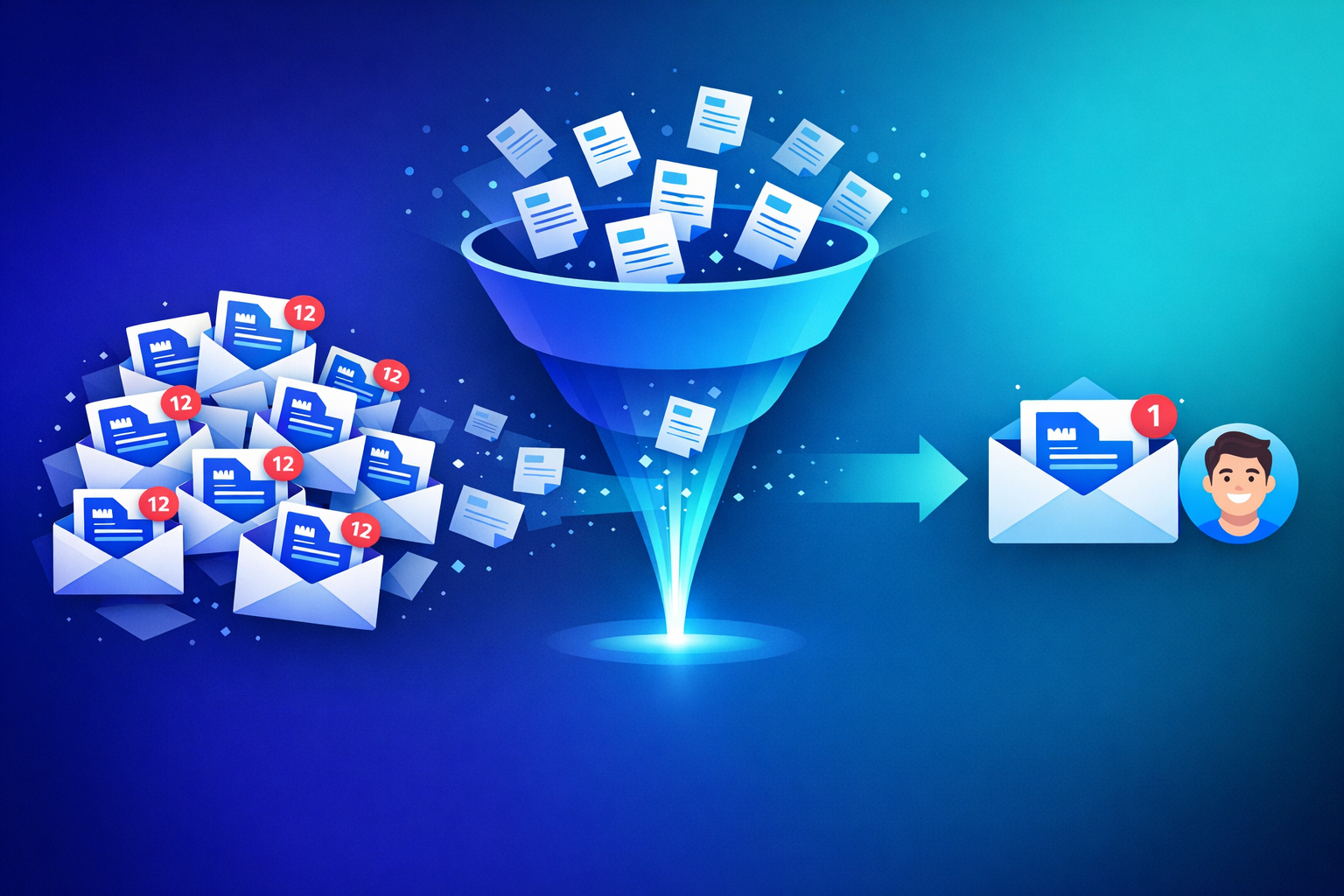
Why Your Customers Hate Getting 12 Invoices a Month (And How to Fix It)
Invoice overload drives support tickets and churn. Learn how consolidated invoicing reduces billing emails from 12 to 1, improving customer retention and satisfaction.
Read more
Stripe Suspend Subscription: Pause, Hold & Reactivate
Learn how to suspend a Stripe subscription using pause_collection, understand the limitations for B2B billing, and see how PayRequest adds automatic notifications and reactivation on top of Stripe.
Read moreReady for predictable revenue?
Set up your first subscription in minutes. Included in the Business plan.
Subscription billing available on Business plan (€20/month)