Whether you're a freelancer chasing overdue payments, a small business owner looking to streamline billing, or an entrepreneur selling digital products, understanding payment requests is essential for getting paid efficiently in 2026.
A payment request is fundamentally a formal way to ask someone to pay you. Unlike waiting for customers to remember to pay or hoping an invoice doesn't get lost in their inbox, a payment request actively prompts payment through a dedicated channel—whether that's a clickable link, a QR code, or an automated reminder.
This guide explains everything you need to know about payment requests: what they are, how they work, when to use them, and how they compare to traditional invoicing.
What is a Payment Request?
A payment request is a digital message or link that asks a customer or client to pay a specific amount for goods or services. When someone clicks the link or scans a QR code, they're taken directly to a secure payment page where they can complete the transaction immediately.
The concept is straightforward: instead of sending a bank account number and hoping someone transfers money, you send an interactive request that guides them through the payment process. This removes friction, reduces errors, and dramatically speeds up how quickly you get paid.
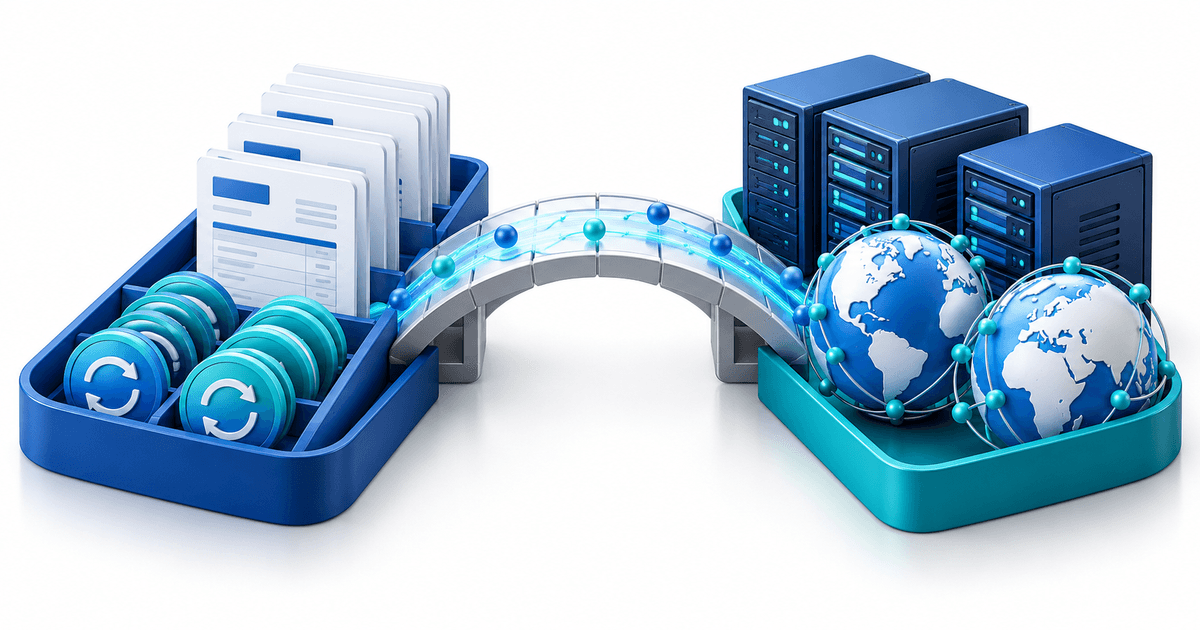
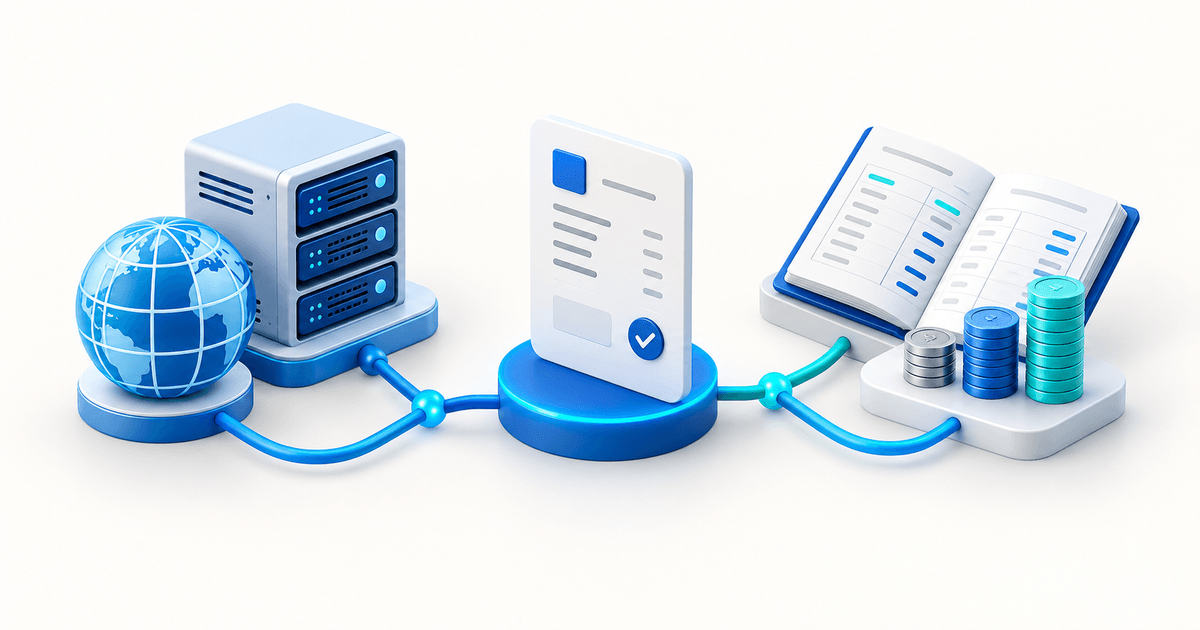
The process typically follows these steps. First, you create a payment request specifying the amount, description, and any relevant details like due date or reference number. Then you share this request via email, SMS, messaging apps, or even social media. When your customer receives it, they click the link and land on a secure checkout page. They choose their preferred payment method, enter their details, and complete the payment. You receive instant confirmation and the funds are on their way.
The entire process takes minutes rather than the days or weeks typical of traditional invoicing. Because payment requests are interactive and provide a clear call-to-action, they convert significantly better than passive invoices that sit in someone's inbox.
Payment requests come in several forms, each suited to different business scenarios. Understanding these variations helps you choose the right approach for your situation.
Payment Links are the most common form. These are unique URLs that lead to a branded checkout page. You can share them anywhere text is shareable—emails, chat messages, social media posts, or even embed them in documents. Payment links work for both one-time purchases and recurring subscriptions.
QR Codes encode payment information that customers can scan with their phone camera. These are perfect for in-person situations, printed materials, or displays where typing a URL would be inconvenient. Many businesses use QR codes at events, on physical products, or in storefronts.
Automated Reminders are payment requests triggered by specific conditions—like an overdue invoice or an upcoming subscription renewal. These run automatically based on rules you set, ensuring consistent follow-up without manual effort.
Embedded Checkout integrates payment requests directly into your website or app. Rather than redirecting customers elsewhere, the payment form appears right where they are, creating a seamless experience.
Payment Request vs Invoice: Understanding the Difference
Many business owners use "payment request" and "invoice" interchangeably, but they serve different purposes. Understanding when to use each helps you communicate professionally while getting paid faster.
Invoices are formal accounting documents that itemize what was sold, when, and for how much. They include legal details like tax identification numbers, payment terms, and itemized breakdowns. Invoices create a paper trail for accounting, tax compliance, and financial record-keeping.
Payment requests, by contrast, are action-oriented messages designed to facilitate immediate payment. They may include invoice information, but their primary purpose is getting money into your account rather than documenting a transaction for accounting purposes.
The choice between payment request and invoice depends on your relationship with the customer and the transaction context.
Use a formal invoice when you're dealing with business-to-business transactions, the customer needs documentation for their own accounting, tax requirements mandate itemized records, or your industry expects formal documentation.
Use a payment request when speed matters more than formality, you're collecting payment for simple transactions, the customer relationship is more personal or informal, or you want to reduce friction in the payment process.
In practice, many modern billing platforms combine both approaches. You might generate a formal invoice for record-keeping while sending a payment request link that makes it easy for the customer to pay instantly.
Smart payment solutions merge invoicing with payment requests. When you create an invoice, it automatically generates a payment link. The customer receives a professional document that satisfies accounting requirements along with a prominent button or link that initiates immediate payment.
This approach maintains professionalism while eliminating the gap between "invoice sent" and "payment received." Customers appreciate not having to manually transfer funds or remember bank details, and you benefit from faster cash flow.
Benefits of Using Payment Requests
Switching from traditional invoicing to payment requests delivers measurable improvements across several business metrics. Here's what you can expect.
The average invoice takes 23 days to get paid. Payment requests reduce this dramatically—often to under 3 days. The difference comes from eliminating friction: customers don't need to find your bank details, remember to transfer money, or navigate their banking app. One click takes them to checkout, and modern payment methods like Apple Pay or Google Pay complete the transaction in seconds.
For businesses dealing with cash flow challenges, this acceleration can be transformative. Money arrives while the transaction is still fresh in the customer's mind, before competing priorities push payment down their to-do list.
Manual bank transfers are error-prone. Customers transpose digits in account numbers, forget reference codes, or send the wrong amount. Each error creates administrative work: reconciling payments, chasing discrepancies, and correcting records.
Payment requests eliminate these errors by pre-filling all information. The customer sees the exact amount owed and pays exactly that. Reference numbers attach automatically. There's nothing to type wrong.
Payment requests reflect well on your business. Customers encounter a branded checkout page instead of a plain email with bank details. The process feels modern and professional, suggesting a business that values their time and operates efficiently.
This professionalism extends to payment options. Rather than limiting customers to bank transfer, you can offer credit cards, digital wallets, local payment methods, and buy-now-pay-later options. Meeting customers where they are increases both satisfaction and conversion.
Every payment request creates a digital trail. You can see when it was sent, when it was opened, when payment was completed, and what method was used. This visibility helps with reconciliation, customer service inquiries, and financial forecasting.
Compare this to traditional invoicing, where you might send a PDF and have no idea whether it was received, opened, or acted upon until money appears (or doesn't) in your bank account.
How to Create Effective Payment Requests
Creating a payment request that gets paid requires attention to several factors. These best practices maximize your success rate.
Every payment request should include the amount due prominently displayed, a brief description of what the payment is for, your business name and contact information, the due date if applicable, and accepted payment methods. Clarity prevents confusion and the back-and-forth that delays payment.
Match your delivery method to your customer's preferences and the transaction context. Email works well for professional contexts and provides a written record. SMS achieves higher open rates and works better for time-sensitive requests. WhatsApp and messaging apps feel personal and achieve high engagement. Social media direct messages suit creator economy transactions.
Consider offering multiple channels. Send an email with the payment link, then follow up via SMS if payment isn't received within a few days.
When you send a payment request affects how quickly it gets paid. Requests sent on Tuesday through Thursday outperform Monday and Friday sends. Morning requests tend to convert better than afternoon ones. Sending immediately after delivering goods or services captures customers while the value is fresh.
For recurring payments, sending requests a few days before the due date gives customers time to ensure funds are available while maintaining urgency.
Not every payment request converts on first send. Automated reminder sequences improve collection rates significantly. A typical effective sequence might send the initial request immediately, a gentle reminder after 3 days, a firmer follow-up after 7 days, and a final notice before taking other action.
Each message should remain professional and provide an easy path to payment. Nagging rarely works; making payment effortless does.
Payment Request Security and Compliance
Handling payments means handling sensitive financial data. Understanding security considerations protects both you and your customers.
Legitimate payment request platforms use end-to-end encryption to protect data in transit. Look for HTTPS connections, SSL certificates, and compliance with PCI DSS (Payment Card Industry Data Security Standard) when choosing a provider.
Never include sensitive information like full credit card numbers in payment request messages. The link should take customers to a secure page where they enter payment details directly.
Payment requests can be targets for fraud—both from fake requests sent to your customers and from fraudulent payments made to you.
Protect your customers by using consistent branding, sending from verified domains, and educating them about how your legitimate requests look. Protect yourself by using providers with fraud detection, verifying high-value payments, and being cautious about unusual transaction patterns.
Depending on your location and industry, payment requests may need to comply with specific regulations. In Europe, GDPR affects how you handle customer data. PSD2 mandates strong customer authentication for many payment types. Tax authorities may require specific information on commercial payment requests.
Choose a payment platform that handles compliance automatically rather than trying to navigate these requirements yourself.
Payment Requests in Practice
Different business types use payment requests in distinct ways. Here's how various industries leverage them effectively.
Independent professionals use payment requests to collect fees without the overhead of complex invoicing systems. After completing a project or consulting session, sending a payment request link takes seconds and typically results in same-day payment.
Many freelancers combine payment requests with simple contracts or proposals—the client signs off on work, and a payment link is right there to complete the transaction.
From personal trainers to photographers, service businesses use payment requests to collect deposits, final payments, and recurring session fees. The ability to request specific amounts with clear descriptions makes it easy to handle varied pricing and packages.
Appointment-based businesses often integrate payment requests with booking systems, automatically requesting payment when appointments are scheduled or completed.
Online sellers use payment requests for situations where a standard checkout doesn't fit—custom orders, wholesale inquiries, or high-value purchases that need personal attention. Payment requests also work well for digital product creators who sell through social media or email lists rather than dedicated storefronts.
Donation collection benefits enormously from payment requests. Rather than hoping supporters remember to donate, organizations can send specific asks with one-click payment options. This works for membership dues, event fees, fundraising campaigns, and regular giving programs.
Getting Started with Payment Requests
If you're ready to implement payment requests in your business, here's how to begin.
Look for a payment request solution that supports your preferred payment methods (cards, bank transfers, digital wallets), offers branded checkout pages that match your business identity, provides tracking and reporting on request status, integrates with your existing tools and workflows, and offers pricing that makes sense for your transaction volume.
Begin with your most common payment scenario. If you frequently chase similar amounts for similar services, create a template. Test the process yourself to ensure it works smoothly from the customer perspective.
Track which requests get paid quickly and which lag. Experiment with messaging, timing, and follow-up sequences. Small improvements in conversion rate translate to significant improvements in cash flow over time.
Why PayRequest for Payment Requests
PayRequest makes payment requests simple, professional, and effective. Create payment links in seconds with customizable amounts, descriptions, and branding. Share via any channel and track opens, clicks, and payments in real-time.
Accept 20+ payment methods through Stripe, Mollie, or PayPal integration—all with 0% platform fees. Set up automated reminders to follow up on unpaid requests without manual effort.
Whether you need one-time payment links, recurring subscription requests, or full invoicing with payment capabilities, PayRequest provides the tools to get paid faster while looking professional.
Start your free trial at €20/month and transform how you collect payments.