A small marketing agency in Lisbon wraps up a €2,400 retainer month and emails the invoice to the client. Two weeks later, no payment. The accounts person at the client says they "didn't see it." The agency owner gives up on email, opens PayPal, copies their PayPal.me link, and sends it via WhatsApp. The client pays in 11 minutes. This is the entire story of why PayPal payment links are quietly winning B2B billing — they're fast, they don't get lost in spam, and the customer recognises the brand.
But the same agency hits a wall the next month. The retainer client wants to pay €2,400 with a corporate Visa, not their PayPal balance. PayPal.me forces them through PayPal's wallet. The client emails back: "Can you just send a card link?" Now there are two payment links — one PayPal, one Stripe — and the agency is reconciling two dashboards.
This guide covers everything you need to send a PayPal payment link in 2026 — from PayPal.me to PayPal Invoicing to multi-method payment links that put PayPal alongside cards and bank transfers on a single page. We'll show when each option fits, what each costs, and how to upgrade once your business outgrows the basic flow.
Key Takeaways
- A PayPal payment link is any shareable URL that opens a PayPal-powered checkout — PayPal.me, a PayPal Invoice link, or a hosted payment-provider link that accepts PayPal alongside other methods
- PayPal charges 2.99% + €0.35 on European transactions whatever link format you use; the link itself is free
- PayPal.me links don't expire. PayPal Request Money requests expire after 10 days — use PayPal Invoicing or PayRequest for longer payment windows
- For multi-method checkout (PayPal + cards + iDEAL + Bancontact on one link), you need a payment platform that wraps PayPal, like PayRequest
- SMS delivery converts ~98% open-rate vs ~25% for email — PayRequest sends PayPal links via SMS / WhatsApp / email automatically
- Tracking, automatic reminders, and refund flows are the reason most growing businesses move from PayPal.me to a hosted payment-link platform
What Is a PayPal Payment Link?
A PayPal payment link is a shareable URL that opens a checkout page where the customer pays you with PayPal. There are three flavours: a PayPal.me link (the simple personal link, e.g. paypal.me/yourname/50), a PayPal Invoicing link (generated when you create an invoice in your PayPal business account), and a payment-platform link like a PayRequest payment URL that includes PayPal as one of several payment methods. All three end at PayPal's checkout when the customer chooses PayPal — the difference is what happens around the link: branding, expiry, tracking, multi-method support, and reminders.
The 4 Ways to Send a PayPal Payment Link in 2026
Each option has a different sweet spot. Pick the one that fits how your business actually operates today, then upgrade when you outgrow it.
PayPal.me is the simplest. You claim a personalised URL like `paypal.me/yourbusiness` once at paypal.me, and from then on you can append an amount: `paypal.me/yourbusiness/50` charges €50 in your account currency, `paypal.me/yourbusiness/50USD` forces dollars. The link never expires. The customer taps it, lands on a PayPal checkout, logs in (or pays as guest with a card), and you see the payment in your PayPal transactions.
When this is the right choice: tips, donations, informal one-off payments, and B2C scenarios where the trust signal of "PayPal" already does the work. It's also useful as a fallback link when your primary checkout breaks.
Where it stops working: no invoice number, no line items, no tracking of who clicked, no automatic reminders, no way to charge a card without going through PayPal first, and no built-in way to send the link via SMS or WhatsApp at scale. For deeper coverage, see our PayPal.me link guide.
If you have a PayPal business account, the Invoicing feature creates a proper invoice (number, line items, customer details, due date) and PayPal sends a hosted invoice link that the customer pays. The link doesn't expire. PayPal handles the email delivery, the receipt, and the paid-status tracking.
When this is the right choice: B2B invoices where you need a paper trail, you only need PayPal as the payment method, and you don't need integrations with the rest of your billing stack (CRM, project management, accounting).
Where it stops working: the customer can only pay via PayPal — no card-only checkout, no iDEAL, no Bancontact, no SEPA. PayPal Invoicing is also limited to one provider; if your business already uses Stripe or Mollie for cards, you now have two invoice systems to reconcile. There's no SMS or WhatsApp send button — only email.
Inside the PayPal app, Request Money lets you request a specific amount from a contact's email or phone number. PayPal sends them a notification (email or push, not SMS unless they have the app installed). The recipient sees the request in their PayPal inbox and can pay or decline.
When this is the right choice: small, fast personal payments where the recipient already has PayPal and you don't need a paper trail — splitting a dinner bill, asking a friend to chip in.
Where it stops working: the request expires after 10 days, so it's a poor fit for B2B invoices with net-15 or net-30 terms. There's no formal invoice document. And the "SMS" option in the PayPal app actually requires the recipient to have PayPal installed — it's a PayPal notification, not a real text message. For real SMS-based PayPal payments, see our dedicated PayPal SMS guide.
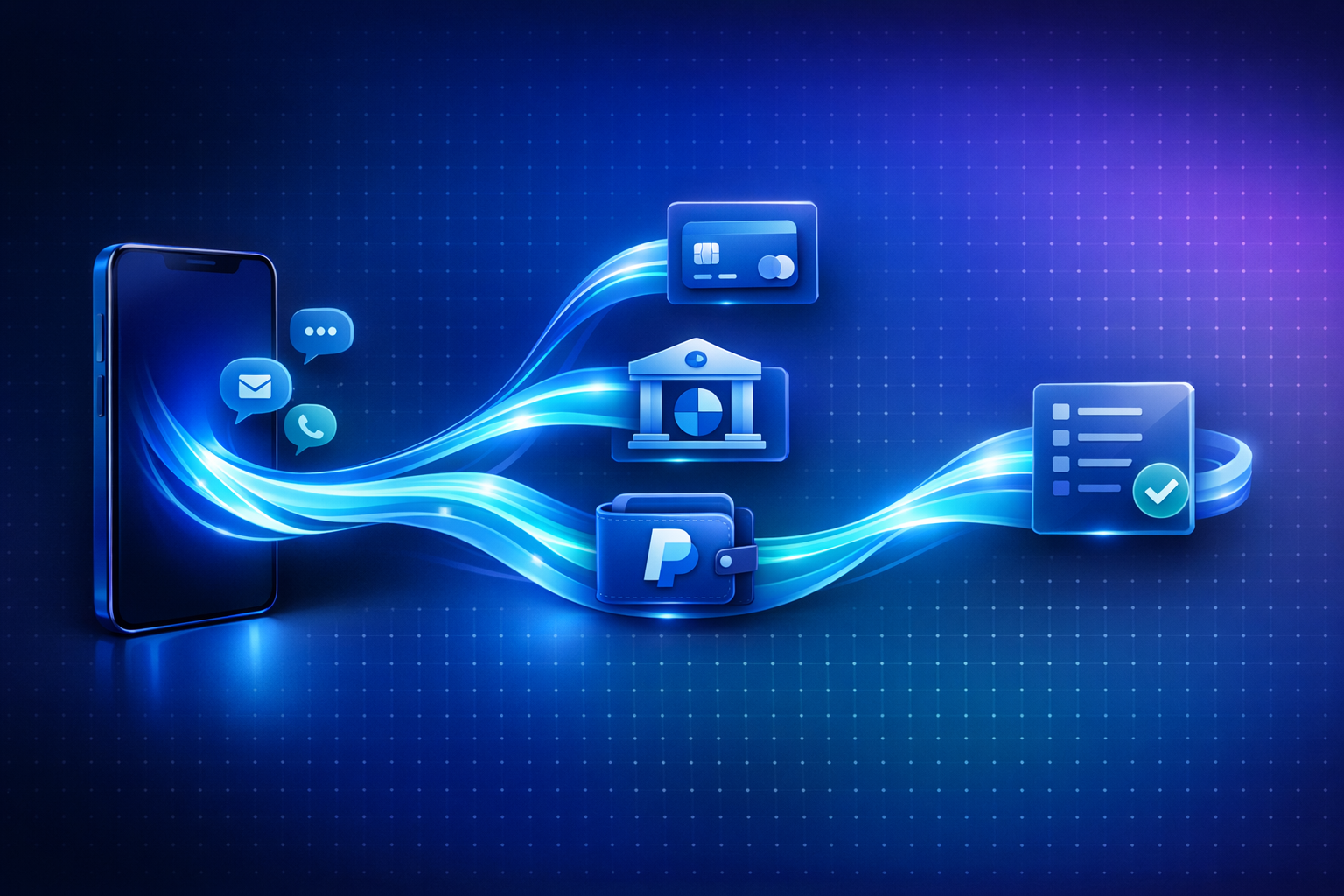
This is the upgrade path most businesses take once invoicing volume hits a few per week. You connect your PayPal account to PayRequest (a 3-minute OAuth flow — no API keys), then create payment links from a single dashboard. Each link is hosted at `payrequest.app/p/...` and shows the customer a checkout page with PayPal plus cards, iDEAL, Bancontact, SEPA, and any other providers you've connected (Stripe, Mollie). The customer picks the method they prefer; the money lands in the matching provider account.
When this is the right choice: you want one link per invoice instead of one-per-method, you want SMS / WhatsApp / email delivery from one place, you want automatic dunning when the link goes unpaid, and you want a real customer portal where clients can see their invoice history.
The cost trade: PayPal still charges its standard 2.99% + €0.35 — PayRequest doesn't take a cut. PayRequest itself is €20/month flat for the whole billing platform (deposits, dunning, customer portal, multi-provider, SMS / WhatsApp delivery).
Step-by-Step: Send Your First PayPal Payment Link
The fastest path depends on how mature your billing setup needs to be. Here's the 90-second route for each option.
- Go to paypal.me and sign in with your PayPal account
- Claim a name (e.g. `yourbusiness`)
- Type the URL: `paypal.me/yourbusiness/50` for €50, or just `paypal.me/yourbusiness` to let the customer enter the amount
- Send it via WhatsApp, SMS, email, or any channel — copy/paste
That's it. Customers tap, pay, you get a PayPal email confirmation.
- Sign up at PayRequest and connect your PayPal account via OAuth (3 minutes)
- Optionally connect Stripe or Mollie too — then customers see PayPal alongside cards and iDEAL on the same checkout page
- Click "New payment link," enter the amount and description, optionally attach a customer
- Copy the link, or click "Send via SMS / WhatsApp / Email" to deliver it directly
- PayRequest tracks opens, clicks, and payment status — and sends automatic reminders if the link sits unpaid
For a deeper walkthrough of the multi-method checkout pattern, see our smart payment links guide.
When PayPal.me Isn't Enough — The Limits That Push You to a Real Platform
PayPal.me is fine for low-stakes payments, but it has gaps that quietly cost businesses revenue once invoicing volume grows. The most common ones:
| Limit | Why it hurts | The fix |
|---|---|---|
| Customer can only pay with PayPal | 30–50% of EU buyers prefer iDEAL, Bancontact, or cards. PayPal-only loses them. | Multi-method link via PayRequest |
| No invoice number / line items | B2B clients reject "informal" PayPal.me requests for accounts payable | PayPal Invoicing or PayRequest invoicing |
| No tracking of who opened / clicked | You can't tell if a chasing email is needed | PayRequest tracks every link |
| No automatic reminders | Manual chasing eats hours per week | PayRequest dunning reminds automatically |
| No SMS / WhatsApp send | You copy/paste manually each time | PayRequest sends from the dashboard |
| No customer portal | Clients ask "can you re-send the link?" — every time | PayRequest customer portal shows their full history |
These aren't hypothetical. They're the recurring complaints that move agencies, hosting providers, freelancers, and service businesses off PayPal.me onto a hosted payment-link platform.
How to Track and Reconcile PayPal Payments
PayPal's built-in transaction list mixes every payment together — there's no concept of "this payment was for invoice #284." For a few payments a month that's fine; you reconcile manually. Past 20 payments a month, manual reconciliation breaks.
The two patterns that work:
- PayPal Invoicing: each invoice has its own status. Good for PayPal-only businesses.
- Payment-platform link with PayPal connected: every link has a unique ID, a status, a customer, and a transaction reference. Reconciliation is automatic. PayRequest also pushes paid invoices to your accounting integrations so the bookkeeping is handled.
The bigger reason to track payments is automatic reminders. Most unpaid invoices aren't refusals — they're forgetfulness. A platform that resends the same PayPal-enabled link 2 days, 5 days, and 14 days after sending recovers ~30% of "unpaid" invoices that would otherwise need a chase email. PayPal alone doesn't do this; PayRequest does.
SMS, WhatsApp, Email — Which Channel for PayPal Links?
The channel matters as much as the link. Email open rates have collapsed to ~20–25% in B2B and even lower for B2C. SMS sits at ~98% within three minutes. WhatsApp, in markets where customers already chat with you there, runs higher than SMS for response rate.
A practical playbook for sending PayPal payment links:
- Send via SMS when speed matters (today-ish payment), the customer is mobile-first, or you have only the phone number. SMS open rate is the highest of any channel.
- Send via WhatsApp for LATAM, Southern Europe, India, and any market where WhatsApp is the default messenger. Richer formatting, branded business profile, and typically faster reply than SMS.
- Send via email for paper-trail invoices and B2B accounts that file everything in a shared inbox. Pair it with an SMS reminder if the email goes unpaid for 3 days.
The same PayPal-enabled link works in all three channels. PayRequest dispatches it via whichever channel fits — see our PayPal SMS guide for the full breakdown.
Multi-Method Checkout: PayPal + Cards + Bank Transfers on One Link
The single biggest conversion lift for European businesses isn't switching off PayPal — it's adding cards and bank methods alongside it. Industry-wide data points:
- In the Netherlands, ~73% of online buyers prefer iDEAL over cards or PayPal
- In Belgium, Bancontact dominates
- For B2B invoices in Germany, SEPA Direct Debit is still the default
- US and UK buyers are happy with cards or PayPal — region matters
A PayPal-only link forces every customer through PayPal's wallet, which works for some and friction-stops the rest. A multi-method link shows PayPal plus the locally preferred method on the same checkout, and the customer chooses. Conversion typically lifts 15–25% relative to single-method links.
This is the core PayRequest pattern: connect PayPal, optionally connect Stripe and Mollie, and every payment link you create now offers all of them. PayPal's brand recognition is preserved; you also stop losing iDEAL-loyal Dutch buyers.
Frequently Asked Questions
The questions below are the ones that actually get asked when businesses set up PayPal payment links — pulled from PayRequest support tickets and from "People Also Ask" search data.
Start Sending PayPal Payment Links the Right Way
PayPal.me will keep working for tips and one-offs. Past that, the upgrade path is straightforward: connect PayPal to a hosted payment-link platform, add cards and iDEAL alongside it, and let your customers pick how they pay. You stop chasing payments by email, you stop reconciling two dashboards, and your invoicing volume becomes routine instead of a weekly admin block.
Try it free at PayRequest — connect PayPal in 3 minutes and create your first multi-method payment link before lunch.