Getting paid is the hardest part of freelancing. You do great work, deliver on time, and then... wait. And wait. Studies show that 74% of freelancers have experienced not being paid on time, with the average late payment taking 30+ days beyond the due date. Payment links can change that. In this guide, we'll show you how freelancers are using payment links to get paid faster, reduce friction, and spend less time chasing invoices.
Why Freelancers Struggle to Get Paid
Before we dive into solutions, let's understand why getting paid is so hard for freelancers:
Long payment cycles — Traditional invoicing means waiting for clients to receive your invoice, route it through accounting, get approval, schedule payment, and actually transfer the money. Each step adds days or weeks.
Client payment friction — The more steps between 'invoice received' and 'payment complete', the more likely clients are to delay. Maybe they can't find the invoice, forgot their bank login, or just put it off.
Unclear payment methods — If clients don't know how to pay you, they won't. Many freelancers accept payments through complicated processes that discourage quick payment.
No leverage — Unlike service providers with ongoing contracts, freelancers often deliver work before payment. Once the client has the deliverables, urgency disappears.
Payment links address all of these issues by removing friction and enabling instant payment.
What Are Payment Links for Freelancers?
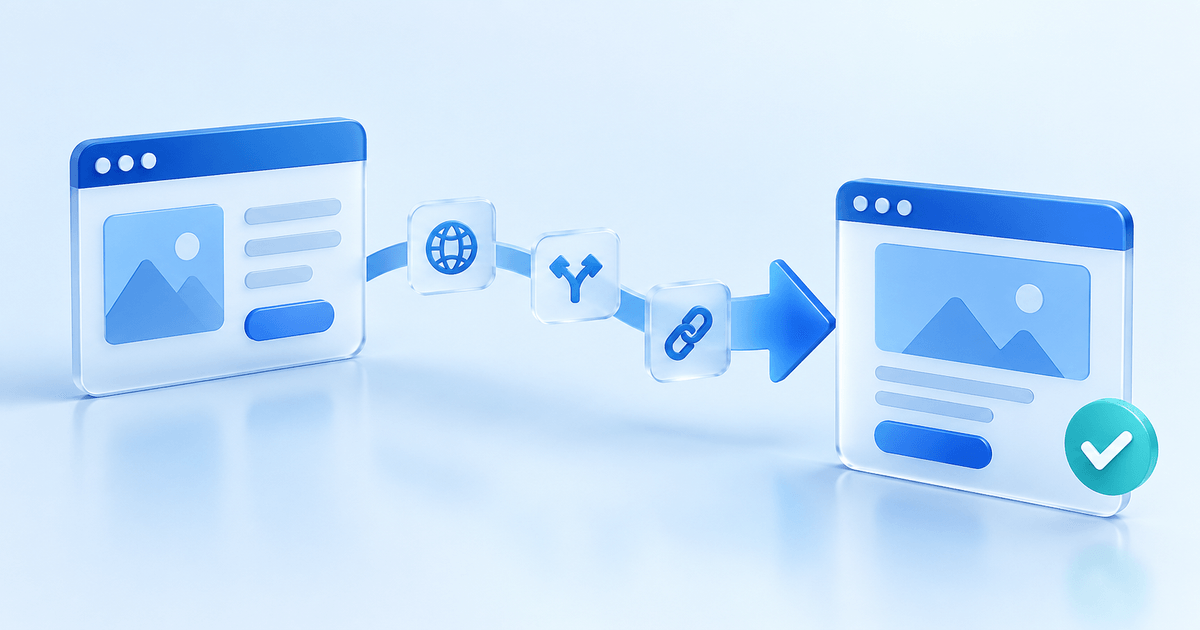
A payment link is a unique URL that takes your client directly to a secure payment page. You create the link in seconds, share it via email, message, or any channel, and your client clicks to pay instantly.
For freelancers, payment links eliminate the typical payment process:
Old way: Send invoice → Client receives → Client logs into bank → Client enters your details → Payment scheduled → Payment processed → You receive funds
Payment link way: Send link → Client clicks → Client selects payment method → Done
The result? Faster payments, less friction, and more time doing what you do best.
How Freelancers Use Payment Links
Payment links are incredibly versatile. Here's how freelancers are using them:
Project deposits — Before starting any work, send a payment link for your deposit (typically 25-50% of the project total). Clients pay immediately, and you start with confidence.
Milestone payments — Break large projects into milestones and send a payment link at each stage. This keeps cash flowing throughout the project, not just at the end.
Final payments — When the project is complete, send a payment link along with the final deliverables. Make it easy for clients to pay while they're excited about the results.
Retainer billing — Create recurring payment links for retainer clients. They authorize once, and payments happen automatically each month.
Rush fees and add-ons — Client wants expedited delivery or extra revisions? Send a quick payment link for the additional fee.
Consultation calls — Charging for discovery calls or consultations? Include a payment link in your booking confirmation.
Getting Paid Faster: The Numbers
Freelancers using payment links report significantly faster payment times:
• Average time to payment with traditional invoicing: 30-45 days
• Average time to payment with payment links: 1-3 days
• Payment rate within 24 hours: 68% with payment links vs 12% with invoices
Why such a dramatic difference? It comes down to friction. Payment links remove every obstacle between the client wanting to pay and actually paying. One click, choose a payment method, done.
For a freelancer billing $5,000/month, getting paid 30 days faster means an extra month of cash flow. Over a year, that's like having an extra $5,000 available at any time.
Payment Links for Common Freelance Scenarios
Let's walk through specific scenarios where payment links shine:
Scenario 1: New Client Project
You've landed a $3,000 website project. Instead of sending an invoice and waiting, create a payment link for a 50% deposit ($1,500). Email it with your contract. The client signs and pays in one session, often within hours of the proposal.
Scenario 2: Ongoing Client Work
Your monthly retainer client owes $2,000. Rather than invoicing and waiting 30+ days, send a payment link on the 1st. Most clients pay within 48 hours because it's so easy.
Scenario 3: Quick Gig from Social Media
Someone contacts you on LinkedIn wanting a quick logo revision. Quote $200, create a payment link, and share it in the chat. They pay immediately, you do the work, everyone's happy.
Scenario 4: Scope Creep
Mid-project, the client requests additional features. Agree on the extra cost, send a payment link for the difference, and continue only after payment. No awkward conversations later.
Creating Effective Payment Links
Not all payment links are created equal. Here's how to create links that get paid:
Use clear descriptions — 'Website Design - Phase 1 Deposit (50%)' is better than 'Payment'. Clients should know exactly what they're paying for.
Brand your payment page — Add your logo, colors, and a professional photo. It builds trust and confirms the link is legitimate.
Offer multiple payment methods — Some clients prefer cards, others prefer bank transfers. More options = higher payment rates.
Set appropriate expiration — For time-sensitive work, expiring links create urgency. For ongoing relationships, longer expiration makes sense.
Include reference numbers — Match payments to projects with clear reference numbers. It helps both you and your client with record-keeping.
Combining Payment Links with Contracts
Smart freelancers combine payment links with contracts for maximum efficiency:
The one-two punch: Send your contract and payment link in the same email. The client reviews terms and pays in one session, without context-switching.
Payment as acceptance: Some freelancers structure contracts so that payment constitutes acceptance. Pay the deposit = agree to terms. This eliminates the separate signature step.
Embedded links: Include payment links directly in your proposals and contracts as clickable buttons. When clients are ready to commit, payment is one click away.
Handling International Clients
Payment links are especially valuable for international freelancing:
Currency flexibility — Accept payments in your client's currency. They see a familiar amount, and conversion happens automatically.
Multiple payment methods — Offer local payment methods (iDEAL for Dutch clients, SEPA for Europeans, cards for Americans). Clients pay how they prefer.
No wire transfer hassles — International wire transfers are expensive, slow, and error-prone. Payment links process through established networks with predictable timing.
Clear costs — With payment links, processing fees are predictable. No surprise wire transfer fees eating into your payment.
Payment Links vs. Invoices for Freelancers
Should you use payment links or invoices? Here's a quick guide:
Use payment links for:
• Deposits and upfront payments
• Small, one-off projects
• Social media and casual inquiries
• Clients who don't need formal invoices
• When speed matters more than formality
Use invoices for:
• Large corporate clients with accounting departments
• Projects requiring itemized billing
• When clients need invoices for tax purposes
• Ongoing relationships with payment terms
Best practice: Use payment links for immediate collection, then send a formal invoice as a receipt if the client needs one for their records.
Protecting Yourself as a Freelancer
Payment links come with built-in security features that protect freelancers:
Proof of payment — Every payment link transaction is logged with timestamps, amounts, and payment method. Clear evidence if disputes arise.
Chargeback protection — Using 3D Secure authentication shifts fraud liability to the bank. If a client claims fraud, you're protected.
No sensitive data handling — You never touch card numbers or bank details. All sensitive information is handled by your payment provider on secure servers.
Automatic receipts — Clients receive immediate confirmation of payment. No 'I never got the receipt' disputes.
Setting Up Payment Links: Step by Step
Ready to start using payment links? Here's how:
Step 1: Choose a payment provider — PayRequest, Stripe, PayPal, or similar. Look for low fees, multiple payment methods, and good freelancer features.
Step 2: Set up your account — Connect your bank account and verify your identity. Most providers make this simple.
Step 3: Create your first payment link — Enter the amount, add a description, customize your branding, and generate the link.
Step 4: Share with your client — Email, text, or message the link. Include clear context about what they're paying for.
Step 5: Get notified and deliver — Receive instant notification when payment arrives. Deliver your work with confidence.
Advanced Tips for Freelance Payment Links
Take your payment link game to the next level:
Create templates — Set up reusable payment links for common services (e.g., '1-Hour Consultation' or 'Logo Design Package'). Share instantly when needed.
Use QR codes — Generate QR codes for your payment links. Perfect for in-person meetings, business cards, or printed proposals.
Track analytics — Monitor which payment links are opened and when. Follow up strategically with clients who view but don't pay.
Automate reminders — Set up automatic reminders for unpaid payment links. Gentle nudges significantly improve payment rates.
Accept partial payments — For large projects, enable partial payments so clients can pay in installments without creating multiple links.
Get Started with PayRequest
PayRequest is built for freelancers who want to get paid faster without the complexity:
• Create unlimited payment links with your branding
• Accept 20+ payment methods including cards, iDEAL, SEPA, and PayPal
• Get paid with 0% fees using bank transfers
• Track everything from a simple dashboard
• Send automatic payment reminders
• Generate professional invoices when needed
Join thousands of freelancers who've stopped chasing payments and started getting paid on time. Start your free trial today.