You don't need a website to accept online payments. This might sound surprising, but millions of businesses collect payments every day without any web presence at all. They use payment links, invoicing tools, and social media to get paid — no coding, no hosting fees, no technical setup required. In this guide, we'll show you exactly how to accept payments without a website in 2026.
Why You Don't Need a Website to Get Paid
The traditional model of online payments required a website: build a site, add a shopping cart, integrate a payment processor, manage inventory... It was expensive and complicated.
Payment links changed everything. Now you can:
• Create a payment link in 2 minutes
• Share it via email, text, or social media
• Accept credit cards, bank transfers, and digital wallets
• Get paid without any website at all
This approach works for freelancers, small businesses, creators, consultants, and anyone who sells products or services but doesn't want the overhead of a full e-commerce setup.
Method 1: Payment Links
Payment links are the simplest way to accept payments without a website. Here's how they work:
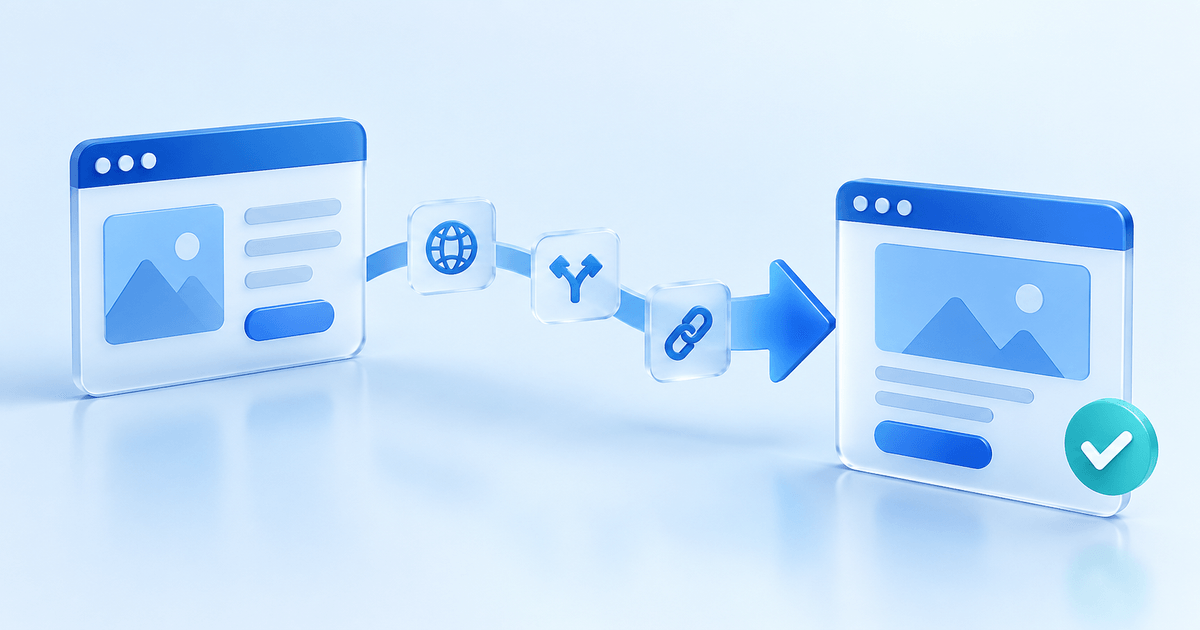
You create a unique URL through a payment provider. When customers click the link, they see a secure payment page with the amount due and available payment methods. They pay in one click, and you receive the money.
Perfect for:
• Service providers billing for completed work
• Freelancers collecting project payments
• Consultants charging for sessions
• Anyone who needs quick, one-time payments
How to create a payment link:
1. Sign up with a payment provider (PayRequest, Stripe, PayPal)
2. Enter the amount and description
3. Generate your unique link
4. Share via any channel
Method 2: Social Media Sales
You can run an entire business on social media without ever having a website. Here's how:
Instagram — Add a payment link to your bio. When followers want to buy, direct them to click the link. For DM sales, share payment links directly in conversations.
Facebook — Pin a payment link post to your page. Use Messenger to share links with interested buyers.
TikTok — Include your payment link in your bio. Reference it in videos when promoting products or services.
LinkedIn — Share payment links for consulting calls, workshops, or professional services directly in messages.
Twitter/X — Pin a tweet with your payment link. Share it when relevant in conversations.
Pro tip: Use a bio link tool like Linktree to organize multiple payment links in one place.
Method 3: QR Code Payments
QR codes turn any physical space into a payment opportunity — no website needed:
Business cards — Print a QR code that links to your payment page. Hand them out at networking events or leave with clients.
Invoices and receipts — Add a QR code to paper invoices. Clients scan and pay instantly instead of manually transferring.
Point of sale — Display a QR code at your counter or service location. Customers scan to pay without card readers.
Product packaging — Include QR codes on packaging for tips, donations, or additional purchases.
Events and venues — Post QR codes for ticket payments, merchandise, or donations.
How to create a QR code payment:
1. Create a payment link with your provider
2. Generate a QR code for that link (most tools include this)
3. Download and print the QR code
4. Customers scan → pay → done
Method 4: Email and Messaging
Email remains one of the most effective payment collection channels. Without a website, you can:
Send payment requests — Create a payment link and email it directly to clients. Include clear details about what they're paying for.
Quote-to-payment workflow — Send quotes via email. When approved, follow up with a payment link for immediate collection.
Invoicing via email — Use an invoicing tool to send formal invoices with embedded payment buttons. Clients pay directly from the email.
WhatsApp and Messenger — Share payment links in chat conversations. Perfect for casual sales or service businesses.
SMS payment requests — Text short payment links for quick collection. SMS has 98% open rates, much higher than email.
Best practice: Always include context about what the payment is for. 'Here's your payment link' is less effective than 'Thanks for confirming! Here's the link to pay your $500 deposit for the website project.'
Method 5: Sales Pages (Without a Full Website)
A sales page is a single page focused on selling one product or service. It's not a website — there's no navigation, no about page, no blog. Just a focused page with one goal: convert visitors to buyers.
You can create sales pages without technical skills:
PayRequest Sales Pages — Built-in sales page builder lets you create beautiful product pages with integrated payment. Describe your offer, add images, set your price, and publish.
Carrd — Simple one-page site builder. Add your content and embed a payment button.
Gumroad — Create product pages for digital goods with built-in payment processing.
Benefits of sales pages:
• More detail than a payment link
• Professional appearance
• Still no 'website' maintenance
• SEO benefits from having a URL
Method 6: Marketplaces and Platforms
Another way to sell without your own website is using existing platforms:
Etsy — Sell handmade or vintage items. They handle payments and shipping tools.
Fiverr / Upwork — Sell services through established freelance platforms.
Amazon Handmade — Sell artisan products through Amazon's infrastructure.
Teachable / Podia — Sell courses and digital products with built-in checkout.
Patreon — Collect recurring support from fans without any website.
These platforms charge fees, but you get built-in audiences and trust. Many businesses start on platforms and add direct payment links later to keep more revenue.
Accepting Recurring Payments Without a Website
For subscriptions, memberships, or retainers, you need recurring payment capability. Good news: you can do this without a website too.
Subscription payment links — Create a recurring payment link. Customers click once to authorize ongoing charges. The link handles the rest automatically.
Perfect for:
• Monthly coaching or consulting retainers
• Membership fees
• Subscription boxes
• SaaS-style services
• Ongoing service agreements
How it works:
1. Create a payment link with recurring option selected
2. Set the amount and billing frequency (weekly, monthly, yearly)
3. Share the link with your customer
4. They authorize once
5. Payments process automatically going forward
Accepting Multiple Payment Methods
Without a website, you might worry about limiting customer payment options. Actually, payment links often offer more methods than traditional websites:
Credit and debit cards — Visa, Mastercard, Amex, Discover, and local cards.
Bank transfers — iDEAL (Netherlands), SEPA (Europe), ACH (US), and more. Often lower fees than cards.
Digital wallets — Apple Pay, Google Pay, Samsung Pay. One-tap payment.
PayPal — The most recognized online payment brand. Essential for international sales.
Buy now, pay later — Klarna, Afterpay, Affirm. Let customers pay in installments.
More payment methods = higher conversion. Customers who can't pay their preferred way often abandon purchases.
What About Fees?
Payment processing fees apply regardless of whether you have a website. Here's what to expect:
Card payments — Typically 1.4% to 2.9% plus a fixed fee (€0.25 or similar) per transaction. Varies by provider and card type.
Bank transfers — Often €0.20 to €0.50 per transaction, or free with some providers. Significantly cheaper than cards for larger amounts.
PayPal — Around 2.9% plus fixed fee. Higher for international transactions.
Zero-fee options — Some providers (like PayRequest with Ponto) offer 0% fees on bank transfers. You keep 100% of what you charge.
Compare providers based on your typical transaction size and customer location. For small amounts, percentage fees hurt more. For large B2B payments, flat fees or bank transfers make sense.
Getting Paid Without a Website: Step by Step
Ready to start accepting payments? Here's your action plan:
Step 1: Choose a payment provider — PayRequest, Stripe, PayPal, or Square. Consider fees, payment methods, and features.
Step 2: Create your account — Sign up, connect your bank account, verify your identity. Most providers make this simple.
Step 3: Create your first payment link — Enter an amount, add a description, customize branding if desired.
Step 4: Set up your channels — Decide where you'll share payment links: email, social media, messaging apps, QR codes.
Step 5: Communicate with customers — Let them know how to pay you. Update your social bios, email signatures, and messaging.
Step 6: Get paid! — Share links, collect payments, and watch your business grow without website overhead.
Real Examples: Businesses Without Websites
Here's how real businesses operate without traditional websites:
Personal trainer — Collects session fees via payment links sent after booking through Calendly. No website, just a booking tool and payment links.
Photographer — Uses Instagram for portfolio and DM sales. Sends payment links for bookings and prints. Bio link goes to Linktree with service menu.
Freelance writer — Pitches via email and LinkedIn. Sends payment links for deposits and final invoices. No portfolio site needed.
Jewelry maker — Sells through Instagram and local markets. Uses QR codes at markets and DM payment links online.
Music teacher — Books lessons through a scheduling tool. Sends monthly payment links for lesson packages. Students pay before classes begin.
These businesses prove you don't need a website to succeed. You need a way to reach customers and a way to get paid.
When You Should Get a Website
Payment links are powerful, but websites make sense in some situations:
SEO is important — If customers need to find you through search engines, you need web content for them to find.
Complex product catalogs — Selling 50+ products with variations? An e-commerce site provides better browsing experience.
Content marketing — If you're building audience through blogs, guides, or resources, you need somewhere to host that content.
Credibility requirements — Some industries or clients expect a professional web presence.
The good news: You can start with payment links today and add a website later when it makes sense for your business.
Get Started with PayRequest
PayRequest is built for businesses that want to get paid without complexity. Here's what you get:
• Create unlimited payment links in seconds
• Accept 20+ payment methods (cards, bank transfers, digital wallets)
• Build simple sales pages without coding
• Generate QR codes for offline payments
• Set up recurring subscriptions
• 0% fees on bank transfers with Ponto
• Track everything from a simple dashboard
No website required. No technical skills needed. Start your free trial and send your first payment link in under 2 minutes.