No-shows are the silent killer of service businesses. Every empty appointment slot represents lost revenue, wasted preparation time, and a scheduling gap that could have gone to another paying client.
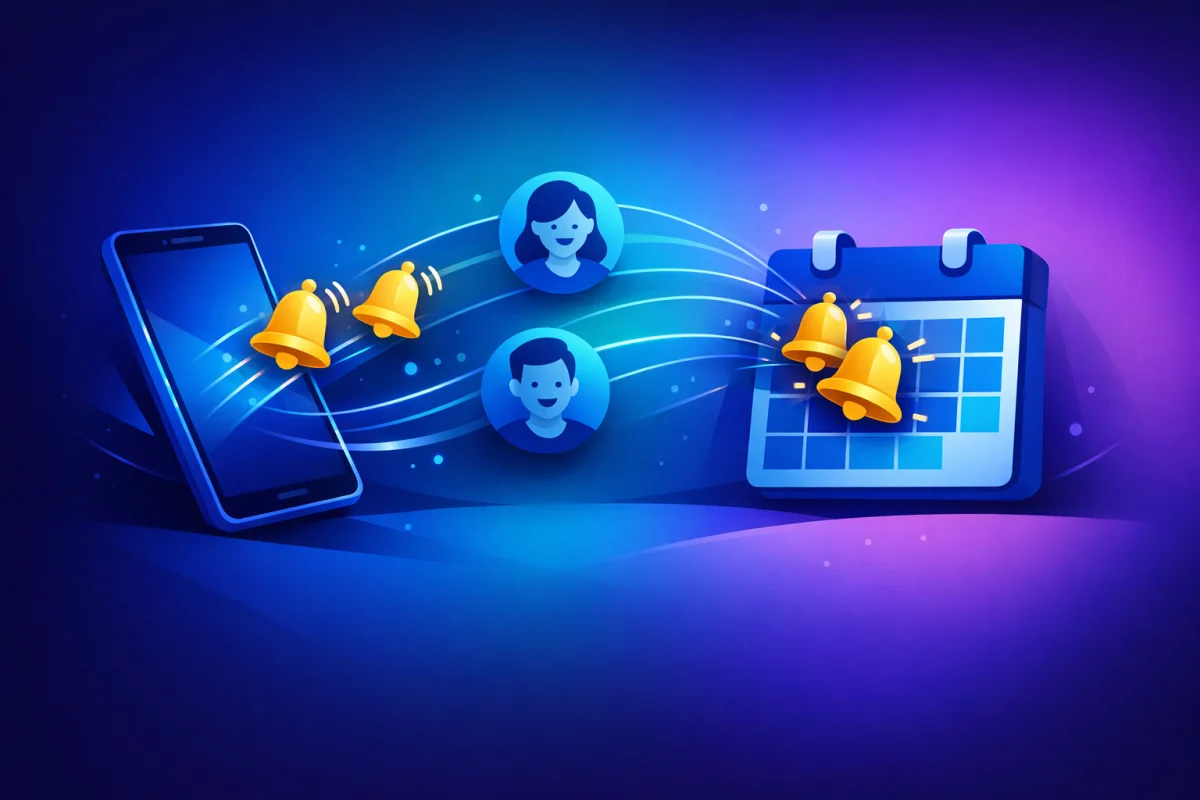
The good news: automated reminders can cut no-show rates by 50% or more. The key is timing, messaging, and making it easy for clients to confirm or reschedule. This guide covers exactly how to build a reminder system that keeps your calendar full.
The True Cost of No-Shows
Before diving into solutions, let's quantify the problem. Understanding what no-shows actually cost helps justify investing in prevention.
The math is straightforward. If you charge €100 per appointment and have 20 appointments per month with a 15% no-show rate, you're losing €300 monthly—€3,600 annually—just from empty slots.
But it gets worse. Those three monthly no-shows also represent:
- Preparation time you can't recover
- Supplies or materials allocated but unused
- Opportunity cost of clients who could have booked
For a busy practice, the true cost often exceeds €500 per no-show when all factors are considered.
No-shows don't just affect the empty slot. They disrupt your entire day's rhythm. You've mentally prepared for back-to-back appointments. When one doesn't show, you're left with awkward dead time that's too short for meaningful work but too long to ignore.
Over time, chronic no-shows lead to overbooking as a defensive strategy—which creates its own problems when everyone actually shows up.
Clients who no-show often feel embarrassed and avoid rebooking. What could have been an ongoing relationship ends with a missed appointment. The lifetime value of that client drops to zero.
Preventing no-shows isn't just about protecting individual appointments—it's about preserving client relationships.
Why Clients Miss Appointments
Understanding why no-shows happen reveals how to prevent them. Most aren't malicious; they're the result of predictable human behavior.
Life is busy. An appointment booked two weeks ago competes with hundreds of other commitments, notifications, and responsibilities. Without reminders, even well-intentioned clients simply forget.
This is the easiest category to solve. Timely reminders cut through the noise and bring the appointment back to top of mind.
Something came up. A work meeting got scheduled over the appointment. A child got sick. An urgent deadline appeared. The client intended to reschedule but never got around to it.
Making rescheduling frictionless converts potential no-shows into moved appointments—you still get paid, just at a different time.
Some clients book appointments during a moment of motivation, then lose enthusiasm. The appointment feels like an obligation rather than something they want. Rather than face the awkwardness of canceling, they simply don't show up.
Reminders that reinforce the value of the appointment—and make cancellation judgment-free—help these clients either recommit or free up the slot for someone else.
Where was the appointment again? What time, exactly? Was it virtual or in-person? Confusion about details leads to missed appointments, even when clients fully intended to attend.
Reminders that include all relevant details eliminate this category of no-shows entirely.
The Optimal Reminder Sequence
A single reminder isn't enough. Different clients need different lead times, and multiple touchpoints ensure the message gets through.
If appointments are booked more than a week out, a 7-day reminder serves as an early check-in.
Purpose: Confirm the appointment is still relevant and catch schedule conflicts early.
Message tone: Friendly confirmation, not demanding.
Example: "Hi Sarah! Just a reminder that you have a strategy session booked for next Thursday at 2pm. Looking forward to seeing you! If you need to reschedule, you can do so here: [link]"
This early reminder is optional for appointments booked within a week but essential for anything scheduled further out.
The day-before reminder is the most critical touchpoint. It's close enough that the appointment is imminent but far enough to allow rescheduling if needed.
Purpose: Final confirmation and logistical reminder.
Message tone: Helpful and detail-rich.
Example: "Reminder: Your coaching session is tomorrow, January 10th at 3pm. Location: 123 Main St, Suite 400. Please arrive 5 minutes early. Need to reschedule? Click here: [link]"
Include everything clients need: date, time, location (or video link), what to bring, parking information, and a clear path to reschedule.
A same-day reminder catches clients who might be running late or need a final prompt.
Purpose: Last-minute prompt and logistics.
Message tone: Brief and action-oriented.
Example: "See you in 2 hours! Your appointment is at 3pm today. Video link: [link]. Reply if you're running late."
For virtual appointments, this is when you send (or resend) the meeting link. For in-person appointments, include the address for easy GPS access.
Beyond passive reminders, active confirmation requests force clients to engage.
How it works: The reminder asks clients to confirm by clicking a button or replying. Unconfirmed appointments get follow-up outreach.
Example: "Please confirm your appointment for tomorrow at 2pm. [Confirm] [Reschedule] [Cancel]"
Clients who confirm are significantly less likely to no-show—they've made an active commitment. Clients who don't confirm can be flagged for personal follow-up.
Choosing the Right Channels
Where you send reminders matters as much as when. Different channels have different open rates and response patterns.
Pros: Professional, can include detailed information, creates a record, no character limits.
Cons: Easy to miss in crowded inboxes, may land in spam, not always checked on mobile.
Best for: Detailed reminders with logistics, attaching documents or forms, B2B clients.
Email works best as part of a multi-channel approach rather than the only reminder method.
Pros: 98% open rate, read within minutes, works on all phones, feels immediate.
Cons: Character limits, costs per message, some clients find texts intrusive for business.
Best for: Day-before and same-day reminders, quick confirmations, time-sensitive alerts.
SMS is the highest-engagement channel for appointment reminders. Most booking systems now offer built-in SMS functionality.
Pros: Rich media support, high engagement in many countries, read receipts, conversational.
Cons: Requires clients to have WhatsApp, business API has approval requirements.
Best for: International clients, practices where WhatsApp is already the primary communication channel.
WhatsApp dominates in many European and Latin American markets, making it essential for certain client bases.
Pros: Instant delivery, no cost per message, high visibility on mobile.
Cons: Requires clients to have your app installed, easily dismissed.
Best for: Businesses with their own client-facing apps, recurring clients who've opted in.
For most service businesses, push notifications are supplementary rather than primary.
Crafting Messages That Work
The content of your reminders affects both open rates and outcomes. Generic reminders get ignored; thoughtful ones get action.
"Your appointment is tomorrow" is forgettable. "Sarah, your strategy session with Coach Mike is tomorrow at 2pm" feels personal and specific.
Include:
- Client's name
- Service type
- Provider name (if applicable)
- Specific date and time
Remind clients why they booked. "Your appointment" is generic. "Your career breakthrough session" or "Your monthly wellness check-in" reconnects them with their original motivation.
Every reminder should include clear next steps:
- Confirm: One-click confirmation
- Reschedule: Direct link to change time
- Cancel: Clear but not prominent option
- Contact: Way to reach you with questions
Don't hide the reschedule option hoping clients won't see it. Making rescheduling easy converts no-shows into moved appointments.
Especially for SMS and same-day reminders, brevity wins. Clients scan reminders on their phones between other activities. Get to the point.
Too long: "Dear valued client, we wanted to reach out to remind you that you have an upcoming appointment scheduled with our practice. Your appointment details are as follows..."
Just right: "Hi Sarah! Reminder: Coaching session tomorrow, Jan 10 at 2pm. Location: 123 Main St. Confirm or reschedule: [link]"
Handling Non-Responders
Some clients won't respond to reminders. Having a protocol for non-responders protects your schedule.
If a client doesn't confirm after the standard reminder sequence:
- Send a follow-up: "We haven't heard from you about tomorrow's appointment. Please confirm you're still planning to attend: [link]"
- Make personal contact: A quick phone call or personal text shows you care while getting a definitive answer.
- Set a deadline: "If we don't hear from you by 5pm today, we'll assume you need to reschedule and open your slot to other clients."
For high-value time slots or chronic non-responders, consider:
- Requiring confirmation to hold the appointment
- Shorter booking windows (can't book more than 1 week out)
- Deposits that forfeit without confirmation
- Waitlist clients ready to fill cancelled slots
PayRequest's bookings feature combined with customer management helps track which clients need extra attention.
Measuring Reminder Effectiveness
You can't improve what you don't measure. Track these metrics to optimize your reminder system.
Your primary metric. Calculate monthly: (No-shows ÷ Total scheduled appointments) × 100.
Benchmark:
- Without reminders: 15-30%
- With basic reminders: 8-15%
- With optimized reminders: 3-8%
What percentage of clients actively confirm when asked? Higher confirmation rates correlate with lower no-shows.
When clients don't attend their original slot, do they reschedule or cancel entirely? A good reminder system increases reschedules (you keep the revenue) over cancellations (you lose it).
Which reminder channels get the best response? You might find SMS dramatically outperforms email for your client base, or vice versa.
Automation vs. Personal Touch
Automation handles volume; personal touches build relationships. The best systems combine both.
- Standard reminder sequences (1 week, 1 day, 2 hours)
- Confirmation requests and tracking
- Rescheduling links and processes
- Follow-up for non-responders
Automation ensures consistency. Every client gets the right reminders at the right times without you remembering to send them.
- VIP clients or high-value appointments
- Clients with history of no-shows
- Complex appointments requiring discussion
- Recovery after a missed appointment
A personal call saying "Hey, I noticed you missed yesterday's appointment—is everything okay?" does more for the relationship than any automated message.
Setting Up Automated Reminders with PayRequest
PayRequest's bookings feature includes automated reminder functionality. When configuring your booking types:
- Set reminder timing: Choose when reminders send (1 week, 1 day, 2 hours, etc.)
- Customize messages: Add your branding and personalization
- Include action links: Confirmation, rescheduling, and cancellation options
- Track responses: See who confirmed, rescheduled, or didn't respond
Combined with dunning automation for payment follow-ups and customer management for client tracking, you have complete control over client communication.
Start reducing no-shows today at payrequest.app/register.